About this app
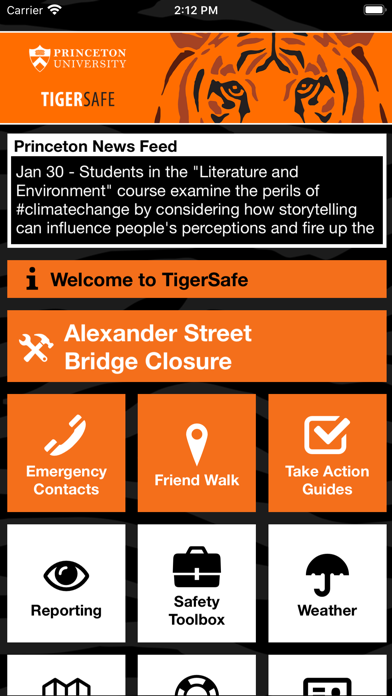
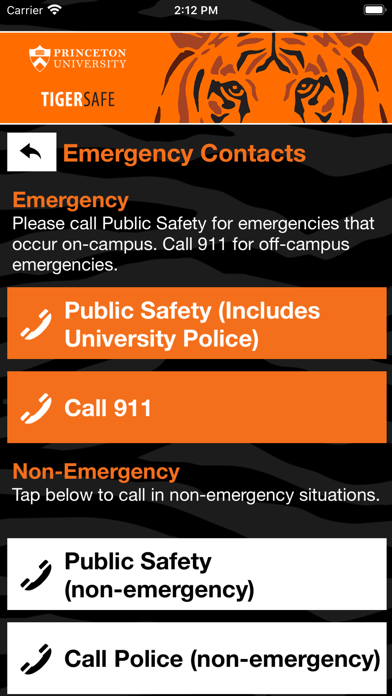
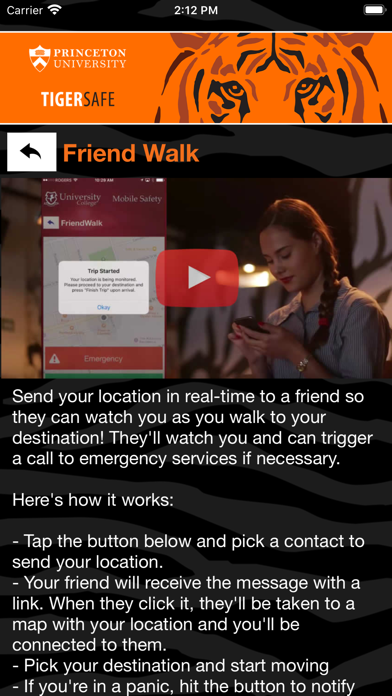
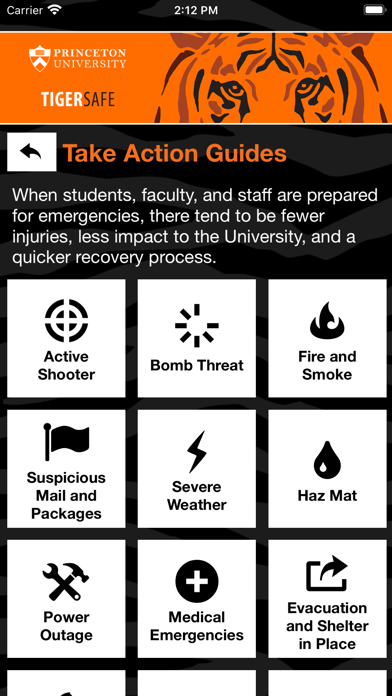
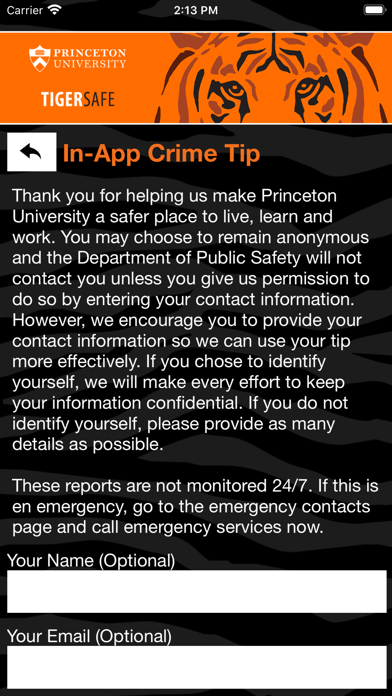
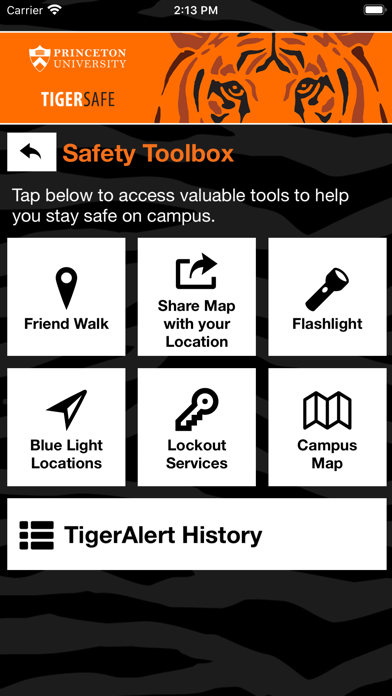
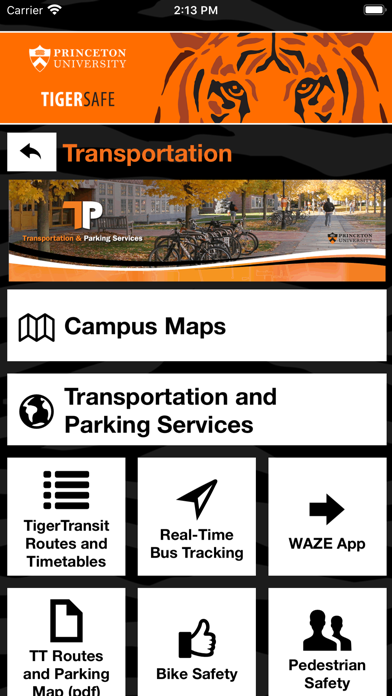
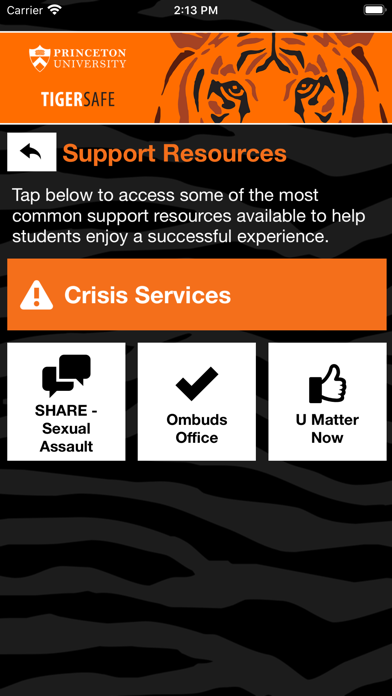
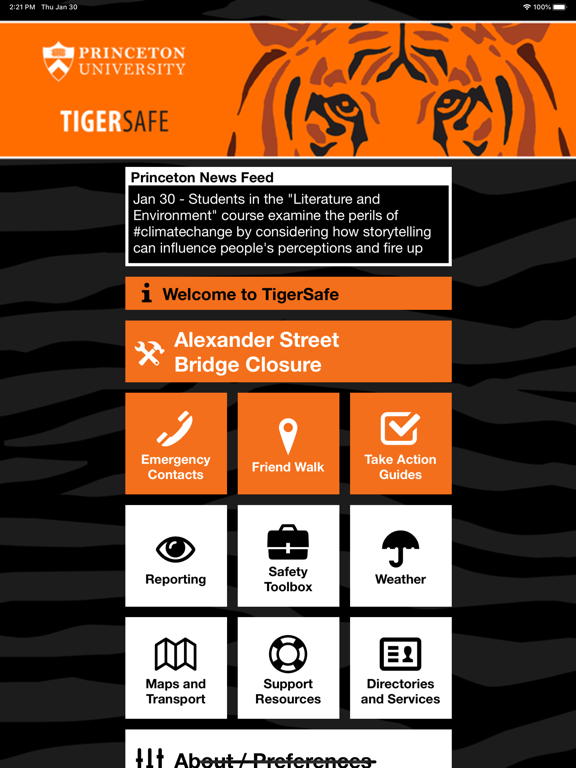
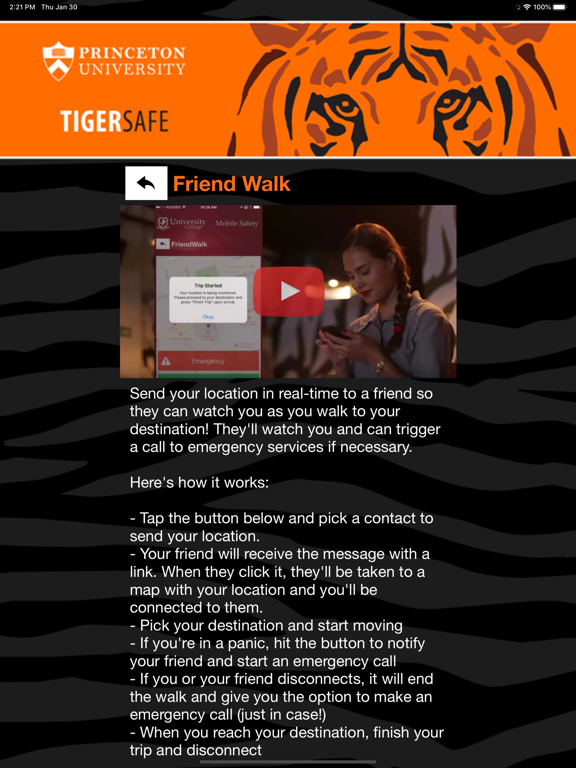
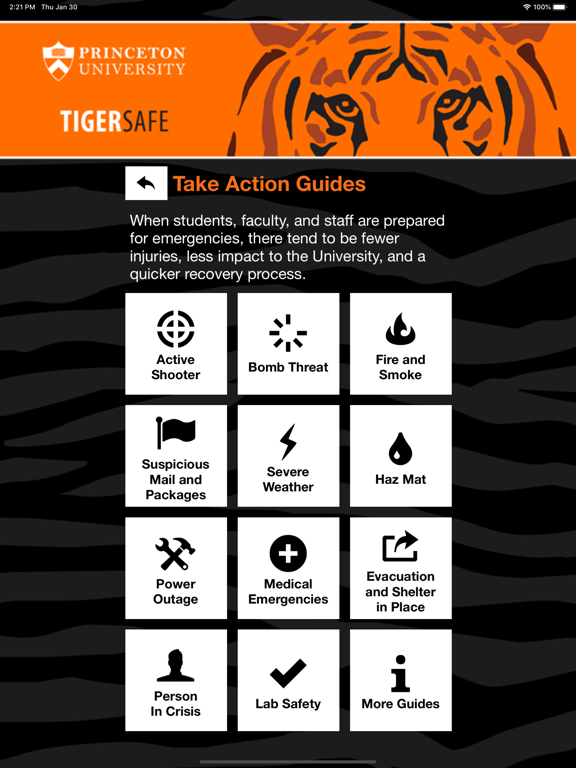
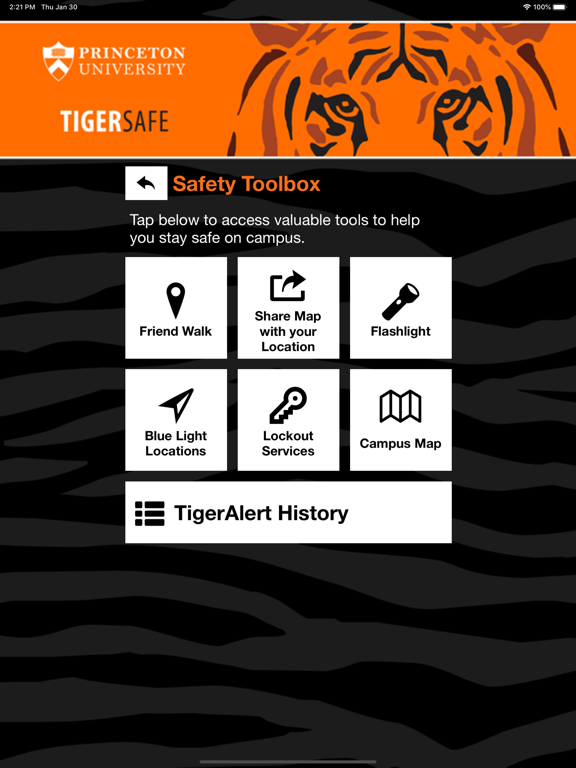
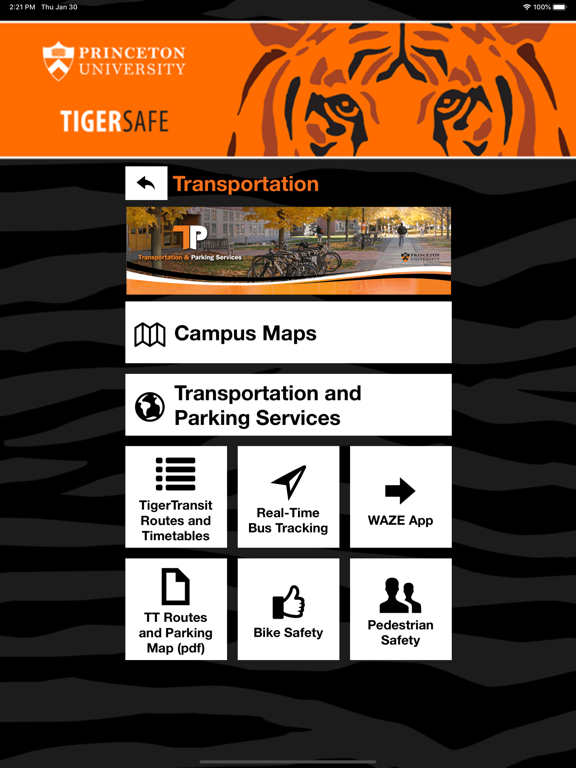
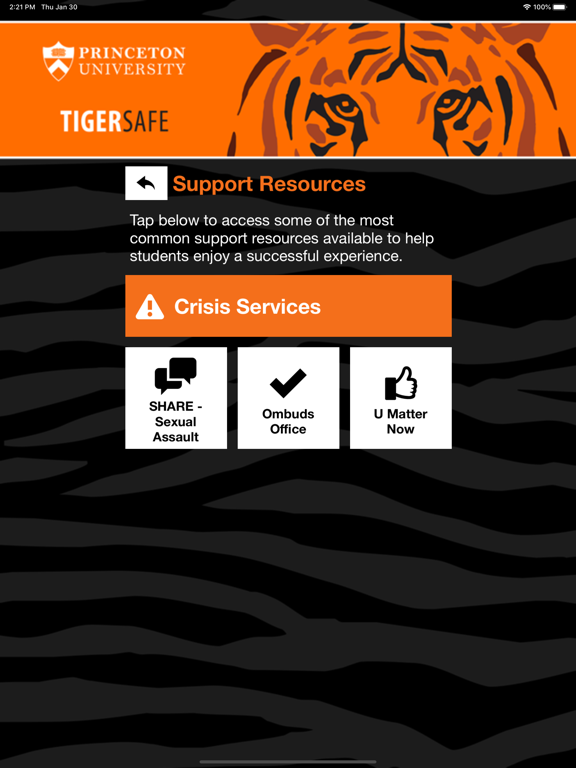
TigerSafe is an essential tool to enhance your safety at Princeton University. The app will send you important safety alerts and provide instant access to campus safety resources. TigerSafe is the official mobile safety app of Princeton University. TigerSafe benefits include: - Safety notifications: Receive instant notifications and instructions from campus safety when on-campus emergencies occur. - Emergency help: contact campus safety staff quickly for help in an emergency. - Campus safety resources: access all important safety resources in one convenient app. Download today and ensure that you’re prepared in the event of an emergency.
Latest release
What’s New
Performance improvements.
Audience growth
Ratings growth
Baseline captured. Growth appears after the crawler observes a changed rating count.
Momentum comes from crawler snapshots for the tracked storefront. “Viral growth signal” means unusually fast recent rating gains; it is an indicator, not download data.
Price tracking
Price intelligence
First snapshot captured. The trend line starts after the next crawler price observation.
- First observed Aug 21, 2026 · 12:02 PM Free
Screenshots