About this app
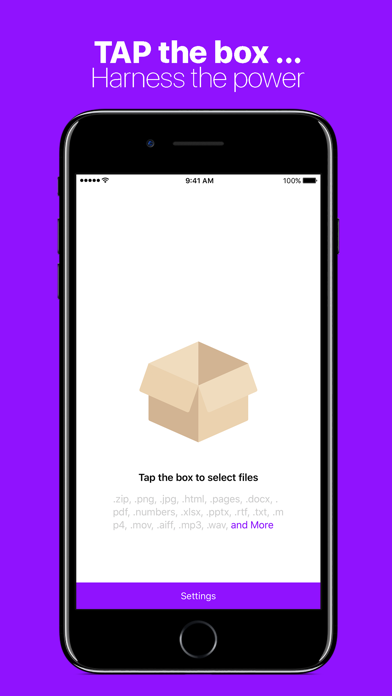
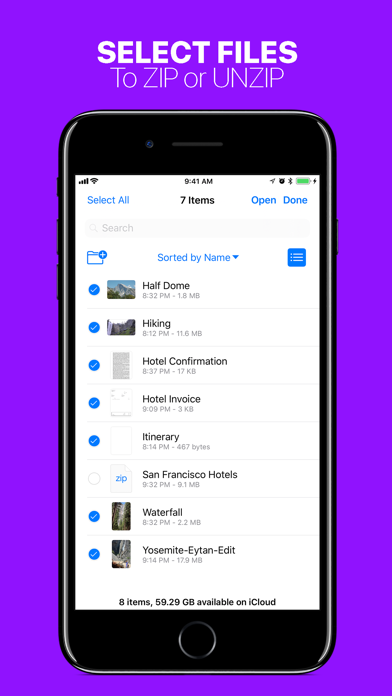
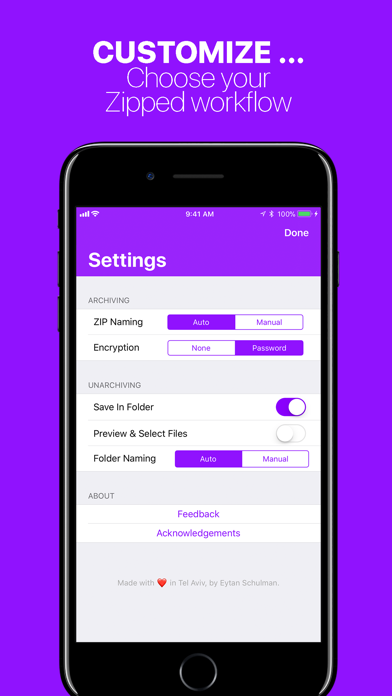
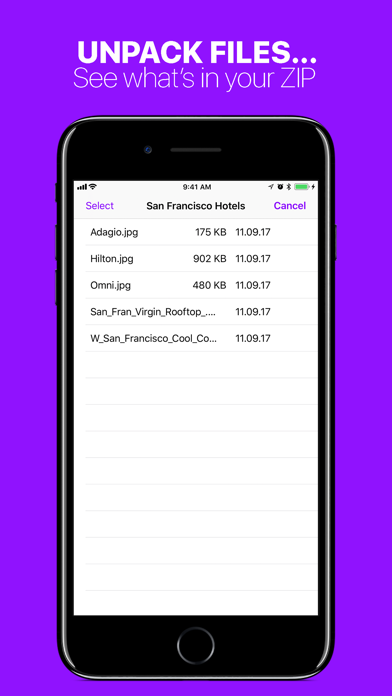
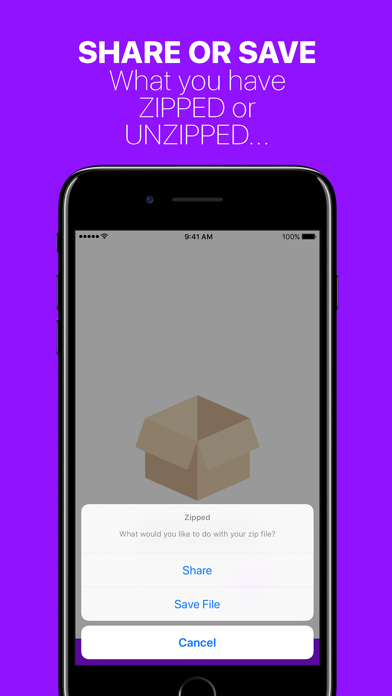
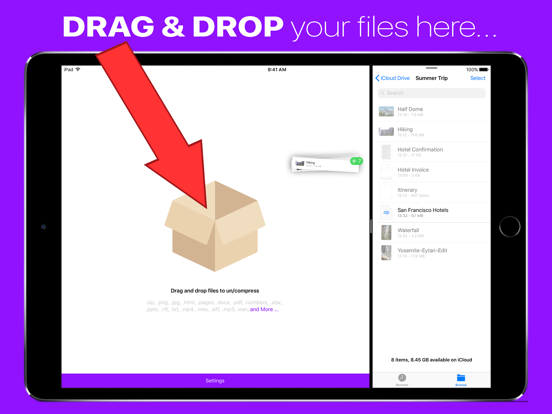
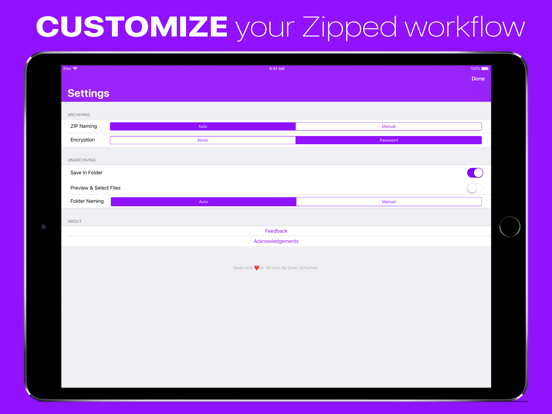
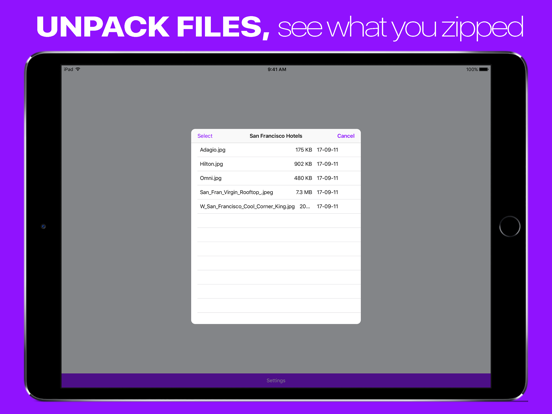
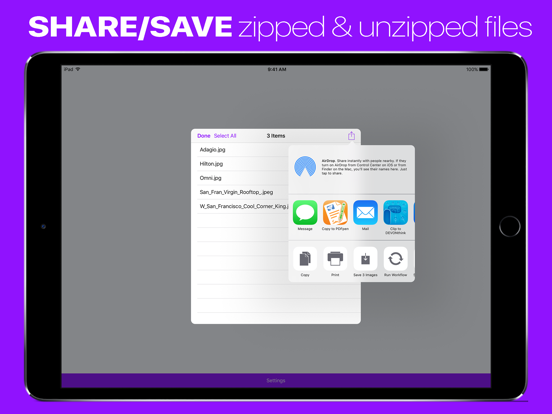
Zipped solves all of your ZIP file needs on iOS. Whether you need to unzip a file from Safari, or create a ZIP on iOS, Zipped has you covered. Zipped Includes: • Advanced support for Drag & Drop on iPad — Drop a ZIP file to UNZIP, or Drag in any number of files to create a ZIP. • Ability to Share your ZIP file or UNZIPPED files, or SAVE them to Files. • Customizable Settings — Choose whether you would like to manually name ZIP files, or have Zipped automatically generate a name for you! Decide if you would like to unzip your ZIP file into a folder, or output simply the files themselves! • Unarchive a ZIP into a file browser, preview your files, and selectively share or save them. • Unarchive or Archive ZIP encrypted with a password. • Open ZIP files from anywhere in iOS in Zipped through the 'Open In' sheet. Zipped currently supports the following file types, with more to come: .zip, .png, .jpg, .html, .pages, .docx, .pdf, .numbers, .xlsx, .pptx, .rtf, .txt, .mp4, .mov, .aiff, .mp3, .wav, .psd, .caf, .md, .csv, .json, .js, md, .csv, .json, .gif, .heic, .band, .xml, .ttf, .otf In addition to the above following types, you can also ZIP folders!
Latest release
What’s New
+ Fixed a critical bug
Audience growth
Ratings growth
Baseline captured. Growth appears after the crawler observes a changed rating count.
Momentum comes from crawler snapshots for the tracked storefront. “Viral growth signal” means unusually fast recent rating gains; it is an indicator, not download data.
Price tracking
Price intelligence
- First observed Aug 10, 2026 · 4:14 PM $0.99
Screenshots