About this app
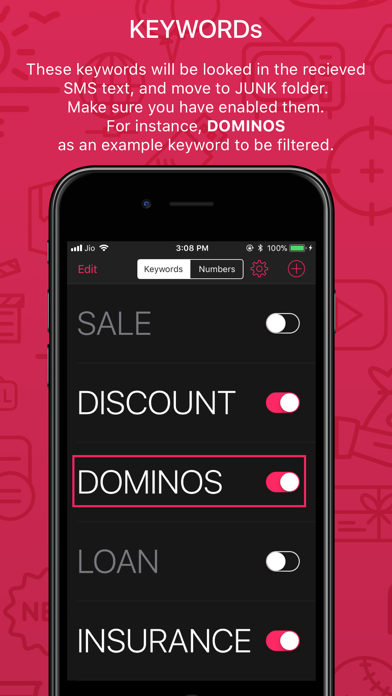
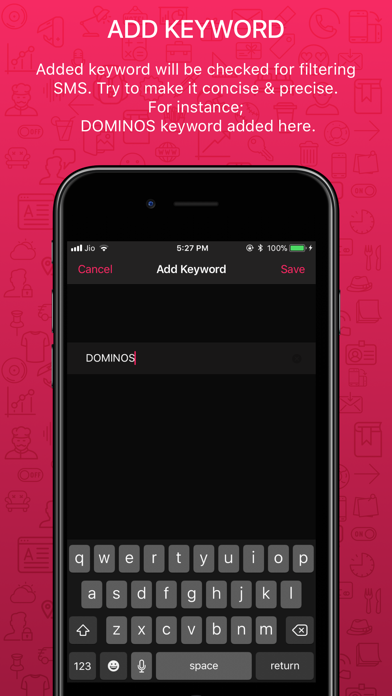
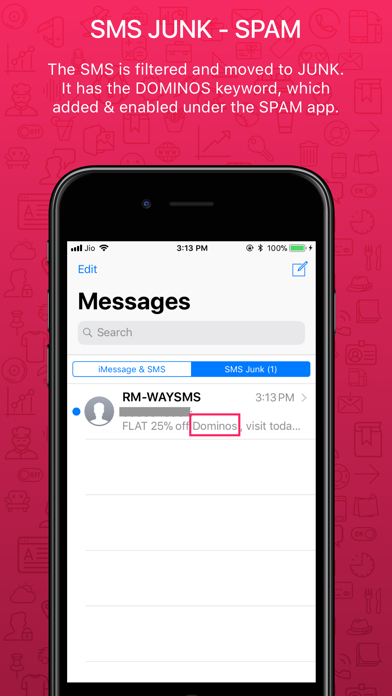
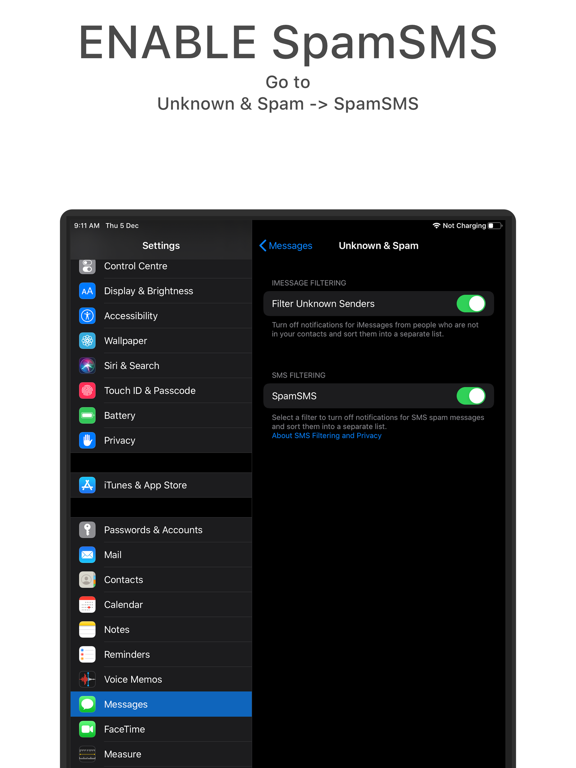
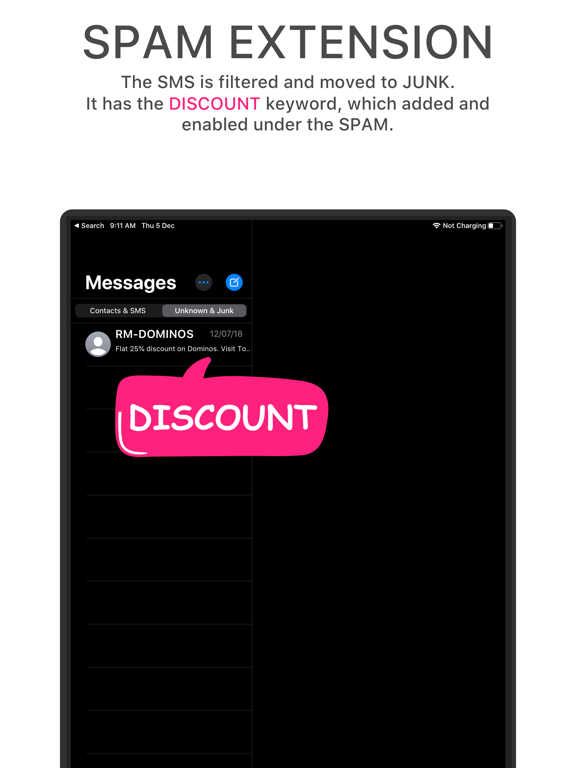
Are you getting too many unwanted SMS or MMS everyday and you can’t find the important ones in your ‘Messages’? SpamSMS uses Apple’s all new CoreML Identity Lookup framework to filter the unwanted messages out and shows you the ones you actually want. - Custom Rules: You may add your custom keywords & numbers to override the incoming message. Like if you always want to move the message which has the keyword ‘DOMINOS’ to spam. Just add the keyword ‘DOMINOS’ into the keyword list and enable it. Thats it !!! You also can add rules based on number just like words, and specify them it should be filtered or not. - Enable/Disable Anytime you can enable or disable the filtering criteria for the specific keyword and number. So no need to delete any item added by you. - Clean UI It has the cleanest and simplest UI so any one can easily understand the flow of app and use it with ease. For more details please go through the Walkthrough in the app. - Offline Only SpamSMS works only in Offline mode, so no need to worry even if you have no internet availability. Your privacy is well protected. - Walkthrough The app has all the essential tutorial pages within the app. Go by them, it helps you to set up the SpamSMS App Extension in your Settings. After set up, you can see two tabs in your Messages App. *Filtering Criteria: This app works only with SMS and MMS messages from unknown senders; it doesn’t work with messages from senders in a your Contacts list or with iMessage messages from any source. What happens with filtered messages? Notifications for Spam messages are disabled. And messages are sorted in the "SMS Junk" list of Messages App.
Latest release
What’s New
- Optimisation for iOS 13 - Bug fixes and improvements There was some issues under iOS 12.3 which takes the message back to "Messages & SMS" folder from "SMS Junk" after 24 to 48 hrs. Update to latest iOS will resolve the same. If you enjoy using this app, please take a minute to leave us a valuable review or feedback. It really helps!
Audience growth
Ratings growth
Baseline captured. Growth appears after the crawler observes a changed rating count.
Momentum comes from crawler snapshots for the tracked storefront. “Viral growth signal” means unusually fast recent rating gains; it is an indicator, not download data.
Price tracking
Price intelligence
First snapshot captured. The trend line starts after the next crawler price observation.
- First observed Sep 1, 2026 · 3:24 PM Free
Screenshots