About this app
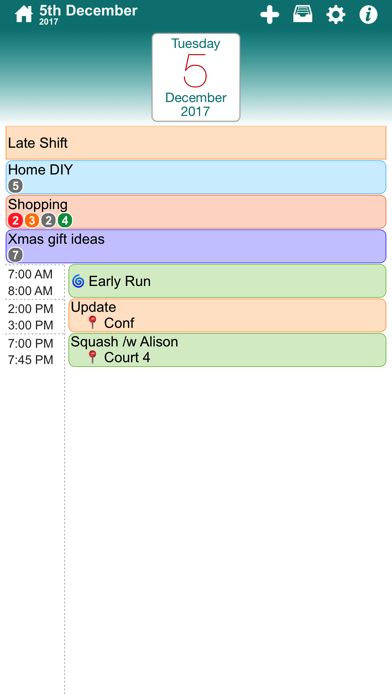
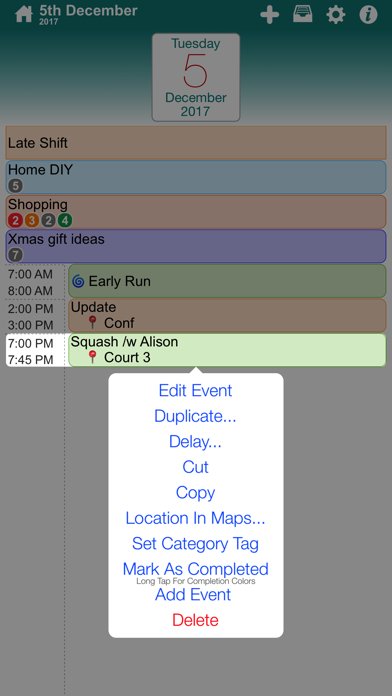
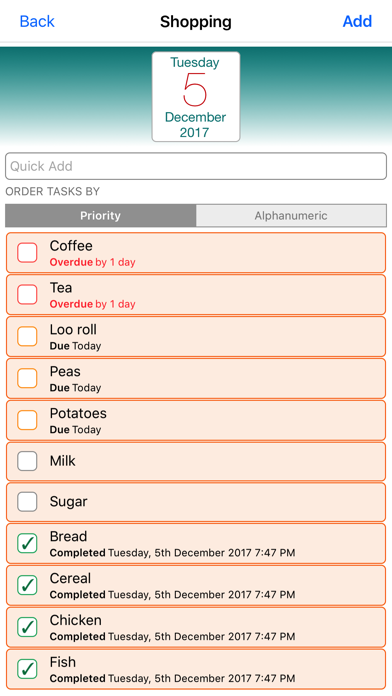
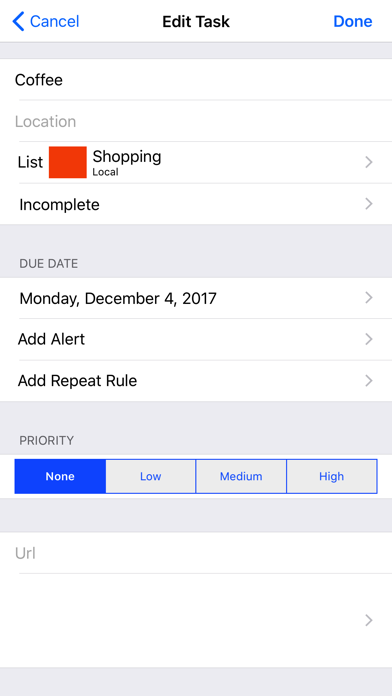
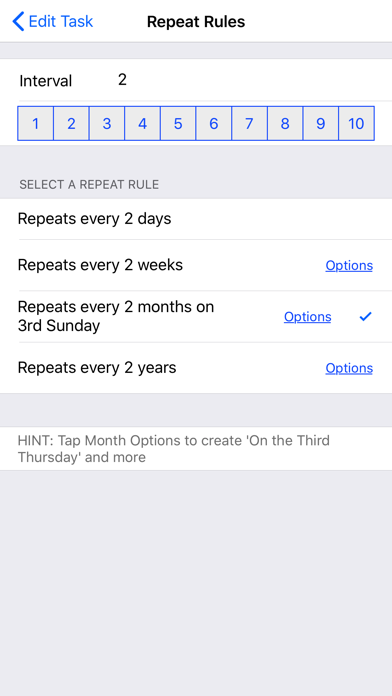
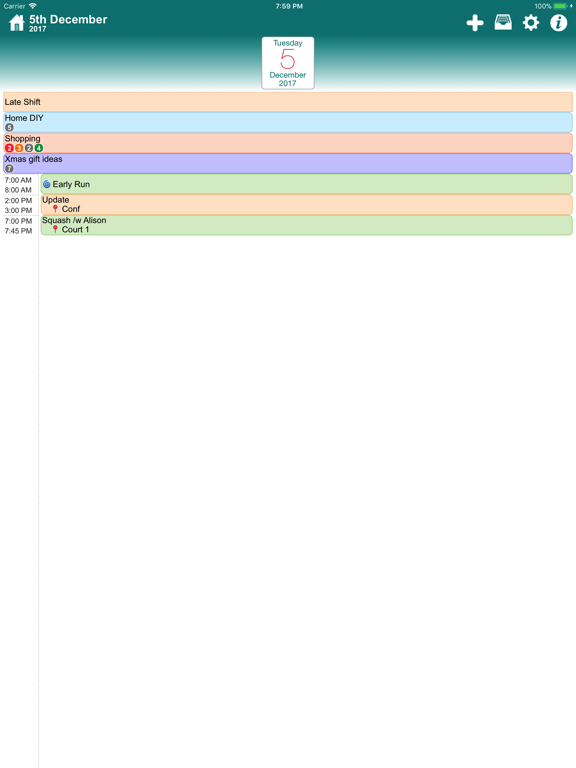
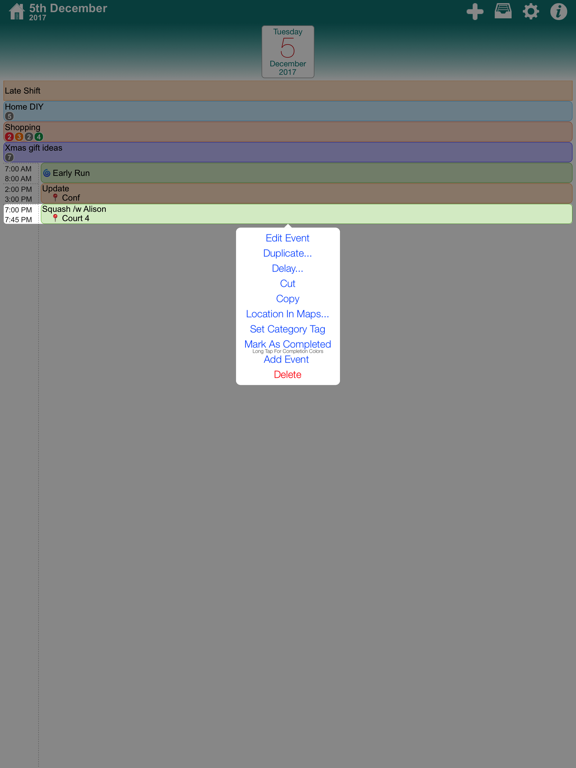
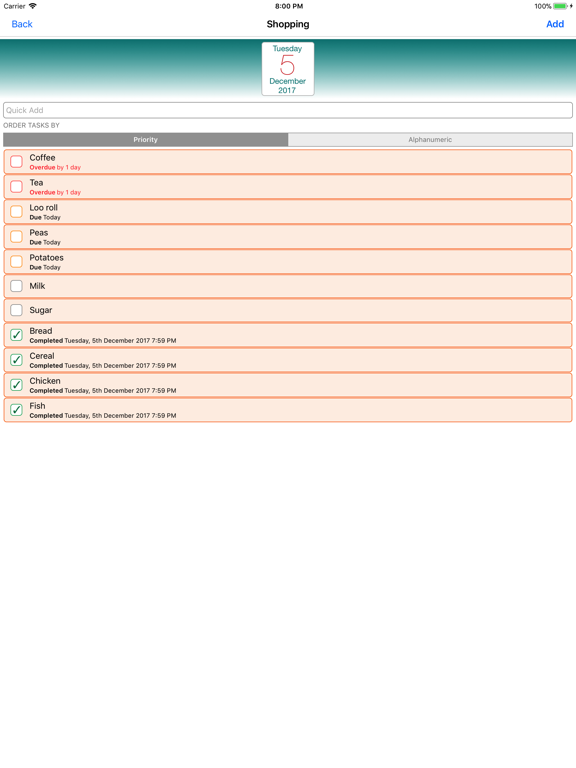
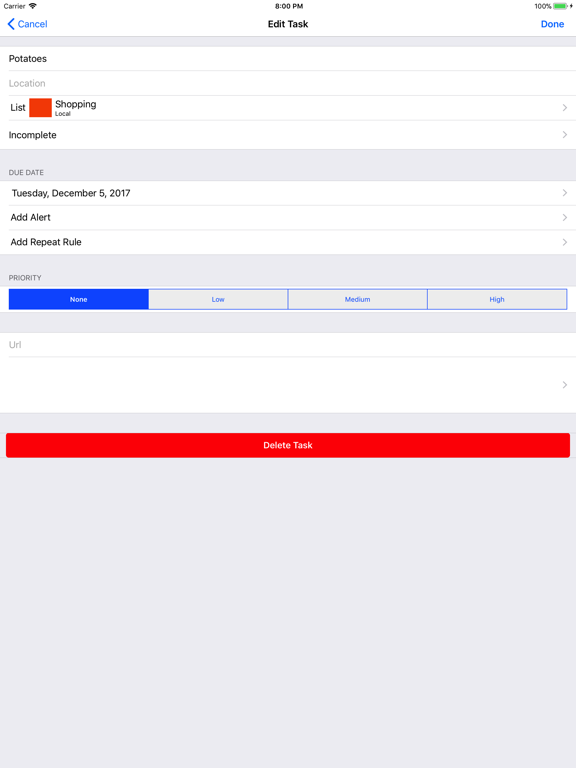
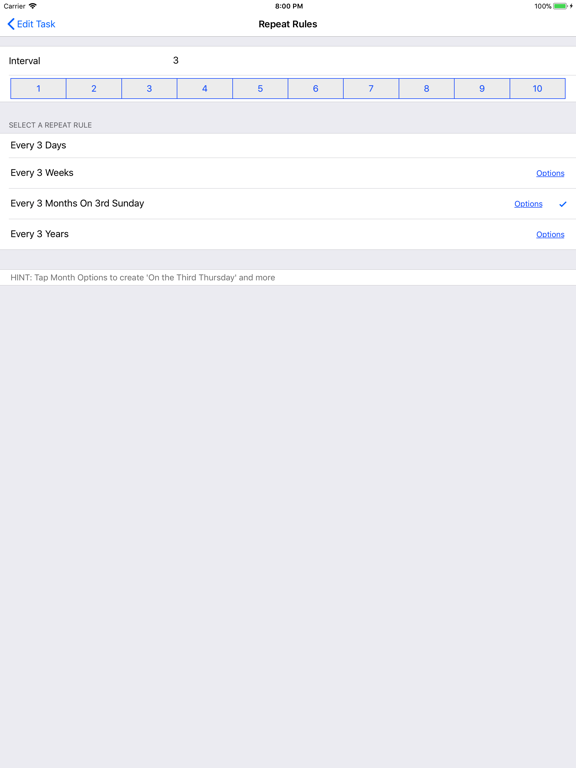
ezTasks is a great way to manage your tasks, lists and calendars in a single app! Creating a new list is easy. Adding tasks to that list is even easier! • Color code your task lists. Shopping, Home, DIY, whatever lists you want • Lists show bubble indicators, the red bubble for number of overdue tasks, orange for due on that day, green for completed on that day and gray for incomplete tasks that have no due date • Share a list with others, for example a shared shopping list • Complete a task with a single tap and see the drop to the bottom of the list. You can reactivate the task with another tap! • Set a priority for a task, more important tasks appear higher in the list • Set a due date, the task will appear on that day and will add to the red list bubble if it is overdue • Add alerts to a task • Create repeating tasks, daily, weekly, monthly and more complex repeat rules if required • Fantastic calendar views where you can see the task lists that require your attention
Latest release
What’s New
Here's what's new in ezTasks NEW: Restored the 7 day Week View! FIXED: Issue with setting dark colors resulting in incorrect values FIXED: A potential crash when saving events FIXED: Unable to select an end date for a repeating event FIXED: Search option on the List View wasn't appearing FIXED: Various annoying little bugs have been squished. We welcome your feedback. Let us know what improvements you'd like to see in the future!
Audience growth
Ratings growth
Baseline captured. Growth appears after the crawler observes a changed rating count.
Momentum comes from crawler snapshots for the tracked storefront. “Viral growth signal” means unusually fast recent rating gains; it is an indicator, not download data.
Price tracking
Price intelligence
- First observed Aug 17, 2026 · 1:56 PM $0.99
Screenshots