About this app
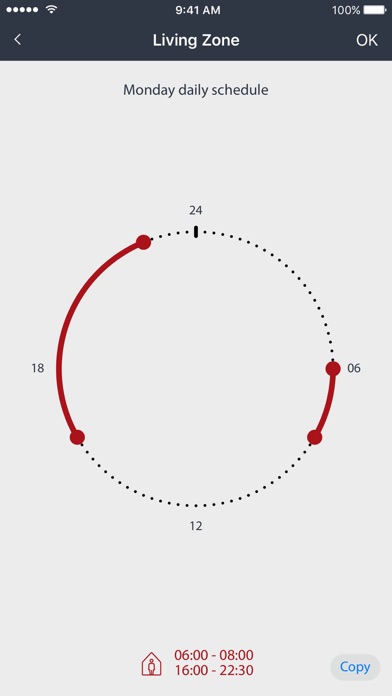
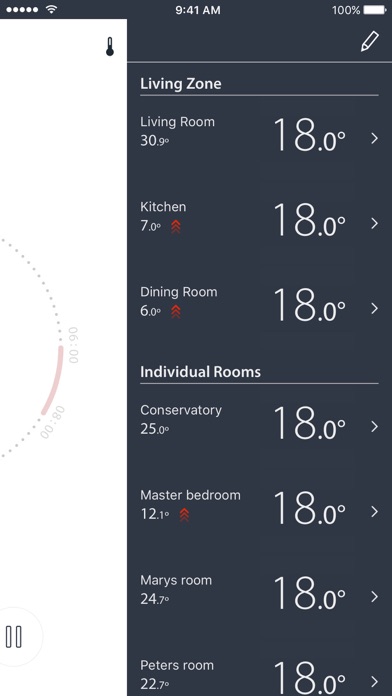
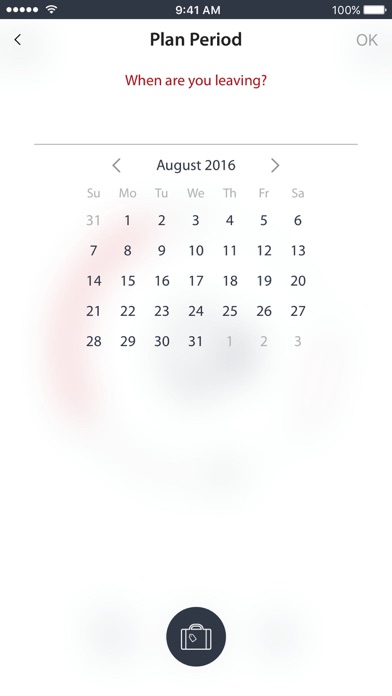
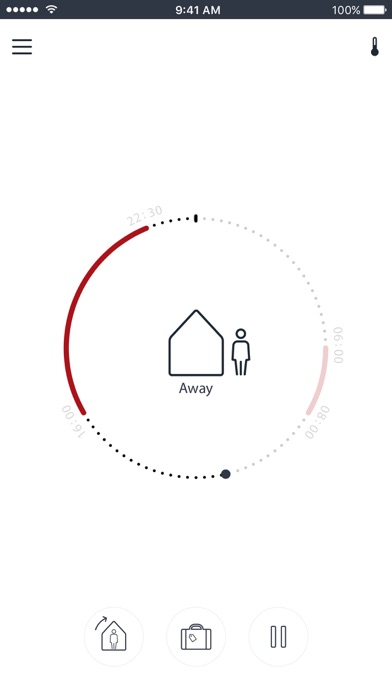
The Danfoss Icon App Module 088U1101 enables users to control hydronic floor heating and other applications with actuators via this App. The App can control both wireless and wired (24V) Danfoss Icon™ systems. The App turns your mobile device into an intuitive floor heating remote control. Safe and private cloud connection. The App communicates through a safe cloud system based on the same security that is used in mobile banking applications. Adjust your floor heating from your smartphone. Adjust home heating easily and intuitively. If disconnected from the internet, the heating system will continue to work and you can still operate the room temperature on each individual room thermostat. Schedule your home heating and save energy. Control all your thermostats in multiple locations. The App lets you stay in control and operate all your thermostats in multiple locations from one single point of access. Reduce energy costs The App lets you schedule your floor heating system to fit your rhythm and reduce energy costs. The Danfoss Icon system even adapts to climatic conditions and learns when to initiate heating to reach the desired scheduled room temperature. Save energy by scheduling the temperature to fit your rhythm and enjoy superior comfort. Danfoss Icon App features: • Adjust home heating from anywhere in the world • The floor heating system will continue to be fully operational without internet connection • Use living zone to schedule and set temperature for multiple rooms – or schedule and set each room temperature individually • Control thermostats in multiple locations (e.g. holiday home) • Frost protection, weekly schedule, “Away”/”At Home” mode, “Vacation” mode and “Pause” mode • Receive notifications/warnings about important system events • Access dedicated support and troubleshooting directly from the App • Secure wireless communication through a safe cloud system based on the same security that is used in mobile banking applications.
Latest release
What’s New
Updated the app with support for iOS 18
Audience growth
Ratings growth
Baseline captured. Growth appears after the crawler observes a changed rating count.
Momentum comes from crawler snapshots for the tracked storefront. “Viral growth signal” means unusually fast recent rating gains; it is an indicator, not download data.
Price tracking
Price intelligence
First snapshot captured. The trend line starts after the next crawler price observation.
- First observed Aug 14, 2026 · 3:17 PM Free
Screenshots