About this app
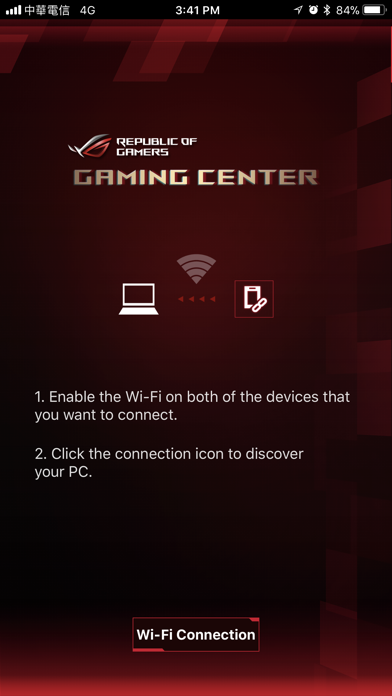
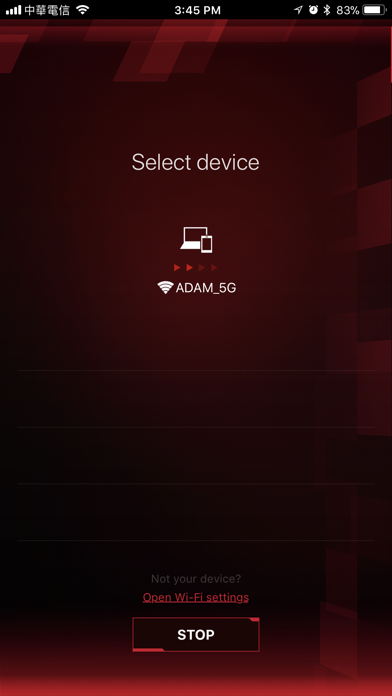
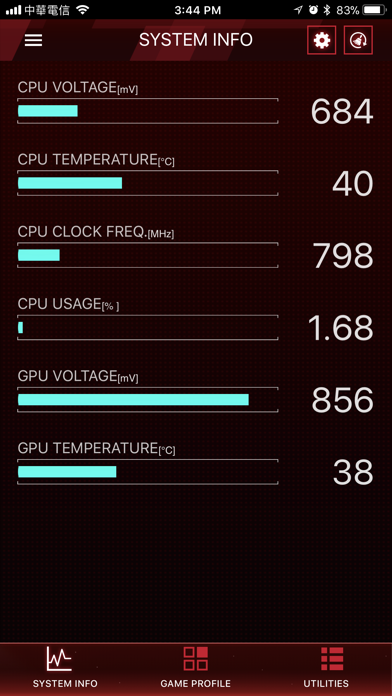
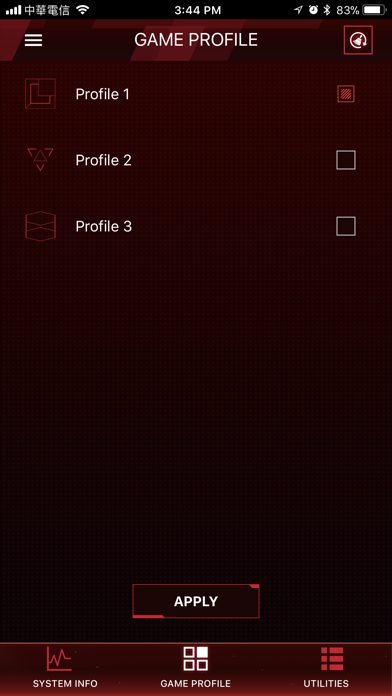
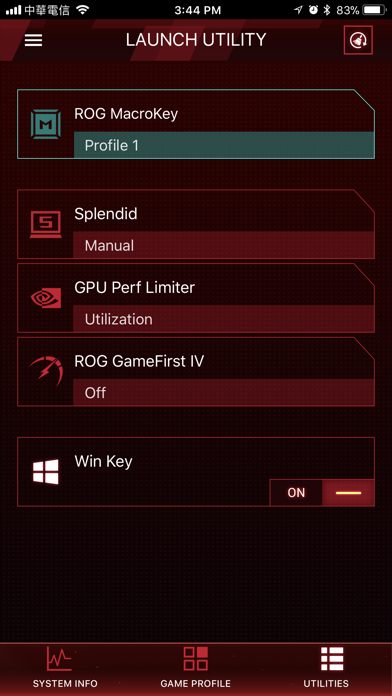
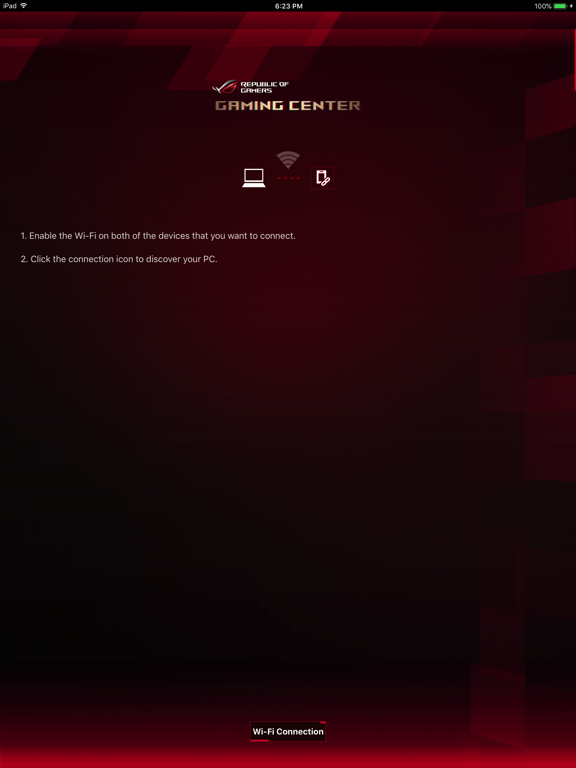
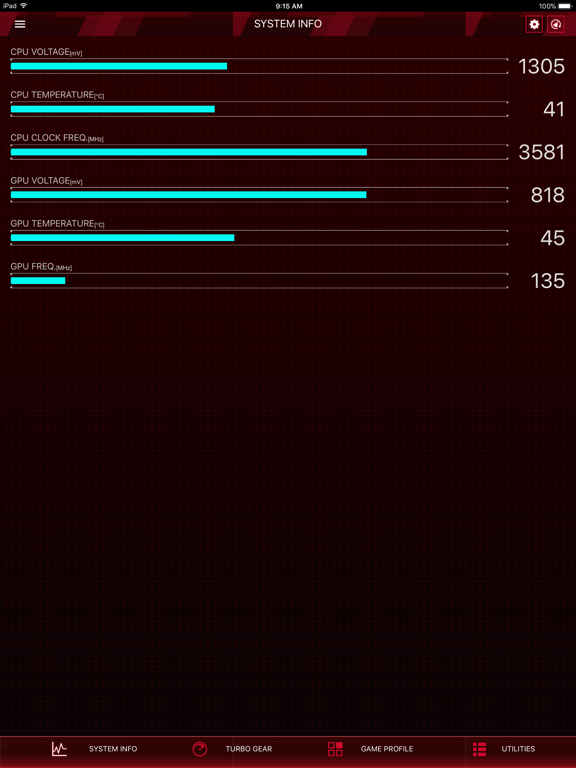
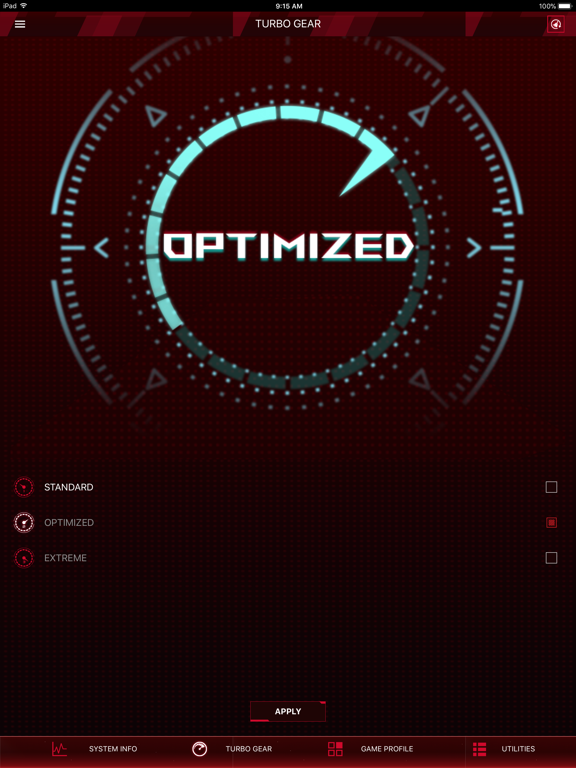
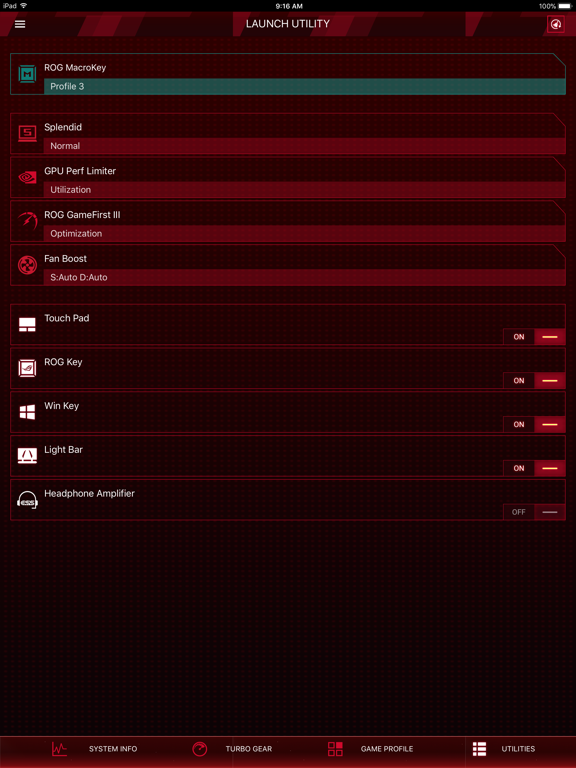
ROG Gaming Center for iOS - Connect via Wi-Fi - Real-time display of system information such as CPU/GPU frequency, voltage, temperature, and others. - Turbo Gear: Lets you change to different overclocking modes to meet your performance requirement instantly. - Game Profile: Apply all related ROG app settings by one click before game launching. - Utilities: Quickly access and adjust all system settings such as fan mode, LED, and others. NOTE: 1. Use this app with ROG Gaming Center v2.5.0 or later version on your PC. 2. Supports Intel 7th Generation (Kaby Lake) / 8th Generation (Coffee Lake) CPU and NVIDIA GeForce 9 (Maxwell) / GeForce 10 (Pascal) GPU
Latest release
What’s New
This update from Apple will improve the functionality of this app. No new features are included. Performance updates
Audience growth
Ratings growth
Baseline captured. Growth appears after the crawler observes a changed rating count.
Momentum comes from crawler snapshots for the tracked storefront. “Viral growth signal” means unusually fast recent rating gains; it is an indicator, not download data.
Price tracking
Price intelligence
First snapshot captured. The trend line starts after the next crawler price observation.
- First observed Aug 14, 2026 · 12:07 AM Free
Screenshots