About this app
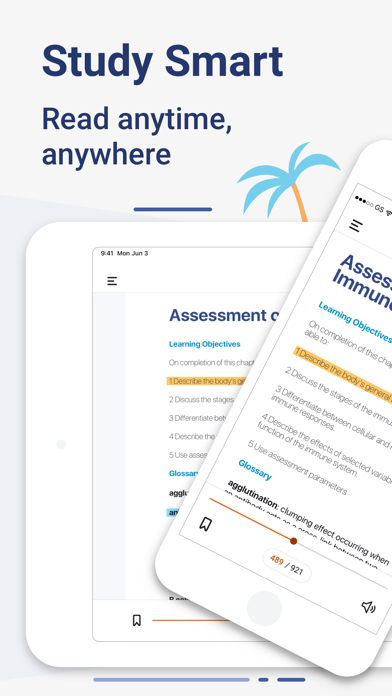
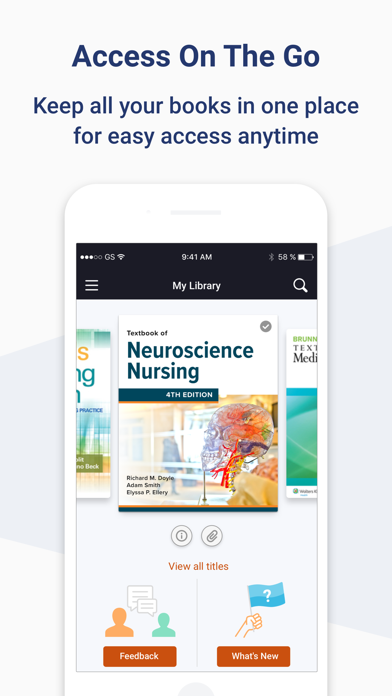
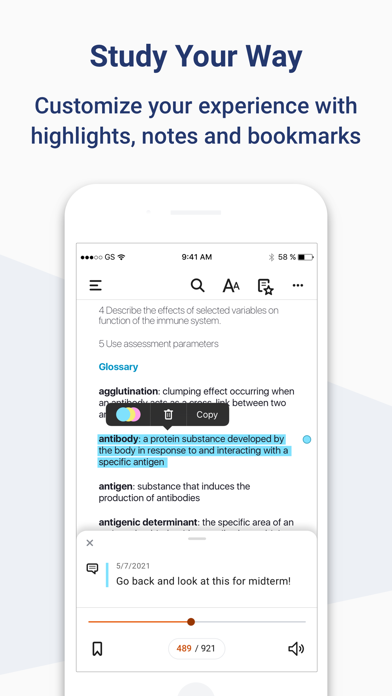
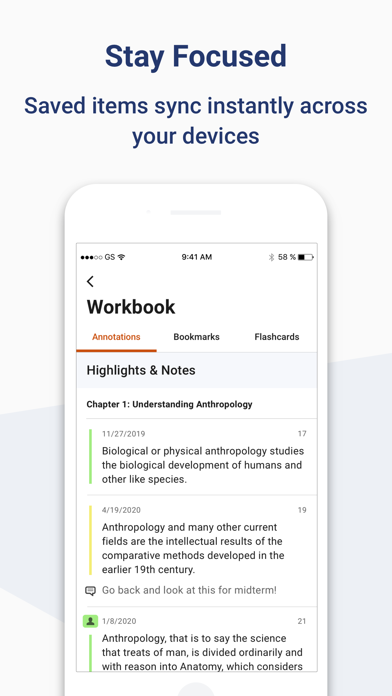
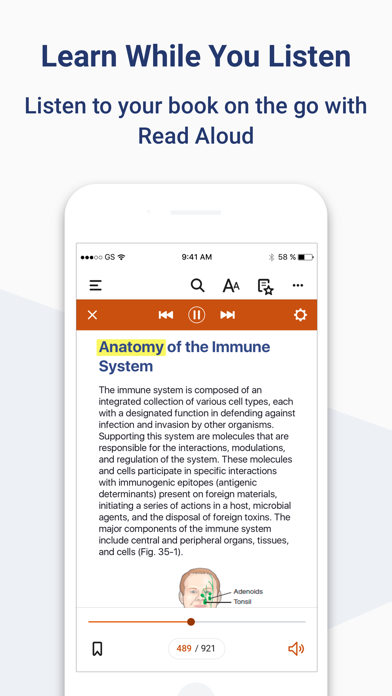
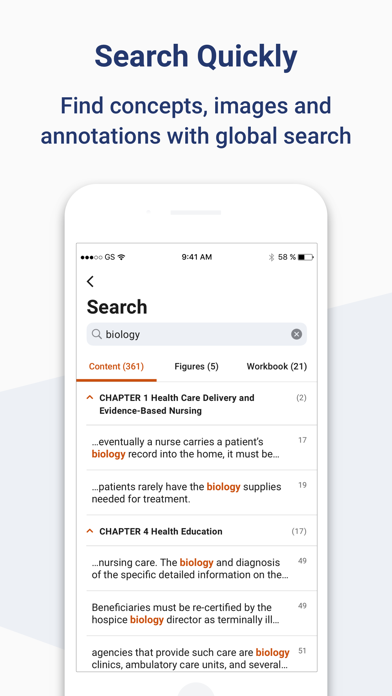
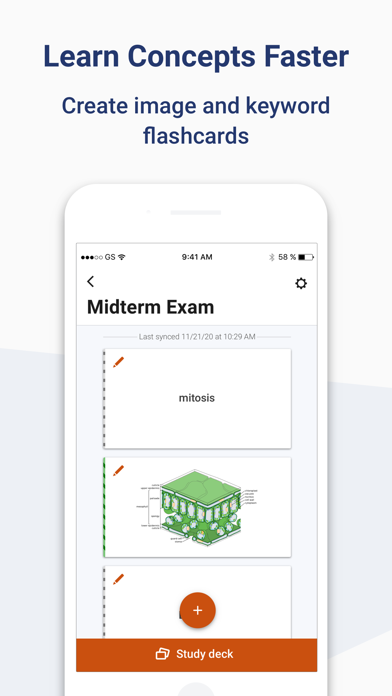
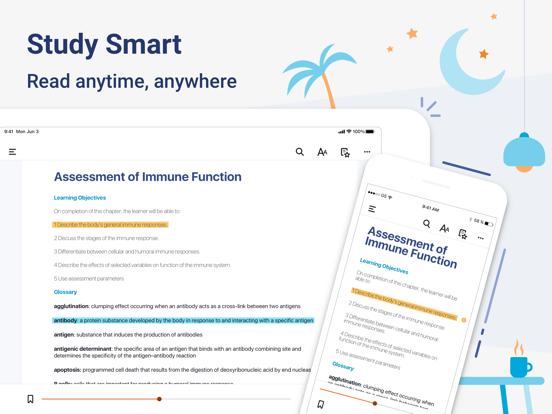
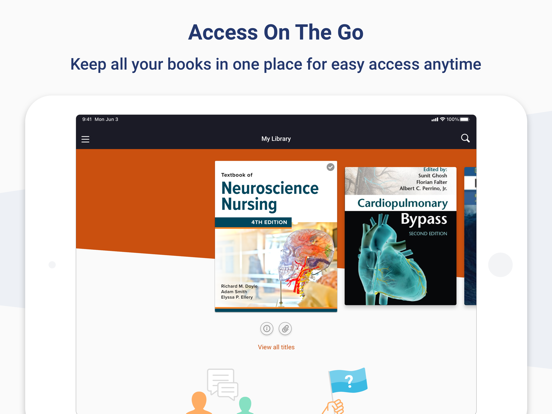
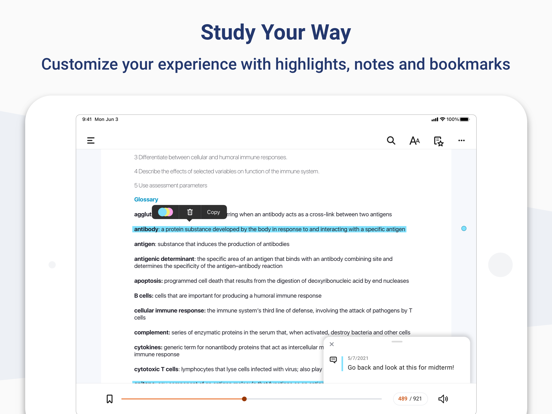
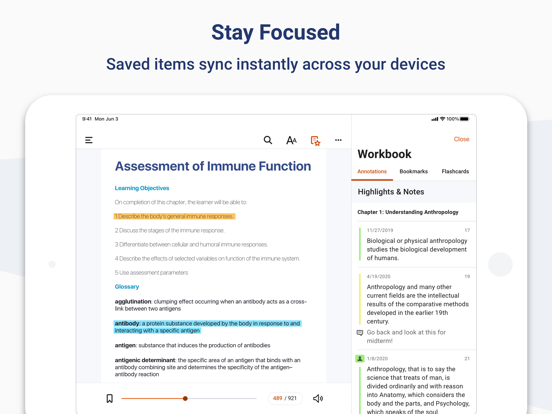
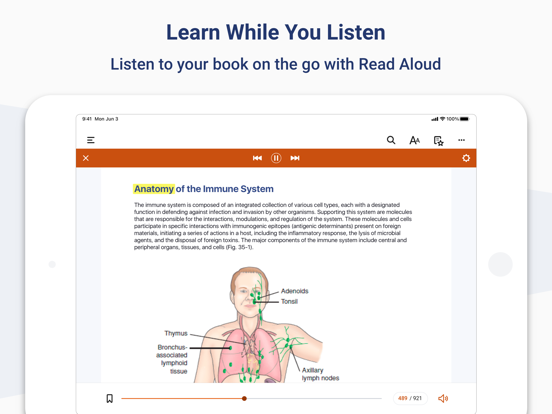
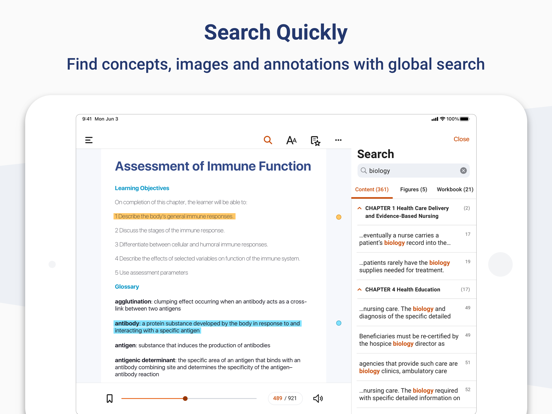
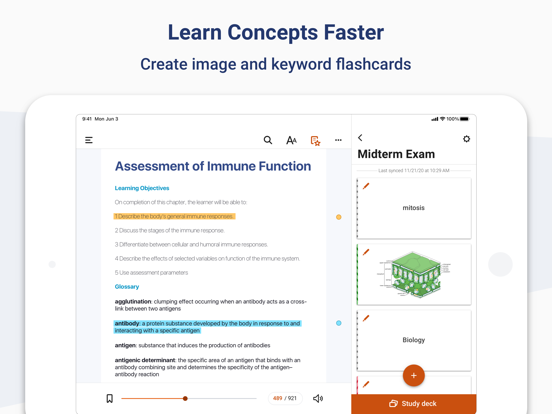
Download the ClinicalKey Student Bookshelf app to access your personal bookshelf across all devices whenever you need it. Enhance your study experience with tools designed to build and improve your medical knowledge; making and sharing notes, highlighting key text and creating flashcards. Requirements: • iOS 17+ • ClinicalKey Student account • The app is available in the following languages: English, Spanish, French, German, Portuguese How to Access: • Download the app for free and open it. • On the welcome screen, click Sign In with your CK Student email and password. NOTE: The first time you log in, you must be on your university network. • If you have been given a Registration ID to create your account, go to https://www.clinicalkey.com/student/register and follow the steps on-screen. You can then use your login to sign into the Bookshelf app. • Launch any title you want to add to your bookshelf on the CK Student website. The app will synchronise any books you have added from CK Student. NOTE: You must be online to synchronize your book collection. For Support and FAQs, go to https://service.elsevier.com/app/home/supporthub/ckstudent/
Latest release
What’s New
* Highlighting performance has been improved, especially for users with large highlight collections * Smoother scrolling and zooming in PDF books, with significant stability improvements * Improved app stability with fixes for crashes across all platforms * Stylus annotation support has been removed to improve overall reliability * Improved navigation when deep linking to specific figures and headings in EPUB books
Audience growth
Ratings growth
Baseline captured. Growth appears after the crawler observes a changed rating count.
Momentum comes from crawler snapshots for the tracked storefront. “Viral growth signal” means unusually fast recent rating gains; it is an indicator, not download data.
Price tracking
Price intelligence
First snapshot captured. The trend line starts after the next crawler price observation.
- First observed Aug 23, 2026 · 9:56 PM Free
Screenshots