About this app
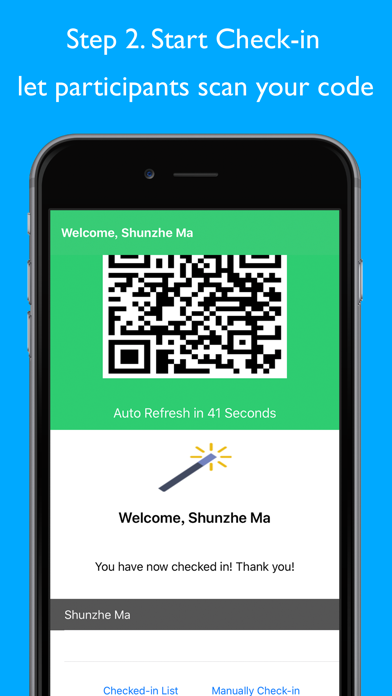
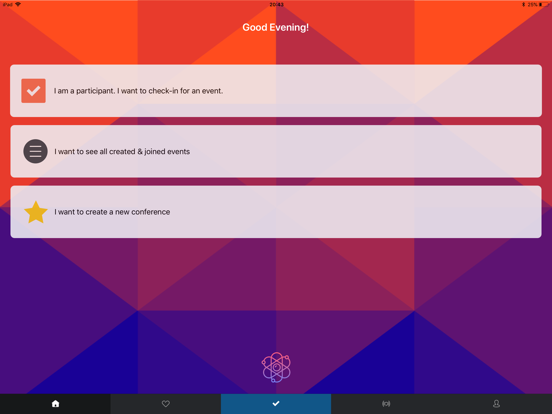
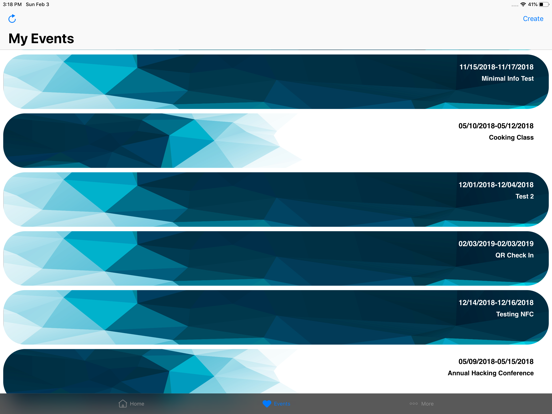
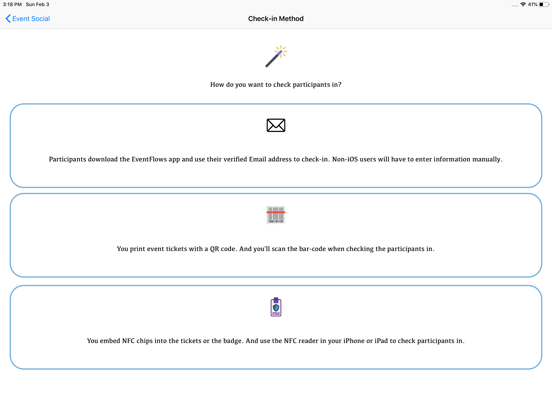
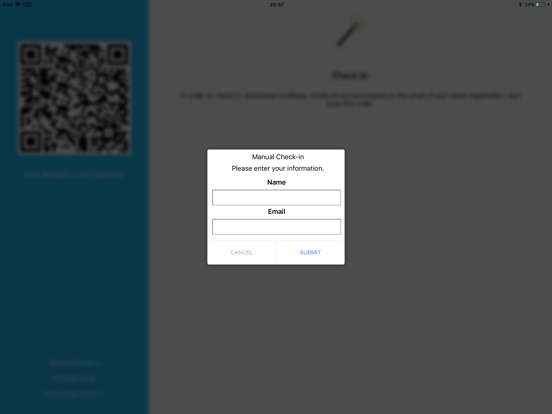
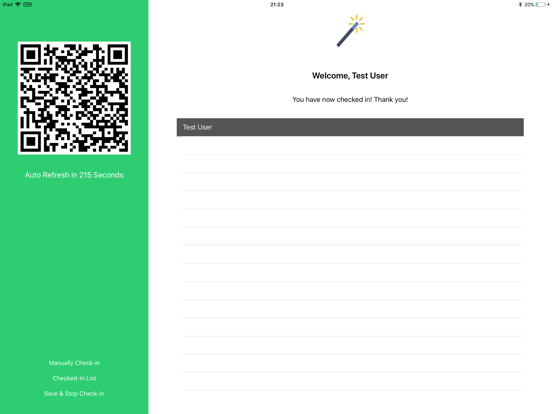
Holding a large conference or a club meeting and are still using paper roster to check in your participants? It's time to use EventFlows to make the check-in process easy! EventFlows is an app to help event holders by providing fast and easy ways for participants to hold an event check-in. Three ways to check in your participants: 1. Bar-code Check-in You can print bar-codes on participants' tickets, record these codes in this app, and then scan the code on the tickets when checking participants in. 2. NFC Check-in If your device supports the NFC feature (please refer to the Apple Website for your device capabilities,) you can embed NFC chips (those compatible with CoreNFC framework) in participants' tickets, and use the supported devices and this app to check your participants in with NFC! Make sure to select the NFC method and enter the NFC chip ID ahead of time if you want to try out this feature. 3. App Check-in You will enter a list of the participants' email addresses. Participants will download this app and register for the app. At the time of the event, you will display a QR code to let participants scan the code on their phone to check-in. If the participants don't have the device or the app at the time of check-in, they can manually verify and enter their information on your screen. Features: - Manage all events joined and created in 'My Events' tab - (Participants) scan the QR check-in code for a fast check-in - (Participants) Get event information, event posts, take a Lyft or Uber to the event. - (Participants) Add the event calendar and check the schedule - (Holders) Get a list of checked-in participants after the check-in session. - (Holders) Publish a message to participants Please contact support if you have any issues with this app.
Latest release
What’s New
- Fixed: login credentials would be removed on every launch
Audience growth
Ratings growth
Baseline captured. Growth appears after the crawler observes a changed rating count.
Momentum comes from crawler snapshots for the tracked storefront. “Viral growth signal” means unusually fast recent rating gains; it is an indicator, not download data.
Price tracking
Price intelligence
First snapshot captured. The trend line starts after the next crawler price observation.
- First observed Aug 27, 2026 · 1:40 AM Free
Screenshots