About this app
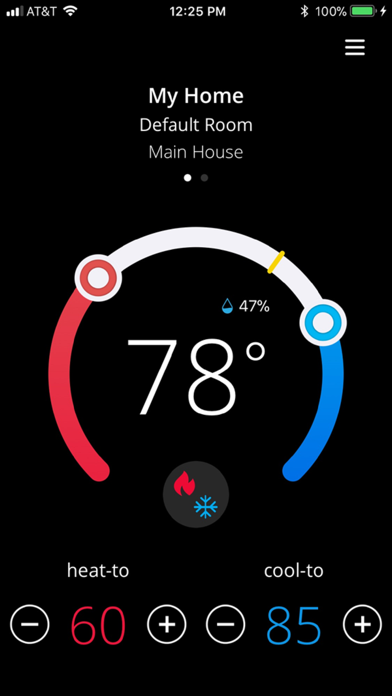
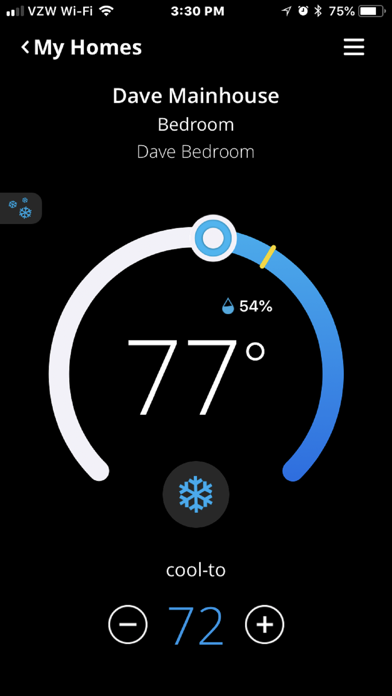
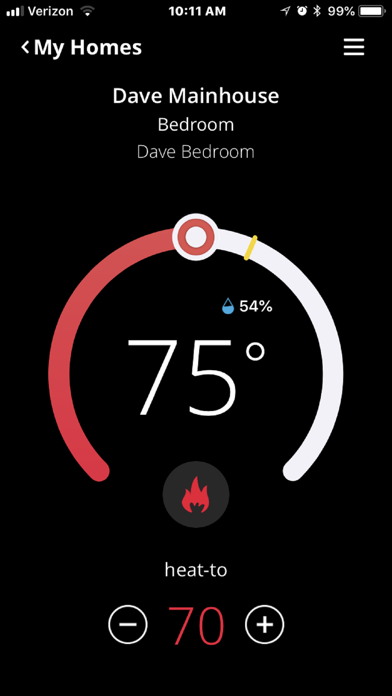
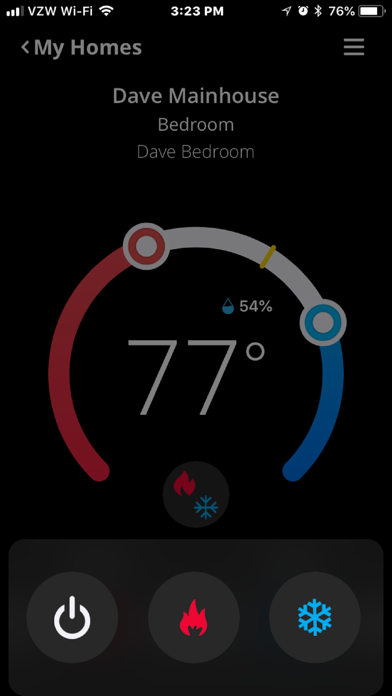
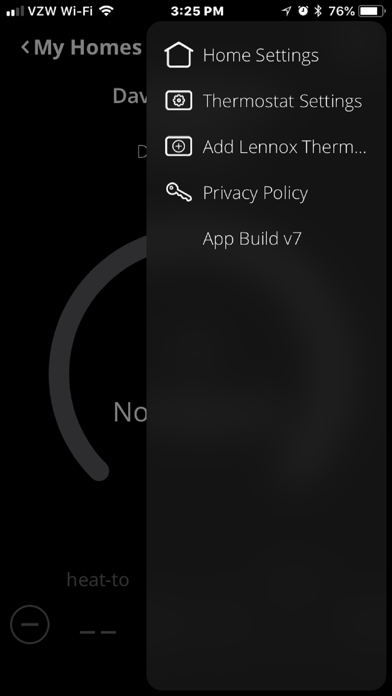
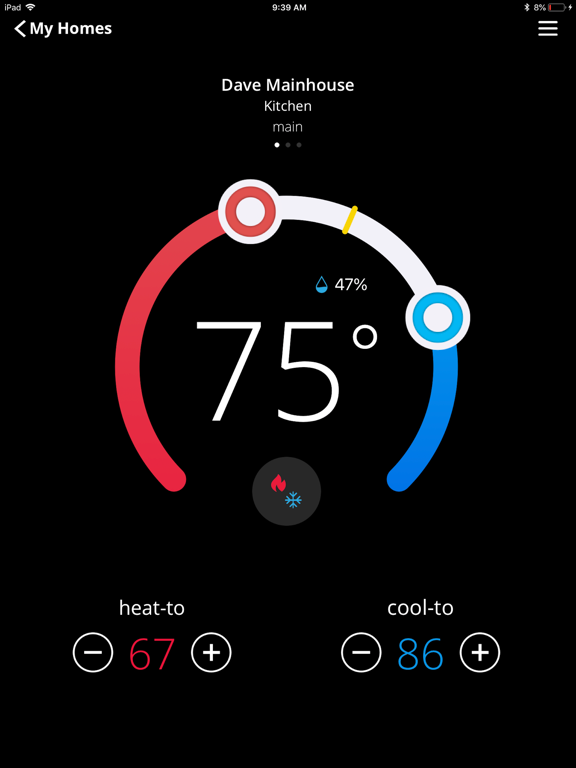
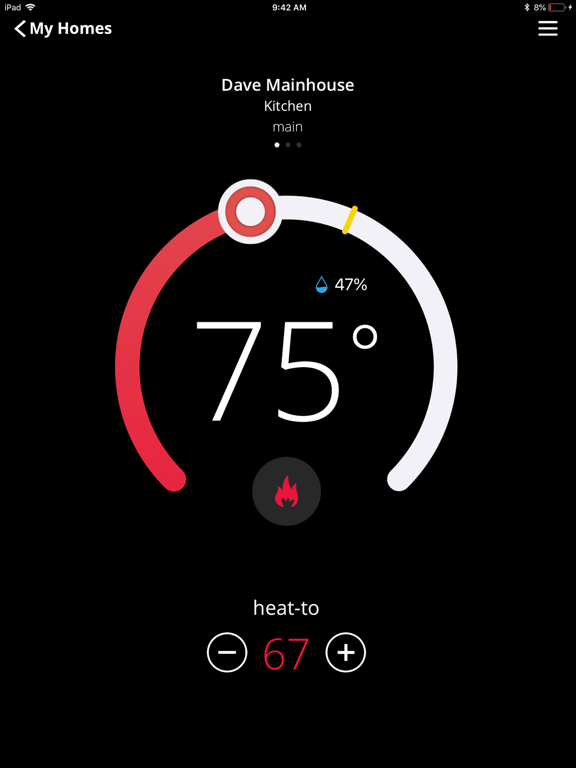
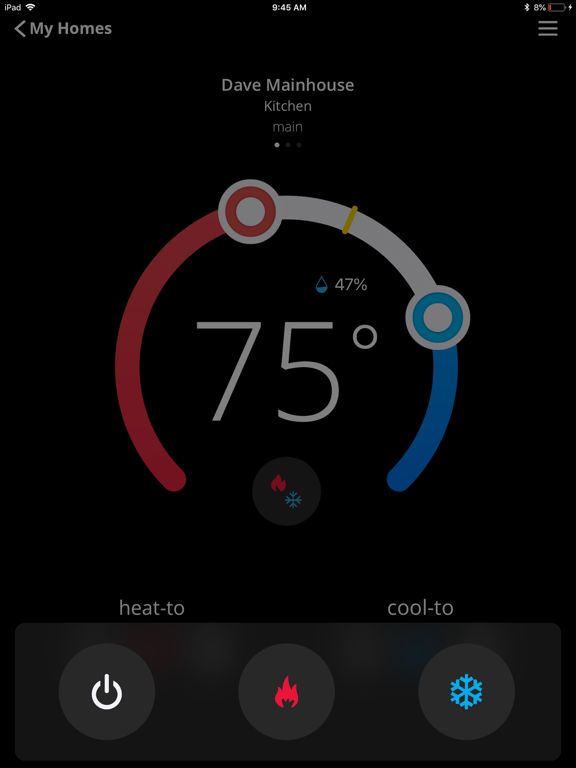
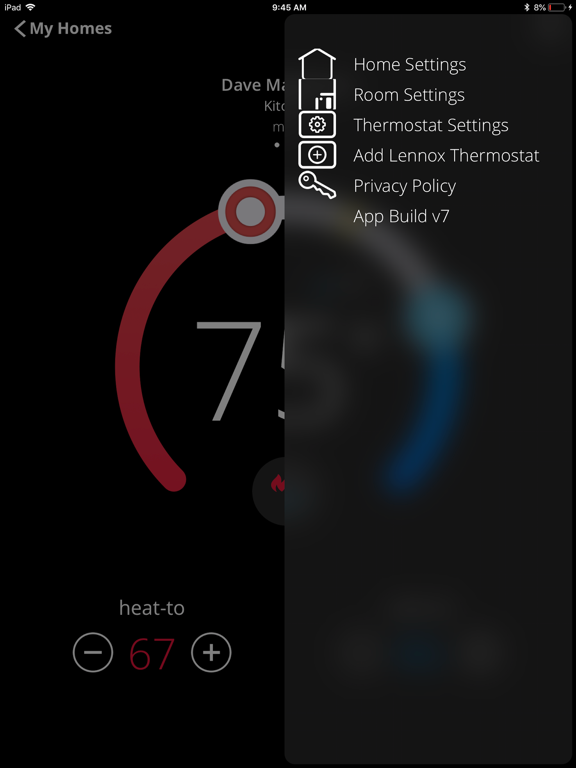
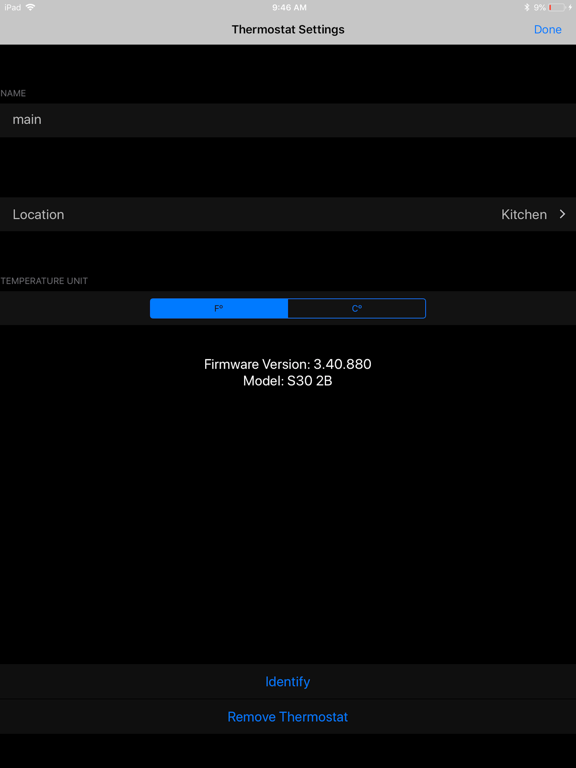
The iComfort Home Companion app provides the Lennox users with the an array of Apple HomeKit controls and setup capabilities for the Lennox HomeKit- enabled iComfort S30 /E30 Thermostats. App Features: Intuitive, friendly, secure setup • Add Lennox HomeKit-enabled iComfort S30 /E30 Thermostats to an existing or a new HomeKit Home, using the secure random setup code and the existing iPhone camera. • Remove Lennox HomeKit-enabled iComfort S30 /E30 Thermostats from a HomeKit Home • Assign, add, remove or change the Home • Assign, add, remove or change the Room • Assign, add , or rename a user-friendly name to the Lennox HomeKit-enabled iComfort S30 /E30 Thermostats Intuitive, simple, quick navigation • Home screen , available as first screen, allows immediate view of status and controls • For homes with more than one Lennox HVAC system, dots above the graphical temperature display appears. With a swiping gesture, user can rove among them. • Thermostat name, Room name, and Home name is headlined together above the graphical display, allowing simple identification • If the user has multiple homes selecting My Homes will allow easy switching between homes • Relevant settings are accessible from the drop down menu located on the top right of the home screen • Using Identify feature located under Thermostat Settings, user can immediately locate the thermostat in active use Precise, responsive, familiar Lennox controls and status display just like the physical thermostat display. • Precise, touch-enabled graphical set point change • System mode selection tailored to available installed modes such as Heat-Only, Cool-Only, Auto Modes as well as Off • Easy, at-a-glance display of current system operation (heating or cooling) • Relative Humidity display at the expected location NOTE • This app requires iOS version 10.3.1 or later. • Access to above HVAC features requires Lennox HomeKit-certified iComfort S30 Ultra Smart Thermostats and HomeKit-certified iComfort E30 Smart Thermostats. Registered Lennox users automatically obtain the required HomeKit upgrade software over the air • Controlling this HomeKit-enabled accessory automatically and away from home requires an Apple TV ® with tvOS 10.3 or later or an iPad with iOS 10.3 or later • With HomeKit you can use Siri ® voice commands to control your thermostat, set configurable ‘scenes’ to control multiple HomeKit accessories with a single Siri command, and set location-based scene triggers to activate scenes when arriving or leaving home (known as geo-fencing) • Users can continue to use the iComfort S30/E30 Mobile App to tap into the full set of provided Lennox HVAC features
Latest release
What’s New
This update from Apple will improve the functionality of this app. No new features are included.
Audience growth
Ratings growth
Baseline captured. Growth appears after the crawler observes a changed rating count.
Momentum comes from crawler snapshots for the tracked storefront. “Viral growth signal” means unusually fast recent rating gains; it is an indicator, not download data.
Price tracking
Price intelligence
First snapshot captured. The trend line starts after the next crawler price observation.
- First observed Aug 19, 2026 · 9:20 AM Free
Screenshots