About this app
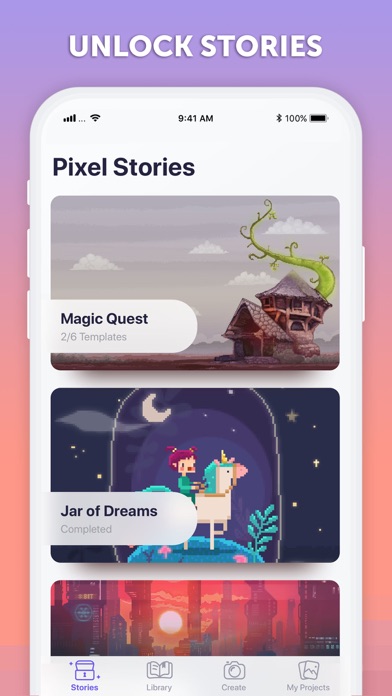
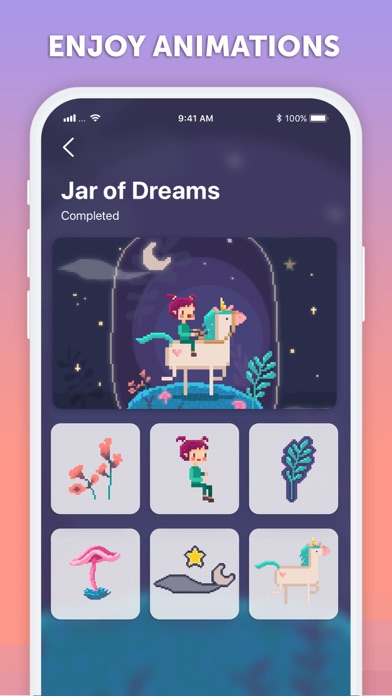
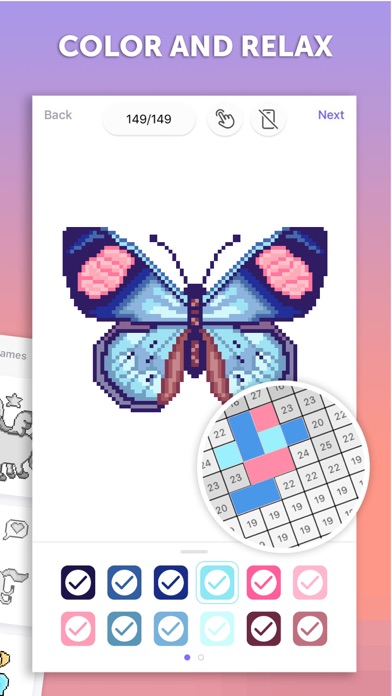
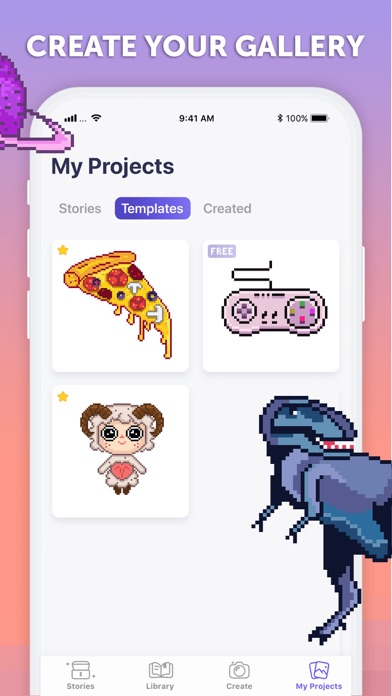
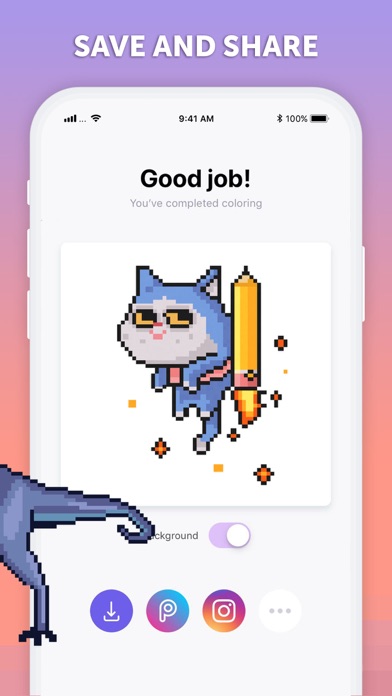
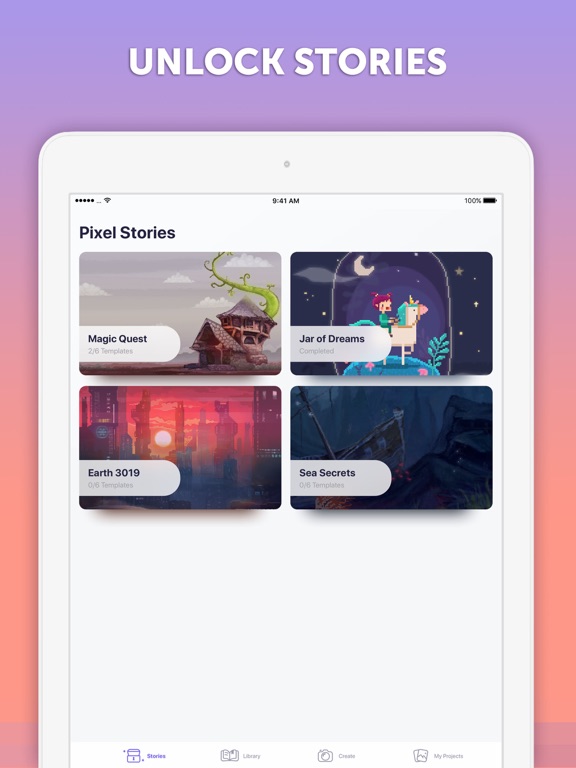
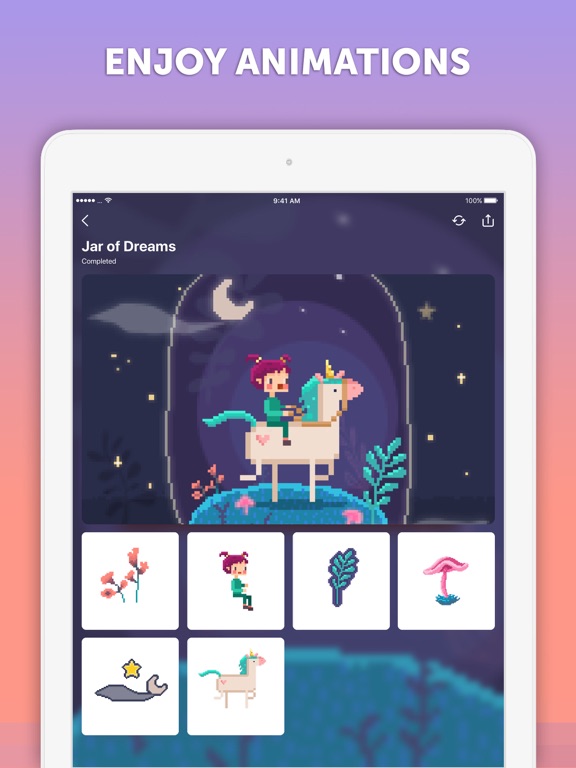
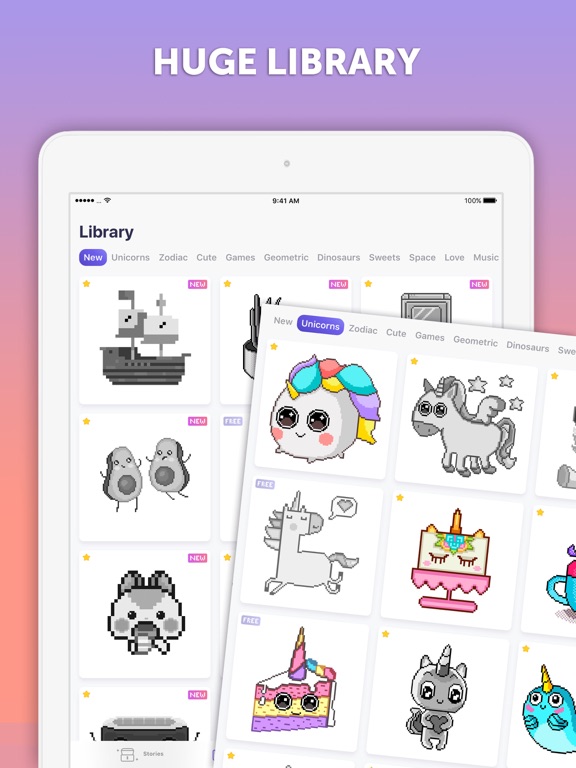
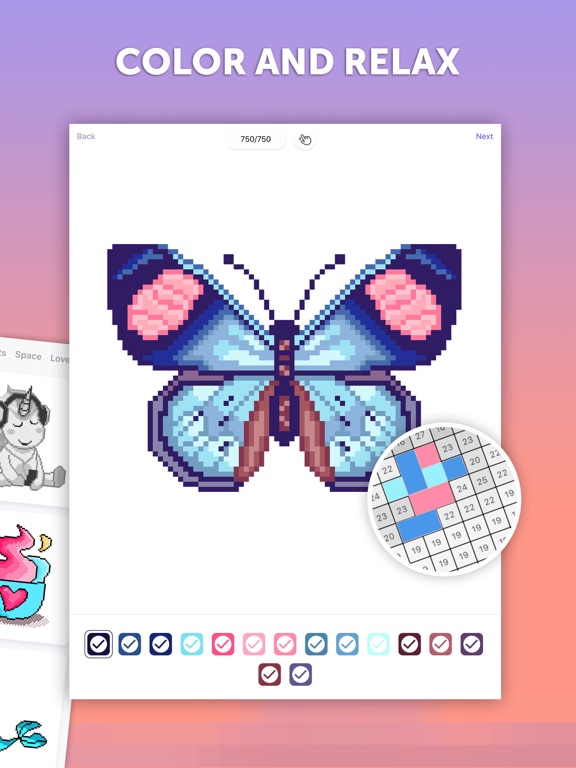
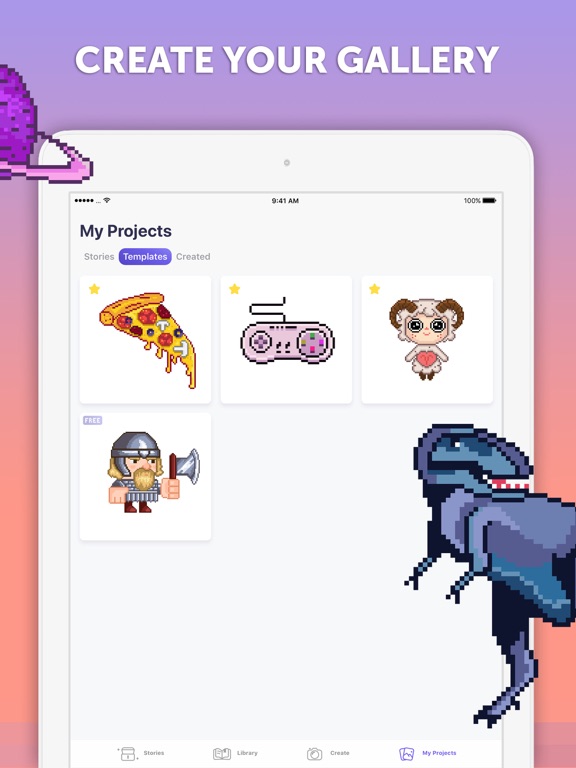
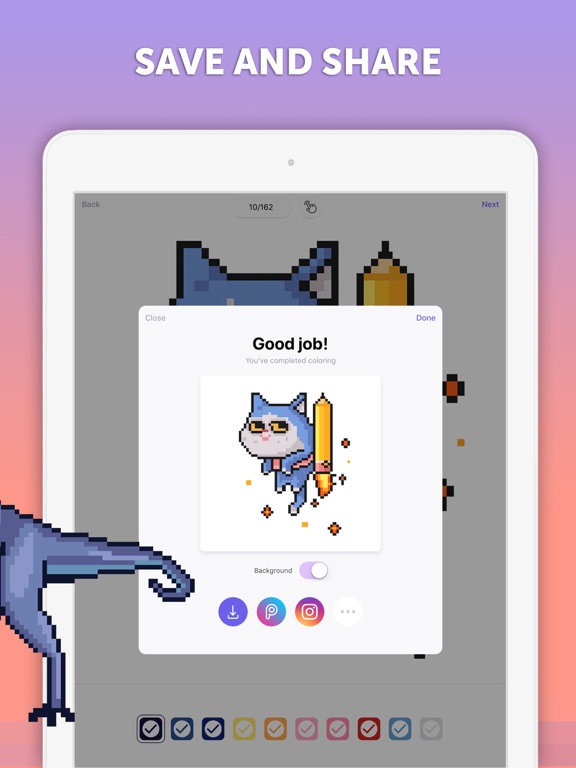
PixelArt by Picsart is a coloring app where you can paint by numbers and create fascinating pixel art. A fun and relaxing coloring game for kids and adults alike. Practice meditation and relieve stress with this interactive coloring book — simply color by numbers and create awesome pixel images. EASY TO COLOR Coloring with PixelArt is extremely easy. Each color has a matching number, simply choose a color, then tap and drag your finger across its matching numbers. It’s as simple as that, and you don’t even have to worry about going over the edges! ANIMATED PIXEL STORIES Explore PixelArt’s extensive adventure mode with beautiful animated stories for you to discover. Choose your favorite story and color its templates to unlock awesome rewards! HUGE COLORING LIBRARY A coloring book filled with hundreds of pages for you to paint by number. From animals, robots, outer space, to geometric mandalas to help you meditate and color. CUSTOM TEMPLATES With PixelArt you’re not limited only to our own coloring library and pixel stories. You can take photos or add any photo from your gallery to pixelate and color! RELAXING BACKGROUND MUSIC To help you relax and meditate PixelArt plays soothing music while you’re coloring. SAVE & SHARE You can save the images you paint to share with your friends on your socials. You can also save your coloring process as a video and share it across your channels. SHARE ON PICSART You can save your PixelArt creations as stickers on Picsart, add them to your photos and create awesome edits. GO GOLD PixelArt Gold gives you access to a HUGE LIBRARY OF COLORING PAGES! Additionally, PixelArt Gold allows you to convert your own images into pixelated coloring templates. Yearly subscription with a 3-day free trial is $39.99. Prices are equal to the subscription price in USD as determined in Apple's App Store Matrix. Remember that you can use paid templates only while you are subscribed. Payment will be charged to your iTunes Account at confirmation of purchase. Subscriptions will automatically renew unless auto-renew is turned off at least 24 hours before the end of the current period. Your account will be charged according to your plan for renewal within 24 hours prior to the end of the current period. You can manage or turn off auto-renew in your Apple ID account settings at any time after purchase. No refunds will be provided for any unused portion of the term. Any unused portion of a free trial period will be forfeited when you purchase a subscription. Privacy Policy: https://picsart.com/privacy-policy?hl=en Terms of Use: https://picsart.com/terms-and-conditions?hl=en
Latest release
What’s New
Bug fixes and performance improvements.
Audience growth
Ratings growth
Momentum comes from crawler snapshots for the tracked storefront. “Viral growth signal” means unusually fast recent rating gains; it is an indicator, not download data.
Price tracking
Price intelligence
- First observed Aug 5, 2026 · 8:29 AM Free
Screenshots