About this app
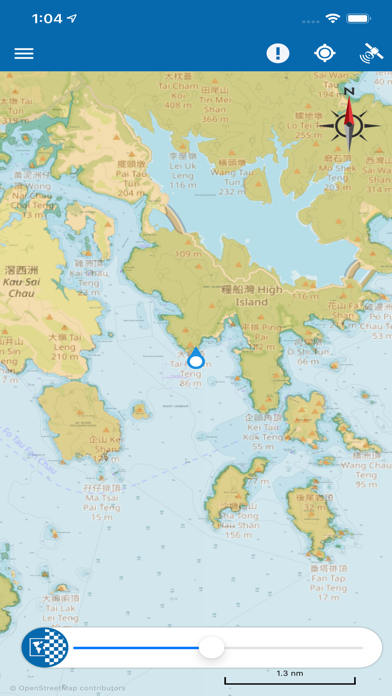
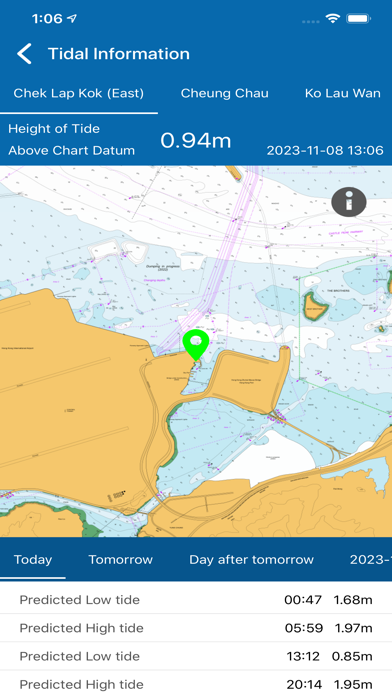
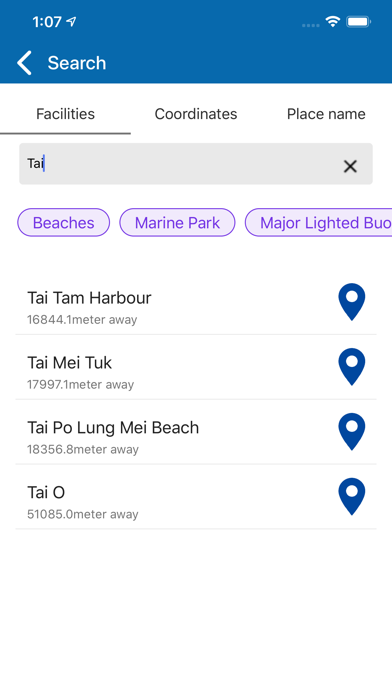
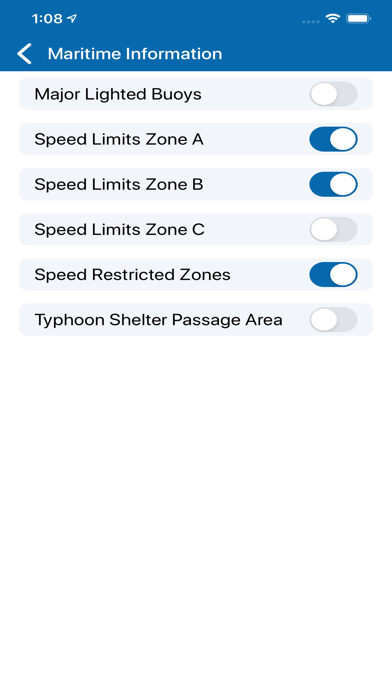
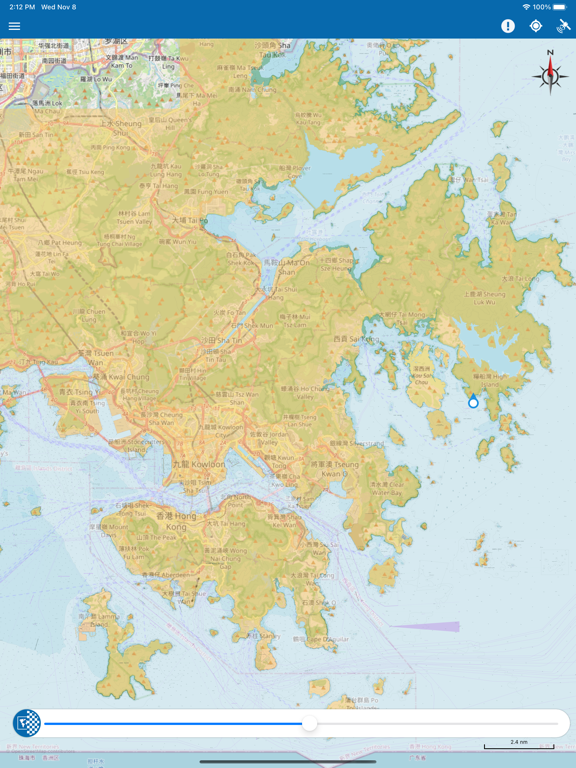
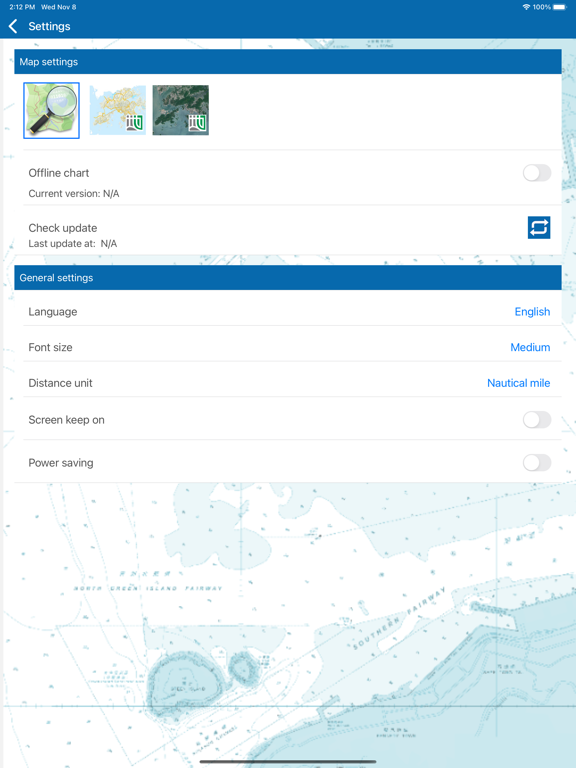
The "eSeaGo" is a free mobile application that offers a simple and convenient solution for displaying chart information for Hong Kong waters. Through the "eSeaGo", users can download the chart information provided by the Hydrographic Office of the Marine Department and display it online or offline. With the mobile device's positioning function, the "eSeaGo" can assist vessels sailing in Hong Kong waters. The “eSeaGo” provides content and information in raster format which should not be used as a substitute for paper charts or electronic navigational charts. The “eSeaGo” is not designed to be used for navigational purposes or as a substitute for any navigational equipment that is required under applicable regulations or laws. The “eSeaGo” includes the following main features: • Up-to-date “eSeaGo” chart information for offline display available for download. • Display of up-to-date “eSeaGo” chart information for online use. • Up-to-date “eSeaGo” chart information available notification. • Hong Kong Observatory weather warning notification. • “Portrait” or “Landscape” display orientation. • Speed information display. • True bearing and remaining distance from the mobile device to the user-defined route. • Custom layers, route points and points of interest. • User positioning tracking function and export of the track in the Keyhole Markup Language (KML) file format. • Lands Department basemap (imagery or topographic) for online display. • User-defined speed value for estimated time of arrival calculation. • Power saving mode. • Provide links to useful websites. • Provide legend. • Display weather and tidal information for online use. • Search harbour facilities and place name. • Search by latitude and longitude. • Display maritime information such as Speed Restricted Zone under offline condition. • Import and export KML files as routes, custom layers and points of interest. Note: 1. The “eSeaGo” requires Internet connection. Users are subject to Internet connection and data usage charges arising from the use of the “eSeaGo”, according to the applicable rates charged by users’ respective third-party Internet and data usage service provider as may be from time to time. 2. The positioning information obtained by the mobile device may differ from its actual position and may be inaccurate. Reliance upon or use of such position information shall be at Users' own risk. 3. Support for app versions 2.1.2 or below on iOS has ended. Older versions may no longer receive updates or function properly. We strongly encourage all users to update promptly to the latest version to enjoy more features, up-to-date chart information, the best experience and reliable service.
Latest release
What’s New
Improve user experience
Audience growth
Ratings growth
Baseline captured. Growth appears after the crawler observes a changed rating count.
Momentum comes from crawler snapshots for the tracked storefront. “Viral growth signal” means unusually fast recent rating gains; it is an indicator, not download data.
Price tracking
Price intelligence
First snapshot captured. The trend line starts after the next crawler price observation.
- First observed Sep 1, 2026 · 2:11 PM Free
Screenshots