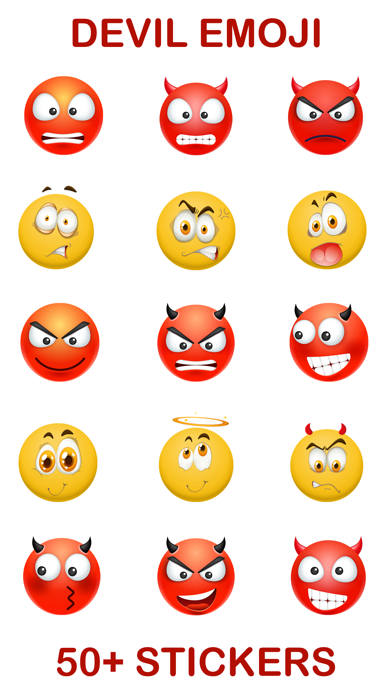
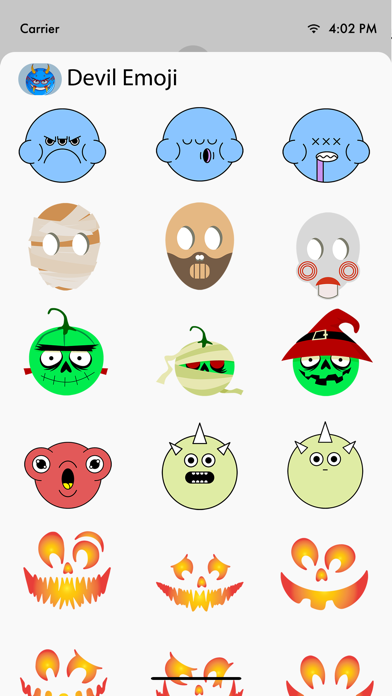
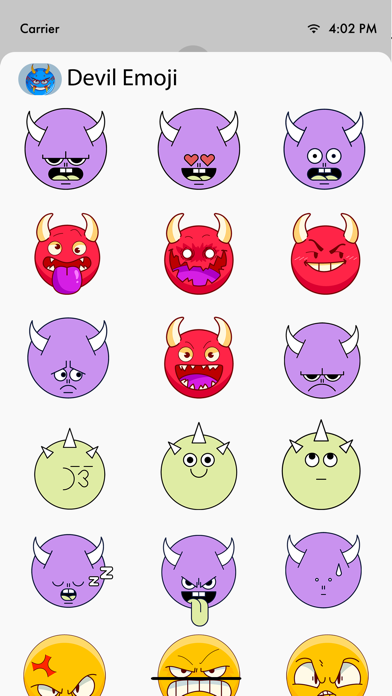
About this app
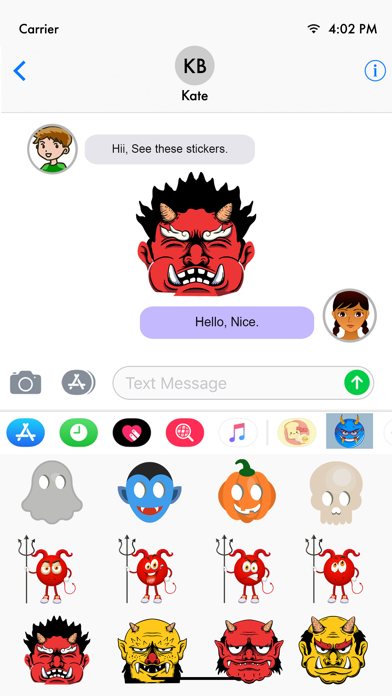
Use Devil emojis and enjoy chatting with friends and family. Tips of installing stickers: • To access Messages apps, compose a new Messages to a friend and tap the Messages App Store icon alongside the compose field. • Tap the App Store icon on the lower left corner to open the app drawer & install apps. How to use stickers: • Open iMessage from your iPhone • Select the your app's sticker • Just with a single tap send stickers • PEEL & PLACE stickers on top of message bubbles or photos, just tap, hold and drop! • Layer stickers over each other in conversations in iMessage • Scale & Rotate stickers by using a second finger before you place it on a bubble.
Latest release
What’s New
-Stability fixes along with new stickers.
Audience growth
Ratings growth
Baseline captured. Growth appears after the crawler observes a changed rating count.
Momentum comes from crawler snapshots for the tracked storefront. “Viral growth signal” means unusually fast recent rating gains; it is an indicator, not download data.
Price tracking
Price intelligence
First snapshot captured. The trend line starts after the next crawler price observation.
- First observed Aug 18, 2026 · 9:10 PM $1.99
Screenshots