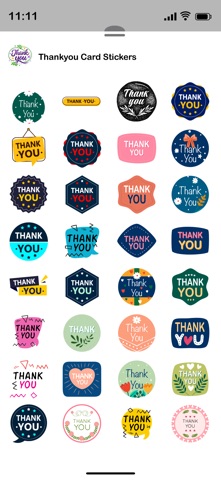
About this app
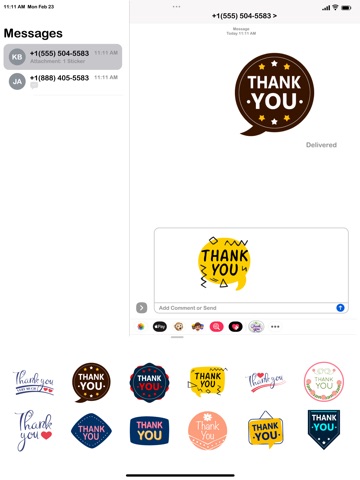
Make your chats more fun and expressive by sending creative stickers directly in iMessage. Follow these simple steps to start using your sticker pack. Open Stickers in iMessage 1 Open the Messages app on your iPhone. 2 Open an existing conversation or start a new message. 3 Tap the + button next to the message field. 4 Select Stickers from the iMessage app drawer. 5 Choose the sticker pack you installed. Send a Sticker ◦ Tap any sticker to send it instantly in the chat. ◦ The sticker will appear in the conversation like a message. Place Stickers on Messages ◦ Touch and hold a sticker. ◦ Drag and drop it onto a message bubble, image, or another sticker. ◦ Release it to place it exactly where you want. Combine Stickers with Messages ◦ You can send stickers along with text, emojis, photos, or GIFs. ◦ Stickers can be layered on messages to create reactions and fun effects. Manage Sticker Apps ◦ Tap the + button → Stickers → Edit. ◦ From here you can: ◦ Reorder sticker packs ◦ Hide unwanted packs ◦ Organize your sticker drawer Once installed, your sticker pack will automatically appear in the iMessage sticker drawer, ready to use anytime you chat.
Latest release
What’s New
- Stability fixes and improvements.
Audience growth
Ratings growth
Momentum comes from crawler snapshots for the tracked storefront. “Viral growth signal” means unusually fast recent rating gains; it is an indicator, not download data.
Price tracking
Price intelligence
- First observed Aug 12, 2026 · 4:13 PM $1.99
Screenshots