About this app
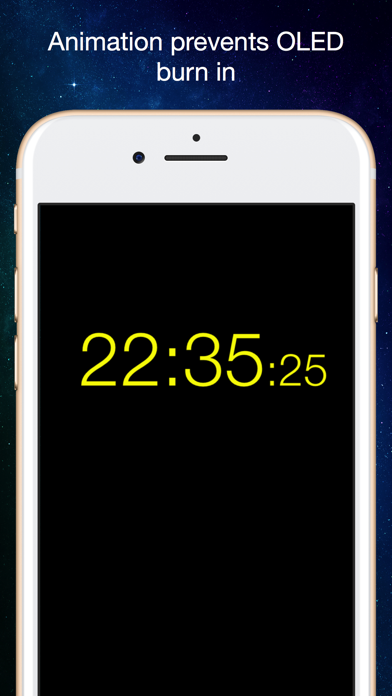
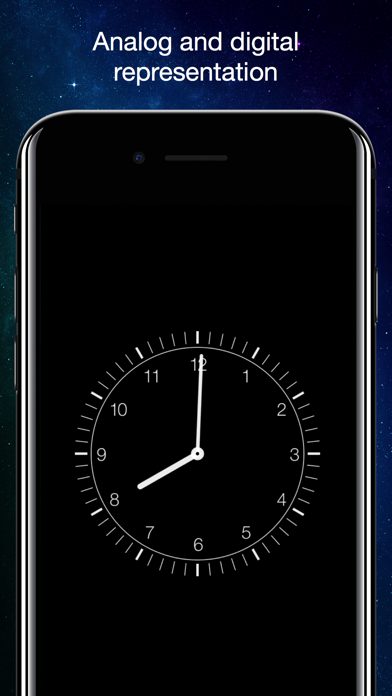
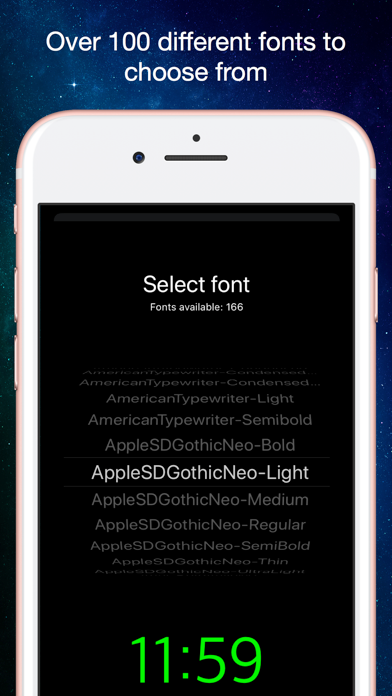
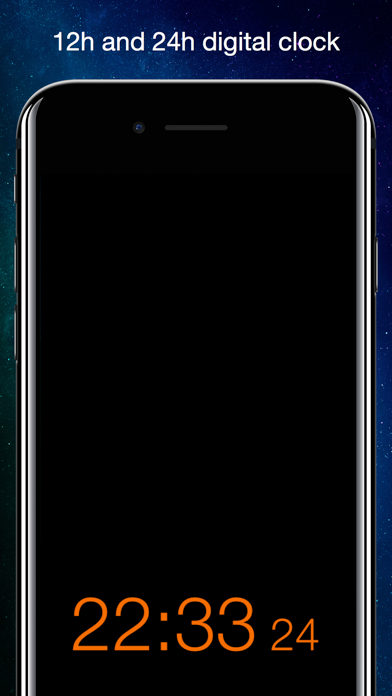
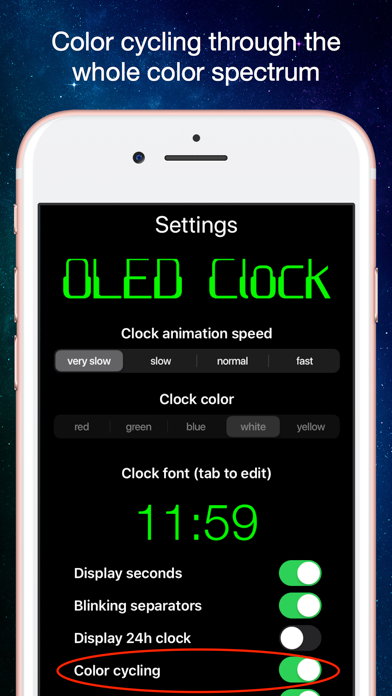
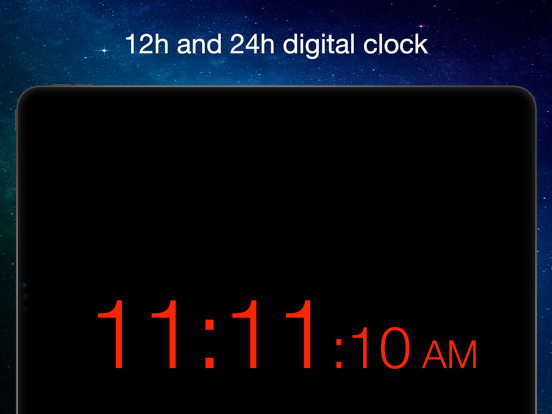
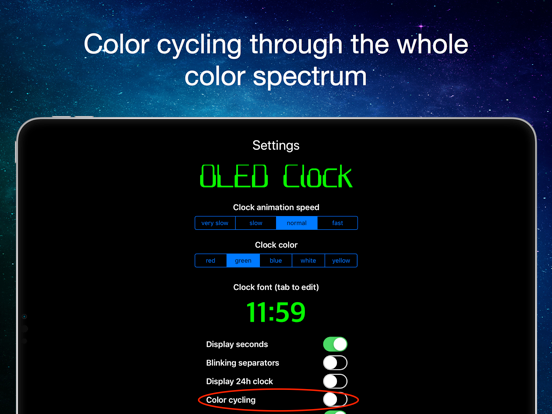
No burn-In! This clock is perfectly suited for the OLED display in iPhone X, because the clock won't stand still on the screen but moves around constantly using any available pixel of the screen over time. Also it smoothly changes color over the complete color spectrum, so that every sub pixel (red, green, blue) will be used evenly. This prevents the so called "burn-in effect" any OLED display shows, if certain pixels are switched on for a very long time. The clock not just works on iPhone X but on all iOS devices like iPhone, iPod Touch and iPad (iOS 9.3 and above). But there's more: - NEW: digital and analog representation of the clock. You choose! - choose between a huge number of nice looking fonts to display the actual time - adjust clocks size just by using the pinch gesture on main screen - use automatic color changes "color cycling" (recommended on iPhone x, can be switched off in settings) - adjust the clocks brightness by using scroll up and down gesture on the main screen - tap on the main screen to show tab bar at the bottom of the screen, here you will be able to switch between analog and digital view, call settings, help and about page - on settings page you can change font, color and animation speed as well as switch on/off seconds, blinking separators, 24h display, autosize and color cycling - all adjustments are permanent! OLED clock remembers them on the next time you use it! - use OLED clock in portrait or landscape mode. On digital mode, OLED clock remembers your preferred font size depending on device orientation - help page provides necessary information about usage - fully localized in english, german, hebrew, french and japanese (new!)
Latest release
What’s New
Another bug fixed: Tab bar now correctly appears on tap in iOS 16 and earlier versions
Audience growth
Ratings growth
Baseline captured. Growth appears after the crawler observes a changed rating count.
Momentum comes from crawler snapshots for the tracked storefront. “Viral growth signal” means unusually fast recent rating gains; it is an indicator, not download data.
Price tracking
Price intelligence
First snapshot captured. The trend line starts after the next crawler price observation.
- First observed Aug 20, 2026 · 10:49 PM Free
Screenshots