About this app
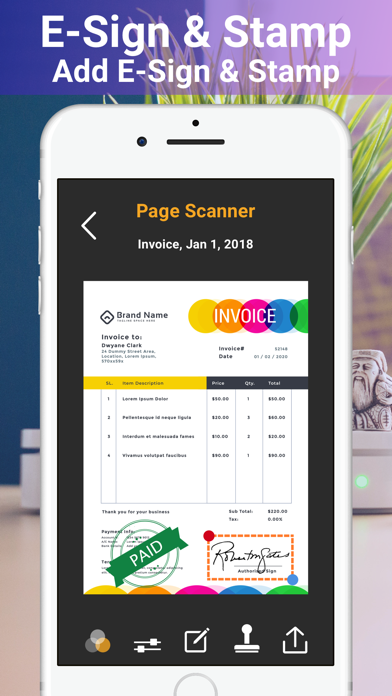
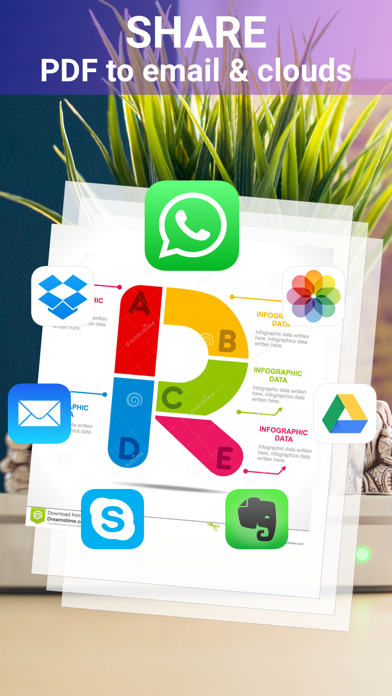
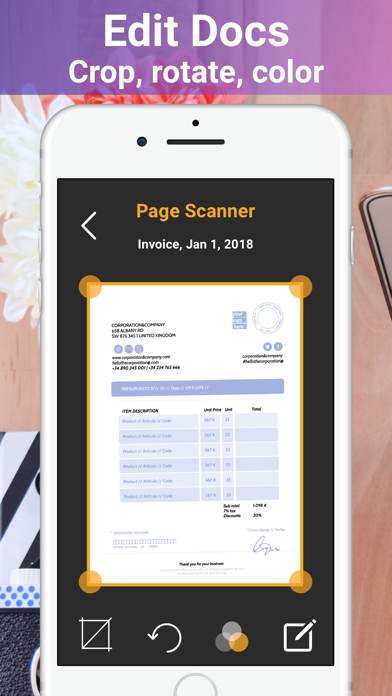
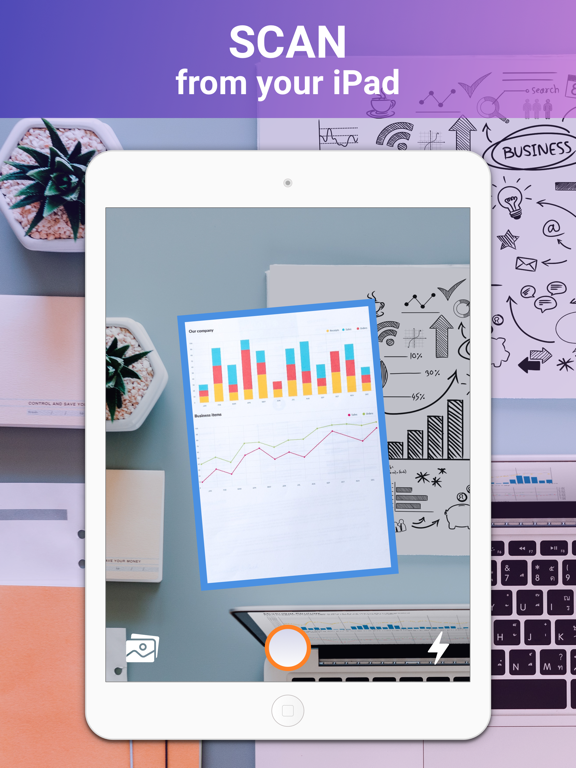
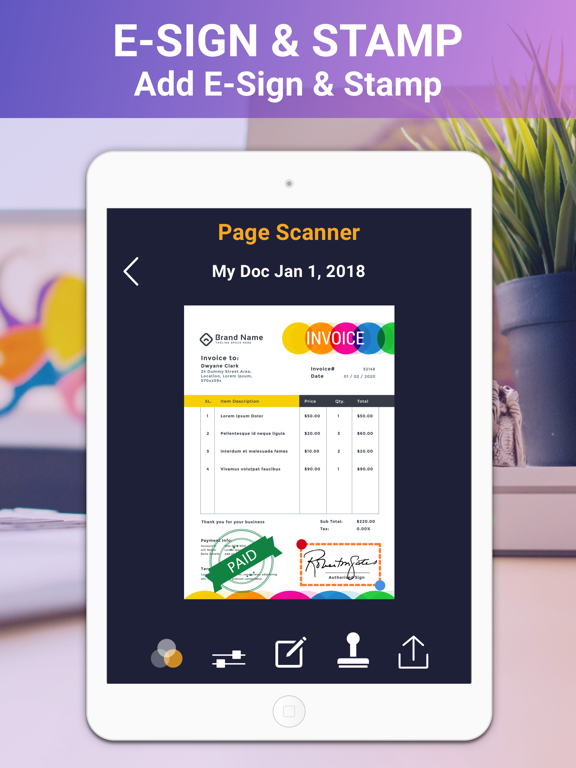
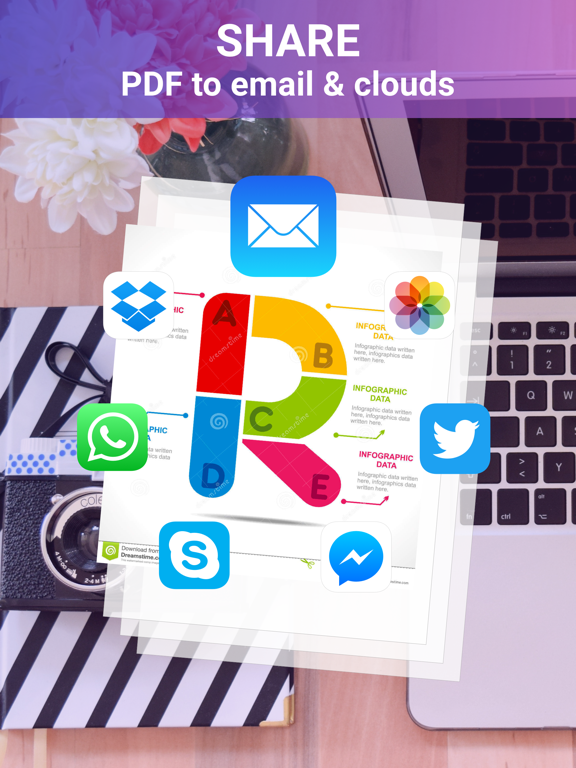
Phone Scanner scans your documents, receipts, business cards by your iPhone or iPad. Scan, edit, add signature or stamp, share & convert images to PDF files * Designed for iOS 12 & both iPhone X series * Scan documents, photos, receipts, or just about anything * Add your e-signature onto each page and share it in PDF or JPEG format. Key Features: ◉ Scans any document including receipts, images, cards, paper notes, book pages etc ◉ Fast, easy & perfectly designed for both iPhone and iPad ◉ Has both signature & stamp features. Advanced PDF Scanner app: ◉ Scan by camera or choose photos from library ◉ Save scans in grey scale, black & white or colour ◉ Automatic shutter& border detection for any scannable object ◉ Multipage scanning - scan as many pages as you like Document Editor: ◉ E-sign any document by adding your signature to scans within the app. ◉ Add suitable stamps on your documents. ◉ Re-size, rename & rotate pages by Biz Scanner. ◉ Change effect by adding grayscale, B&W or color. Document Sharing Tools: ◉ Share and upload scanned documents to cloud services like Dropbox, Evernote, Yandex Disk, Box, Google Drive or OneDrive. ◉ Easy print your scans with any Wi-Fi printer ◉ Export files as PDF ◉ Save files to Camera Roll # Subscription Information: Please note: Phone Scanner contains 1 Week, 1 Month, 3 Months, 6 Months & 1 year Pro Subscription. * Your subscription will automatically renew unless auto-renew is turned off at least 24-hours before the end of the current period * You can cancel subscription anytime cancelling your subscription through your iTunes account settings. This must be done 24 hours before the end of subscription period to avoid being charged. The cancellation will take effect the day after the last day of the current subscription period, and you will be downgraded to the free service. * Payment will be charged to your iTunes Account at confirmation of purchase * Your account will be charged for renewal within 24-hours prior to the end of the current period and the cost will be identified. * Subscriptions may be managed by the user and auto-renewal may be turned off by going to the user’s Account Settings after purchase EULA: http://www.kinggamesstudio.net/Privacy_policy/terms_and_conditions.html Privacy Policy: http://www.kinggamesstudio.net/Privacy_policy/pricacy_policy.html Got questions or suggestions? Please don’t hesitate to email us at kinggamesstudio.com@gmail.com Or reach us on Facebook to get immediate support Facebook : https://www.facebook.com/kinggamesstudio/ We've been working hard to keep the Phone Scanner up to date for our users by adding new features & fixing bugs, so please write your review & rate us, it will help us to improve the Phone Scanner.
Latest release
What’s New
Thanks for your support & love. We're working constantly to make the scanner app much better & user friendly. Please update the latest Page Scanner for better scanning experience. - Improved Scan feature - Minor Bug fixes
Audience growth
Ratings growth
Baseline captured. Growth appears after the crawler observes a changed rating count.
Momentum comes from crawler snapshots for the tracked storefront. “Viral growth signal” means unusually fast recent rating gains; it is an indicator, not download data.
Price tracking
Price intelligence
- First observed Aug 8, 2026 · 1:49 AM Free
Screenshots