About this app
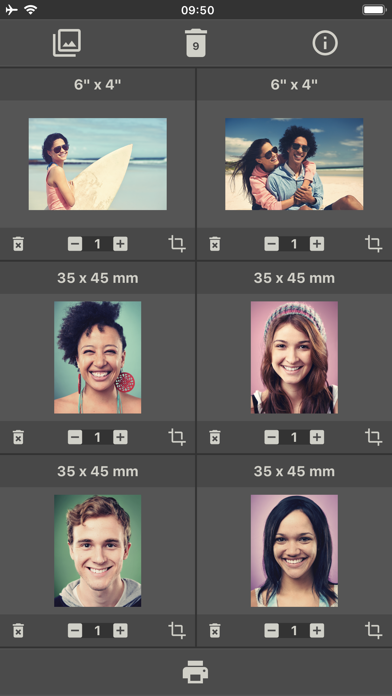
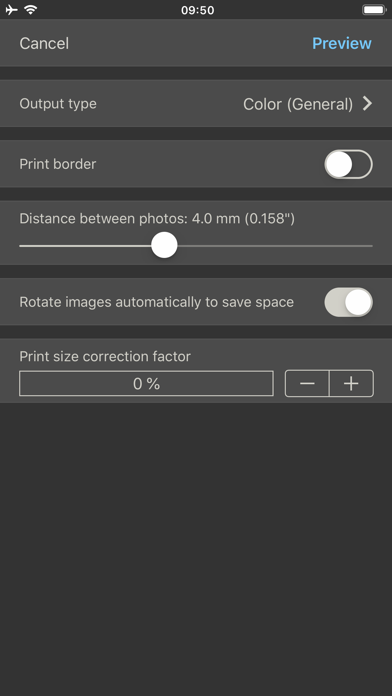
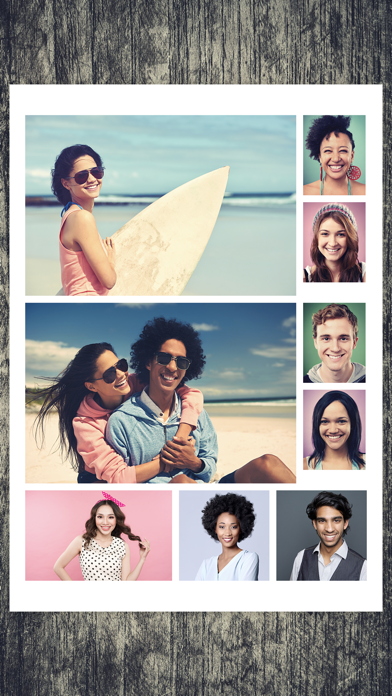
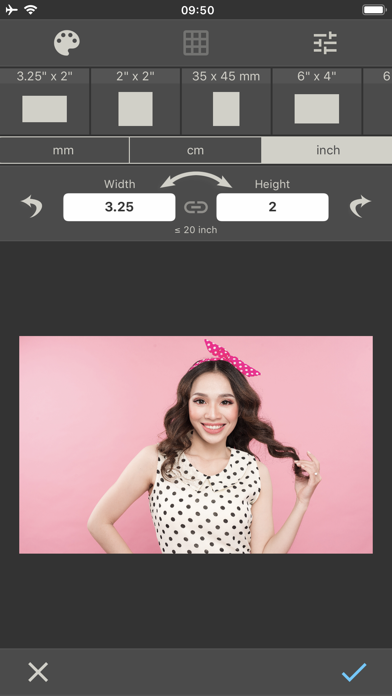
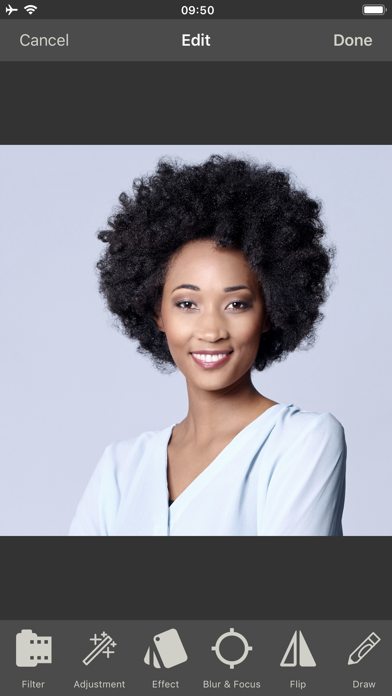
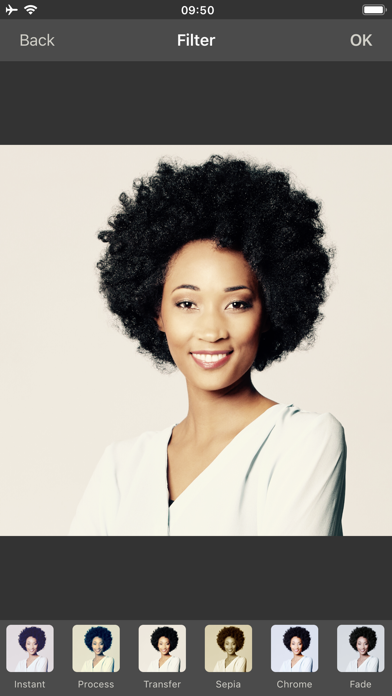
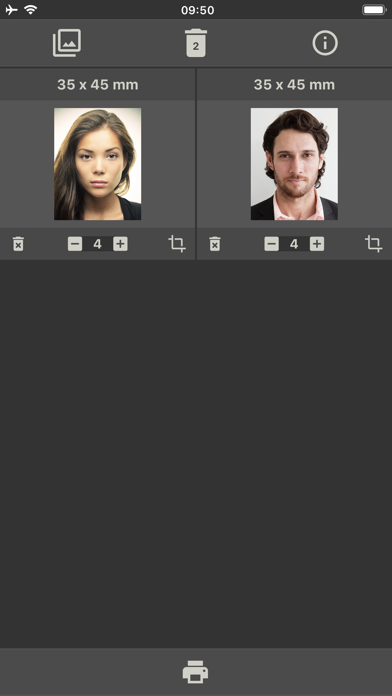
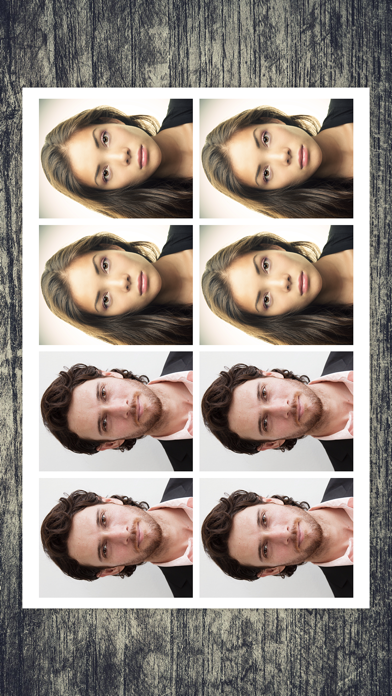
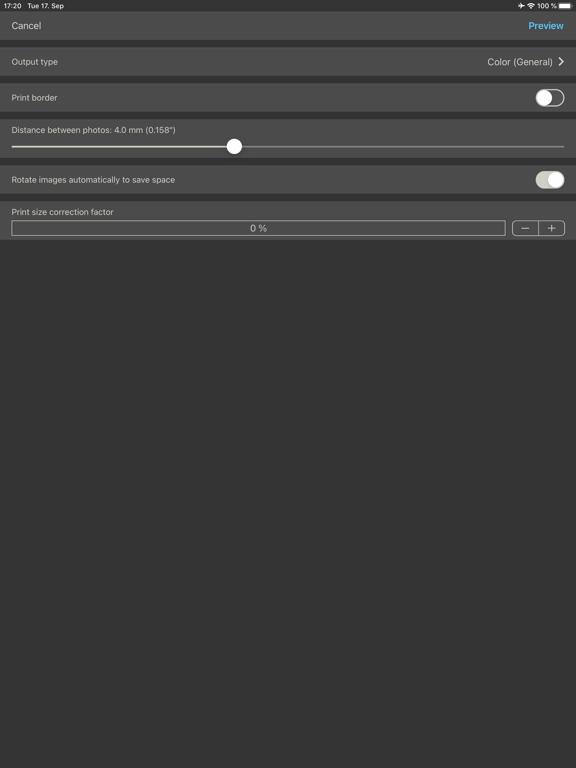
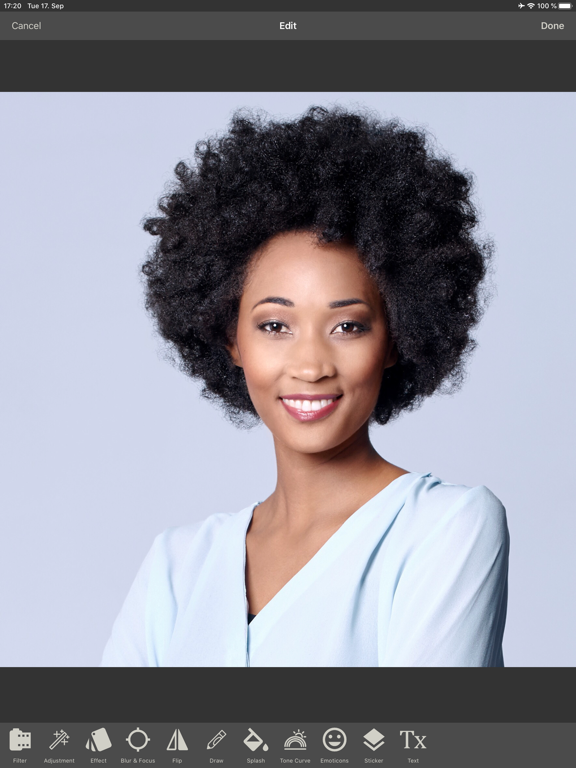
With this app, you can print multiple photos the size you want together on one page. 1. Select the photos you want to print. 2. Set the desired print size for each image (in mm, cm, or inches). 3. Tap the printer icon to open the print settings. 4. Adjust the desired print settings. 5. Tap "Preview" in the top right to open the print preview. 6. Start the printing process from the preview. The app takes care of the rest and places the images space-savingly and efficiently on the printing paper. If not all pictures fit on one sheet, several pages will be printed. When defining the print size, the current image can be cropped and edited with a powerful image editor. In the free version, printing is limited to four images. This limitation can be removed as well as advertising via in-app purchases.
Latest release
What’s New
Bug fixes and improvements
Audience growth
Ratings growth
Baseline captured. Growth appears after the crawler observes a changed rating count.
Momentum comes from crawler snapshots for the tracked storefront. “Viral growth signal” means unusually fast recent rating gains; it is an indicator, not download data.
Price tracking
Price intelligence
- First observed Aug 10, 2026 · 6:12 PM Free
Screenshots