About this app
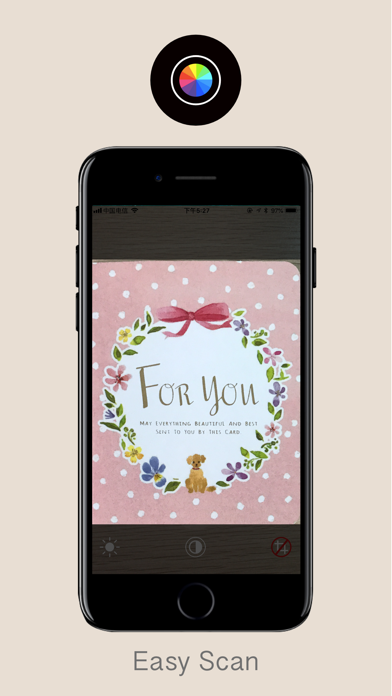
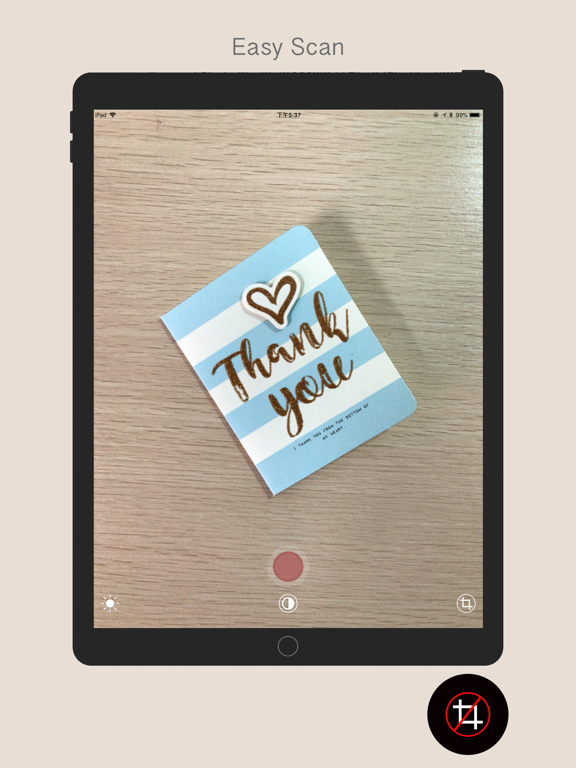
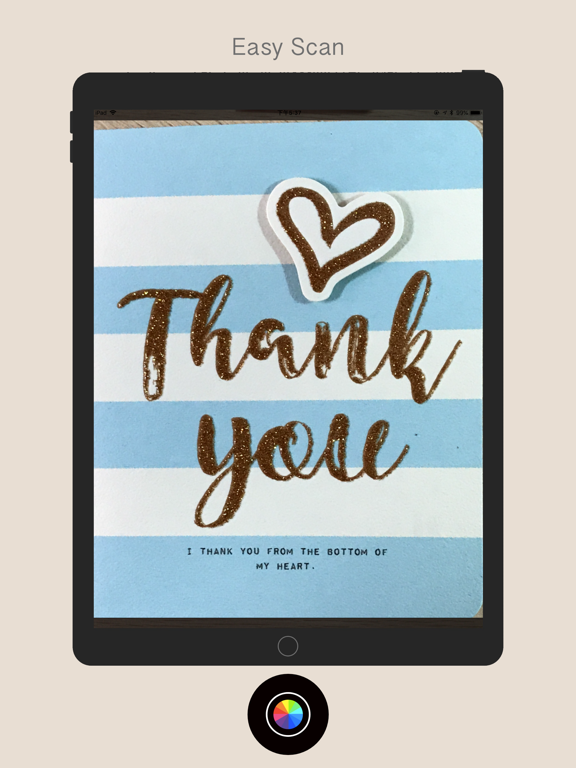
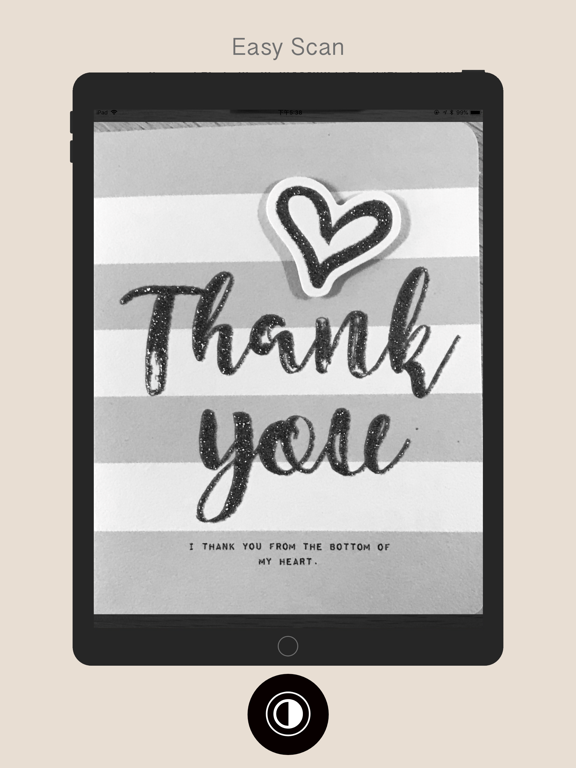
Take a photo of any document and instantly extract the part you need. File Scanner makes document scanning effortless. Just point your camera at a document, and the app automatically detects the edges and crops it perfectly. **Features** • Auto edge detection — the app finds the document boundaries for you • Color or black & white — switch freely between color and grayscale • Save to Photos — one tap saves the result to your camera roll • Quick and easy — no complicated settings, just point and shoot Best results with flat, four-sided documents for maximum accuracy. Perfect for: business cards, receipts, notes, ID cards, books, contracts, whiteboards
Latest release
What’s New
Complete UI overhaul for a modern look. Optimized for the latest iOS. Enhanced scan detection range and sensitivity.
Audience growth
Ratings growth
Baseline captured. Growth appears after the crawler observes a changed rating count.
Momentum comes from crawler snapshots for the tracked storefront. “Viral growth signal” means unusually fast recent rating gains; it is an indicator, not download data.
Price tracking
Price intelligence
First snapshot captured. The trend line starts after the next crawler price observation.
- First observed Aug 24, 2026 · 5:59 AM Free
Screenshots