About this app
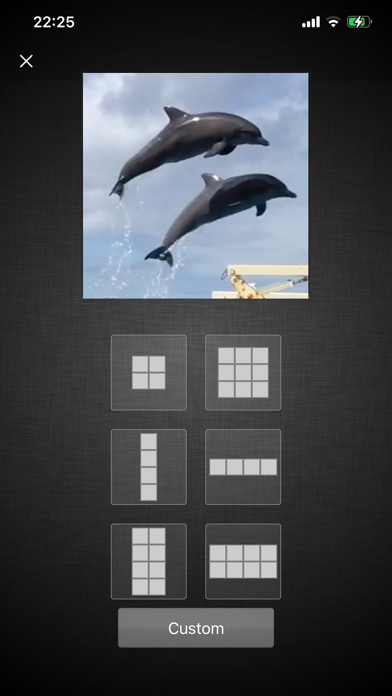
If you want to capture amazing moments from a video into images and share them with friends, SoSoVideo can help you. Using it is very simple: 1. Click the "Load Video" button on the main screen, then choose a video from your gallery. 2. Select the number of frames you want to capture. You can also click "Custom" at the bottom of the screen to enter the number of frames, up to a 9x9 grid. 3. Initially, frames will be captured at equal intervals. You can adjust the time points for each frame freely. 4. After adjusting the time points, you can save or share your images. You can also click the "Effects" icon at the top right to add effects to the images. Hope this app brings you joy.
Latest release
What’s New
-Fix bugs.
Audience growth
Ratings growth
Baseline captured. Growth appears after the crawler observes a changed rating count.
Momentum comes from crawler snapshots for the tracked storefront. “Viral growth signal” means unusually fast recent rating gains; it is an indicator, not download data.
Price tracking
Price intelligence
First snapshot captured. The trend line starts after the next crawler price observation.
- First observed Aug 7, 2026 · 10:16 PM $0.99
Screenshots