About this app
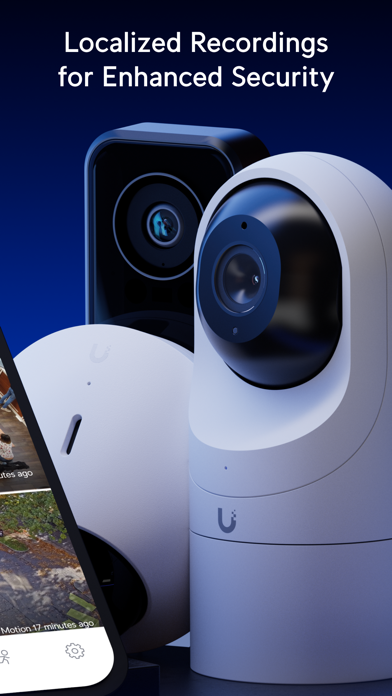
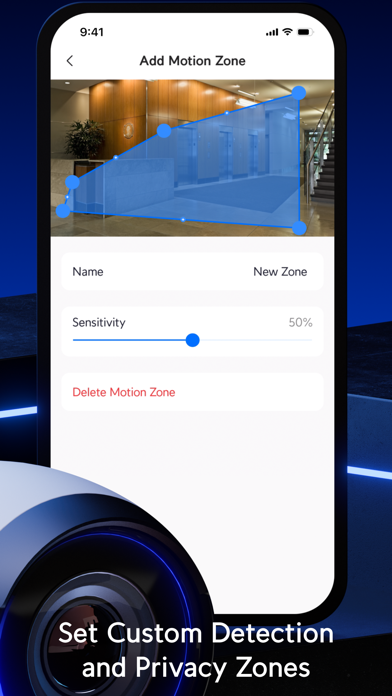
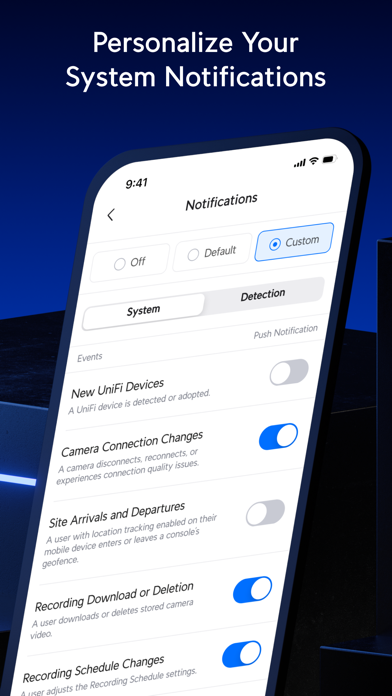
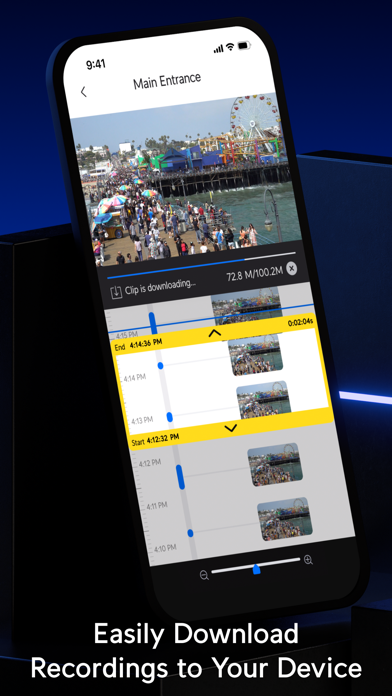
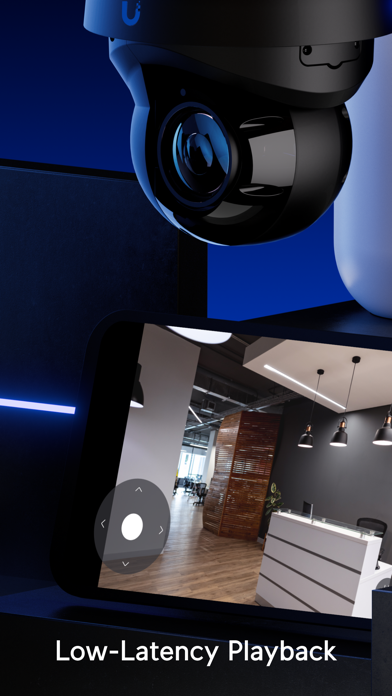
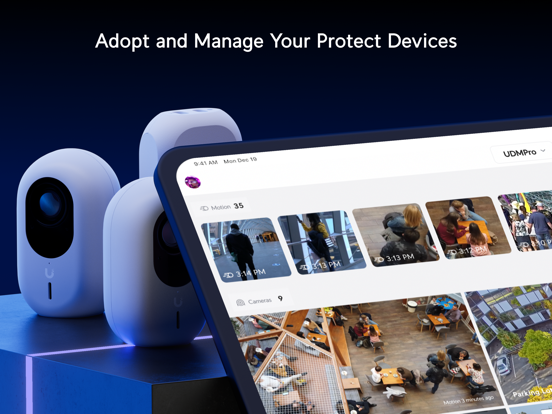
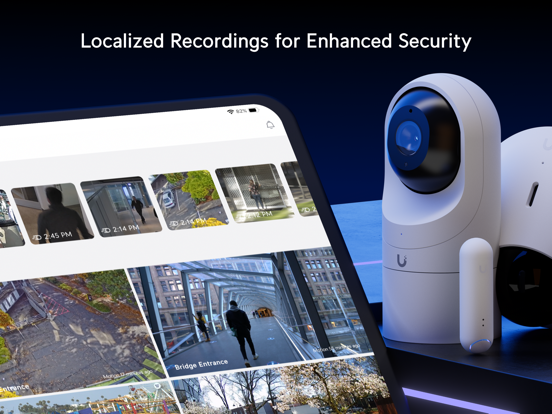
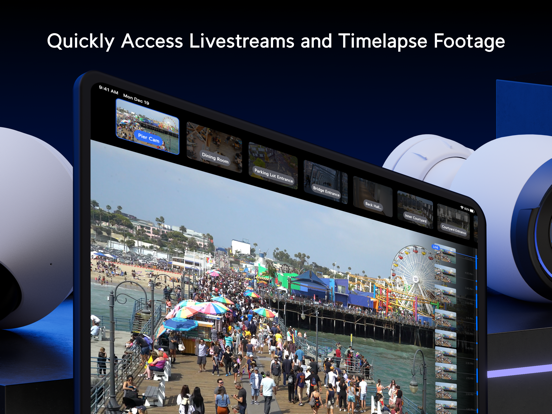
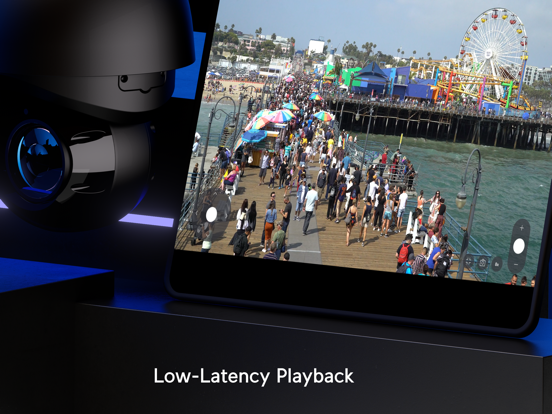
UniFi Protect brings the full functionality of our web-based camera security application to your mobile device. Adopt and manage your Protect devices, stream low-latency livestreams, and download localized recordings directly to your phone. Designed for residential and commercial use, UniFi Protect also allows you to: - Maintain complete data privacy with Cloudless recording storage. - Quickly scrub through hours of Timelapse footage to pinpoint the exact moments you're looking for. - Personalize security notifications based on a wide variety of individual, vehicular, and atmospheric-based detections.
Latest release
What’s New
Overview UniFi Protect iOS 3.9.0 adds event scrubbing in Timeline, PPE safety violations, expanded third-party camera settings, and Floodlight controls in Siri and Shortcuts, along with improved Sensor controls. Improvements - Added a horizontal event scrubber to Timeline for previewing and seeking within event recordings. - Added frame preview scrubbing for detection clips. - Added PPE safety violations to Timeline and explanatory information for the Safety Violations filter in Find Anything. - Added recording quality details and stream profile selection for third-party cameras. - Requires Protect 7.2.72 or newer. - Added Point of Sale and refund events to Timeline, along with Point of Sale filters in Find Anything. - Added Floodlight controls to Siri and Shortcuts, including power and brightness controls. - Added support for editing the email address during account creation. - Added a Clear Filters action when Find Anything returns no results. - Improved app performance and responsiveness. - Improved reliability when connecting directly to a UniFi Console by IP address. - Moved Spatial Intelligence controls to Camera Settings and added Industrial Smart Zones for configuring helmet and safety vest enforcement on supported cameras with AI Key. - Added support for updated Intelligence settings. - Requires Protect 7.2.98 or newer. - Added resolution, frame rate, and video compression settings for standalone third-party cameras, including Auto and Custom modes. - Requires Protect 7.2.98 or newer. - Added Watermark settings for supported cameras, including drag-and-drop corner positioning. - Added support for playing, downloading, and deleting retained clips from cameras that were removed. - Improved app performance in large deployments. - Improved Sensor, Relay, and Fob connection settings with inline gateway selection and device locking. - Improved camera pairing for Sensors, Floodlights, AI Speakers, and AI Horns with camera snapshots and playback access from device overviews. - Improved Entry Sensor overviews with device status and a 24-hour activity timeline. - Improved clip selection in Find Anything with a new toolbar menu and dedicated Delete and Export actions. - Improved storage management by adding direct links to native UniFi Console storage settings. - Improved two-way talk controls across Timeline, PTZ, doorbell ring, and speaker views. - Improved Dashboard navigation by moving Multi-View into the View menu. Bugfixes - Fixed an issue where sensor names could be truncated despite sufficient available space. - Fixed an issue where the app could close unexpectedly while processing camera updates. - Fixed an issue where detection events could appear multiple times in Dashboard activity. - Fixed an issue where the Protect app icon could render incorrectly in the Clear and Tinted appearance modes. - Fixed an issue where the Control Plane could remain on a loading screen when the Protect application was unavailable. - Fixed an issue where the device adoption panel background could be missing when the app opened. - Fixed an issue where event thumbnails could display with an incorrect aspect ratio in Timeline. - Fixed an issue where the app could close unexpectedly when presenting MFA on the latest macOS version.
Audience growth
Ratings growth
Momentum comes from crawler snapshots for the tracked storefront. “Viral growth signal” means unusually fast recent rating gains; it is an indicator, not download data.
Price tracking
Price intelligence
- First observed Aug 13, 2026 · 11:59 PM Free
Screenshots