About this app
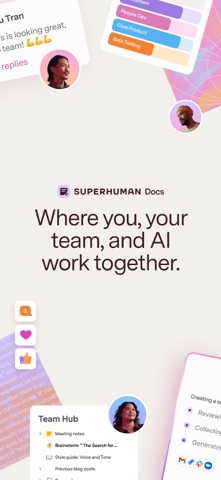
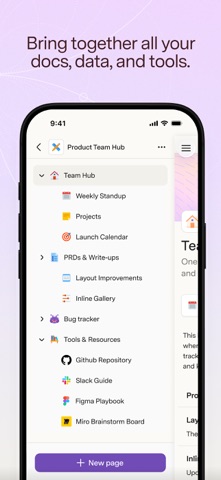
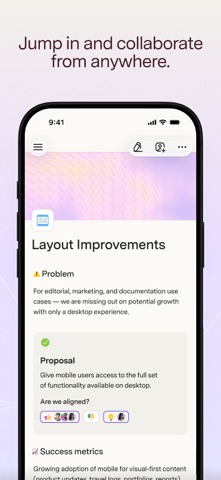
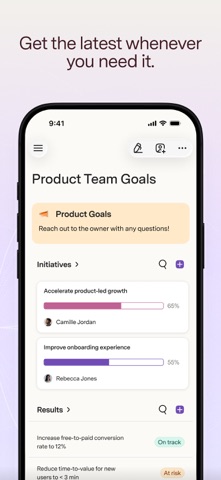
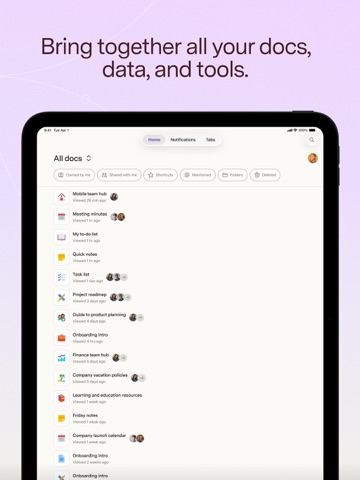
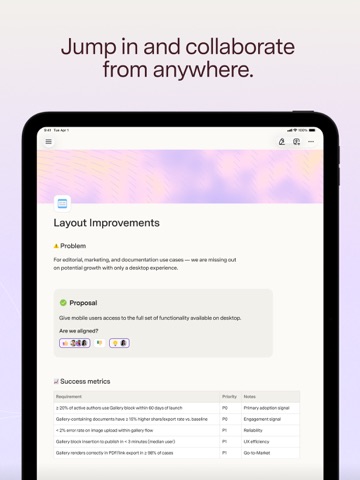
Superhuman Docs (formerly Coda) is where AI and teams get their best work done together. Bring your docs, data, and AI into one place that is always up to date and connected to the work your team is doing. Whether it's personal notes, project briefs, launch trackers, or custom apps, Docs gives you the building blocks to create and collaborate across everything you need for work. New, built-in AI takes collaboration further. It doesn’t just chat, but creates, maintains, and acts on your team’s work. Docs gives your team one surface to collaborate on every kind of work: * Knowledge Hubs: A single source of truth that stays updated automatically. Built-in AI means when your team has questions, they get answers—not just search results. * Project Management: One place where your team's entire project lives. Keep briefs, project trackers, and content connected in one flexible space. * Workflows: From approval processes and intake forms to interactive dashboards, Docs makes it easy to create and manage the workflows your team runs on. * Collaborative Docs: Everything you'd expect from a doc, plus components built for teamwork—voting, reactions, charts, and more. With the Docs mobile app, you can stay connected and collaborate from anywhere: * Access, edit, and update your work with just a few taps, wherever you are. * Make your voice heard with comment threads, reactions, and voting that live right alongside your content. * Find what you need quickly by searching across all your docs and pages. * Bookmark, hide, or navigate between pages while enjoying a full-screen reading experience within any doc. Superhuman Docs brings together the flexibility of documents, the structure of spreadsheets, the power of apps, and built-in AI into one collaborative surface. The mobile app keeps you connected from wherever you work.
Latest release
What’s New
- Fixed a sign-in loop some accounts hit when two-factor verification was required; you'll now see a clear "Verification required" message instead of getting bounced back to sign-in repeatedly. - Fixed an issue where tapping Share in the document header while comments were open could open sharing behind the comments panel instead of on top. - Improved swiping between comment threads: the pager no longer jumps or reshuffles mid-swipe, the sheet height stays steady across threads of different lengths, and reply/resolve controls no longer flicker or appear on dead-end threads. - Comments now show @-mentions and links in blue, support tapping through to referenced pages, tables, rows, and views, and let you @-reference pages, tables, and rows directly from the composer, including a "Share doc?" prompt when you mention someone who doesn't yet have access. - Fixed a layout issue where Advanced Settings toggles in Share cards could overlap their labels on iOS 18; Help Center links now open in your browser instead of routing through sign-in.
Audience growth
Ratings growth
Baseline captured. Growth appears after the crawler observes a changed rating count.
Momentum comes from crawler snapshots for the tracked storefront. “Viral growth signal” means unusually fast recent rating gains; it is an indicator, not download data.
Price tracking
Price intelligence
First snapshot captured. The trend line starts after the next crawler price observation.
- First observed Aug 28, 2026 · 12:52 PM Free
Screenshots