About this app
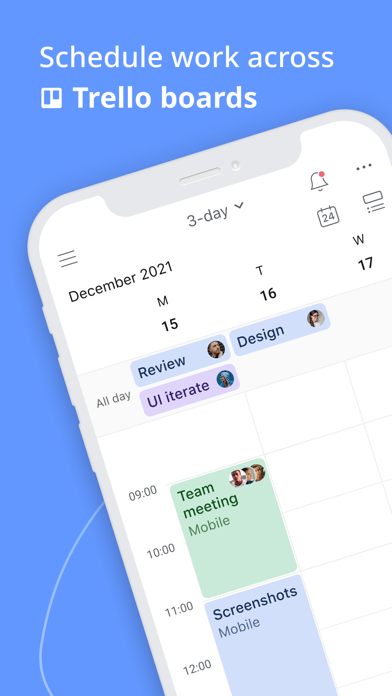
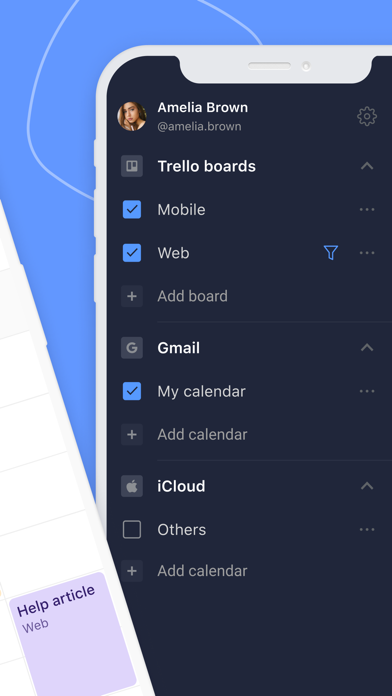
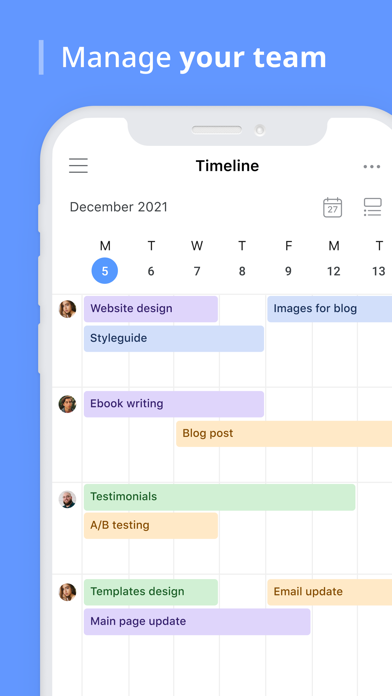
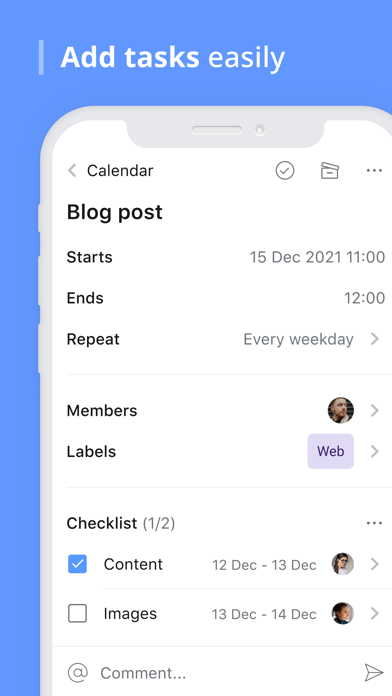
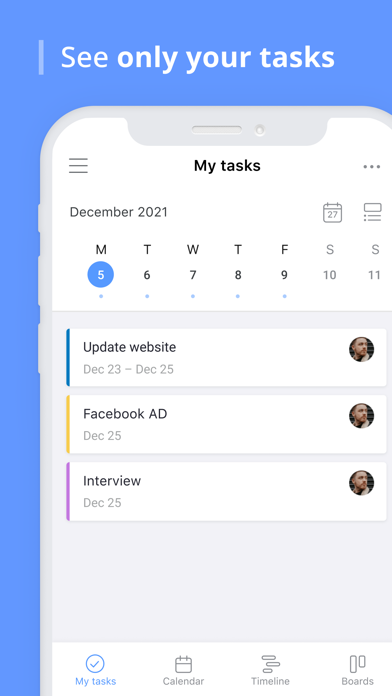
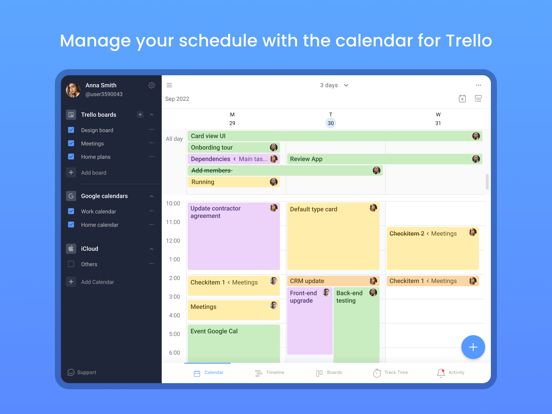
Planyway is an all-in-one team planner for Trello. ***Log in with Trello and see work across multiple Trello boards from one place!*** Gain better workflow, visualize project progress, organize team, and enhance team management processes with an online productivity app for better resource planning and workload management. Planyway works smoothly as a personal productivity app, or a team scheduler app — it’s the perfect match for both. TRY OUT MOST POWERFUL VIEWS: • Weekly calendar • Monthly calendar • Team timeline • Daily organizer • Time tracker WHY CHOOSE PLANYWAY: Productivity Guru • Never miss deadlines • Easily automate repetitive work • Track tasks assigned to you across boards • Sync with other calendars to see your full schedule Teamwork Game Changer • See who’s working on what at any moment • Keep everyone in the loop with real-time updates • Break up big tasks into subtasks and share responsibilities • Map out project milestones and reach them together Go-to-Tool for Product Managers • Understand how your teamwork fits into the big picture • Know how work is progressing at a glance • Allocate tasks to teammates in clicks • Connect multiple boards to work across teams and projects BEST PLANYWAY USE CASES: • Project Management Monitor all your Trello boards right on your mobile and keep track of how work is progressing from stage to stage. • Resource Planning Visualize your team members on a timeline and see who is working on what. Check availability and assign new tasks for all the team even away from the desk in one work schedule calendar. • Personal Scheduler View only tasks you’re responsible for in My tasks view. Connect Google or Apple calendar and get full control over your schedule. • Team Calendar Improve team collaboration with a clear overview of upcoming deadlines to keep your team in the loop. • Task Manager Create detailed task lists and organize everything on a project plan. Set deadlines and manage assignments with ease. SIGN IN WITH YOUR TRELLO ACCOUNT • Planyway is fully synchronized with your Trello boards • Real-time sync allows all updates scheduled in Planyway app happen in Trello at the same time across all your devices GET IN TOUCH WITH US: Access customer support 24/7 Send your message at support@planyway.com USEFUL LINKS: Visit us at https://planyway.com/ Privacy policy: https://planyway.com/legal/privacy-policy Terms of service: https://planyway.com/legal/terms-of-use
Latest release
What’s New
Minor fixes.
Audience growth
Ratings growth
Baseline captured. Growth appears after the crawler observes a changed rating count.
Momentum comes from crawler snapshots for the tracked storefront. “Viral growth signal” means unusually fast recent rating gains; it is an indicator, not download data.
Price tracking
Price intelligence
First snapshot captured. The trend line starts after the next crawler price observation.
- First observed Sep 6, 2026 · 8:14 PM Free
Screenshots