About this app
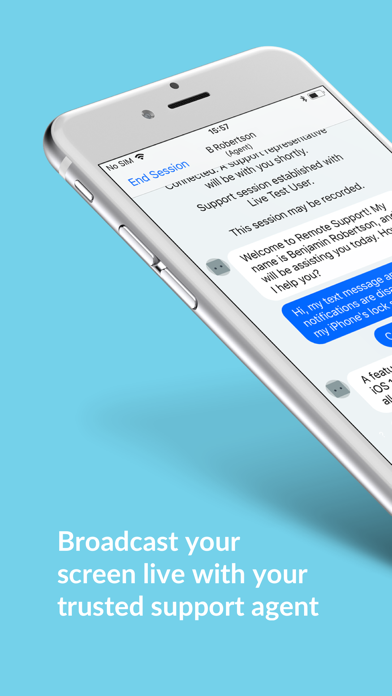
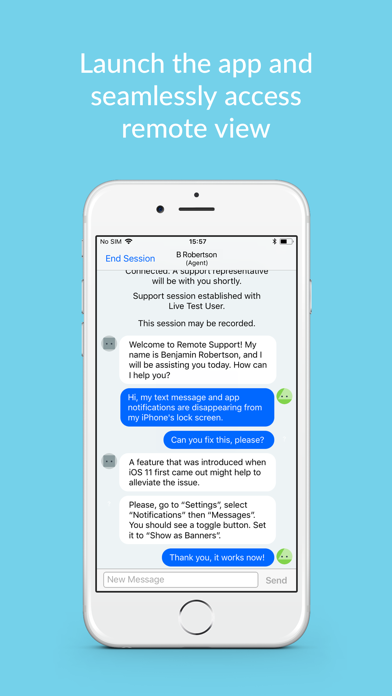
!! ONLY DOWNLOAD IF DIRECTED TO DO SO BY A SUPPORT AGENT YOU TRUST !! The GoToAssist Remote Support mobile app by LogMeIn allows support agents to troubleshoot a problem you are having on your device. How to Use: 1. Install the app on your mobile device. 2. Launch the app. 3. Enter the Support Key given to you by your support agent. 4. Allow your trusted agent to connect to your device. Features: Share your screen live with your support agent. Your support agent can perform the following actions: Instantly start a chat with you. View the screen of your device.
Latest release
What’s New
Bug fixes and improvements
Audience growth
Ratings growth
Baseline captured. Growth appears after the crawler observes a changed rating count.
Momentum comes from crawler snapshots for the tracked storefront. “Viral growth signal” means unusually fast recent rating gains; it is an indicator, not download data.
Price tracking
Price intelligence
First snapshot captured. The trend line starts after the next crawler price observation.
- First observed Aug 17, 2026 · 12:25 AM Free
Screenshots