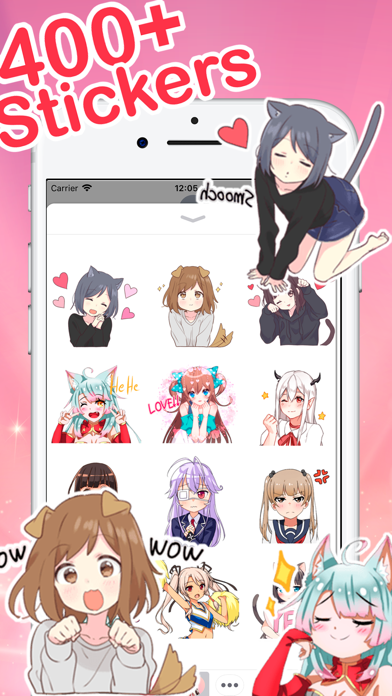
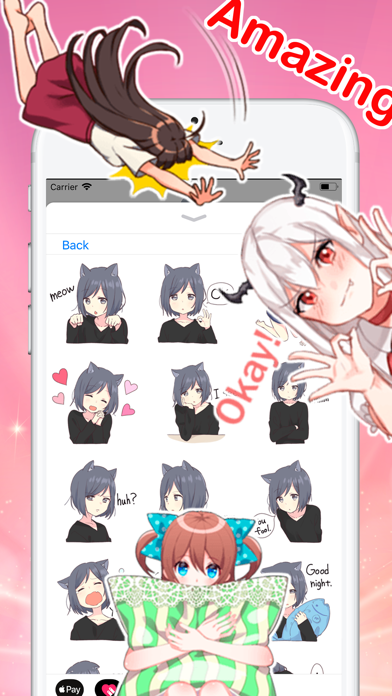
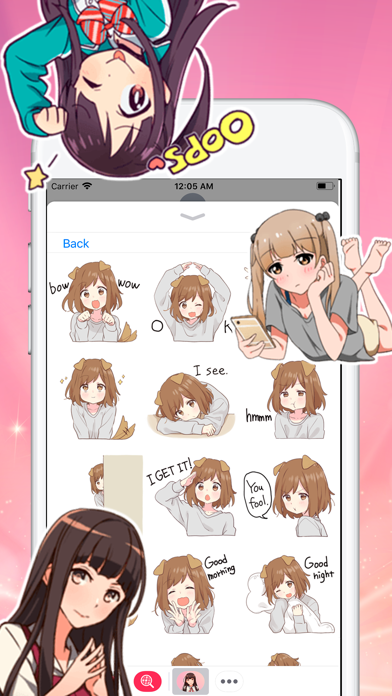
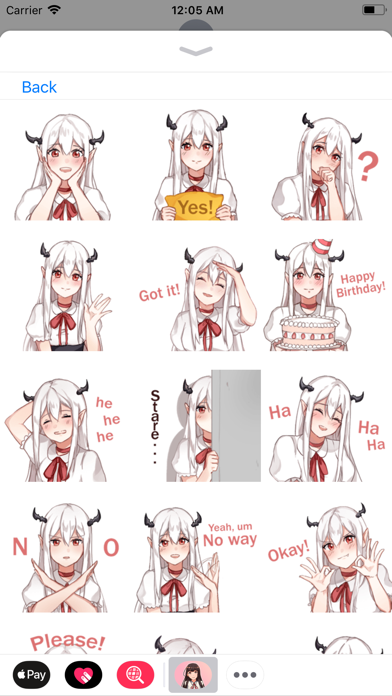
About this app
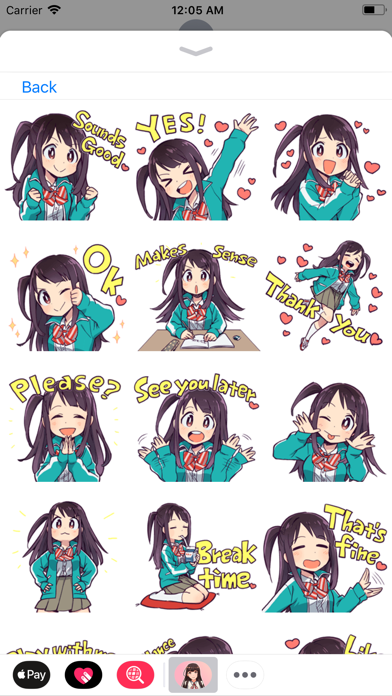
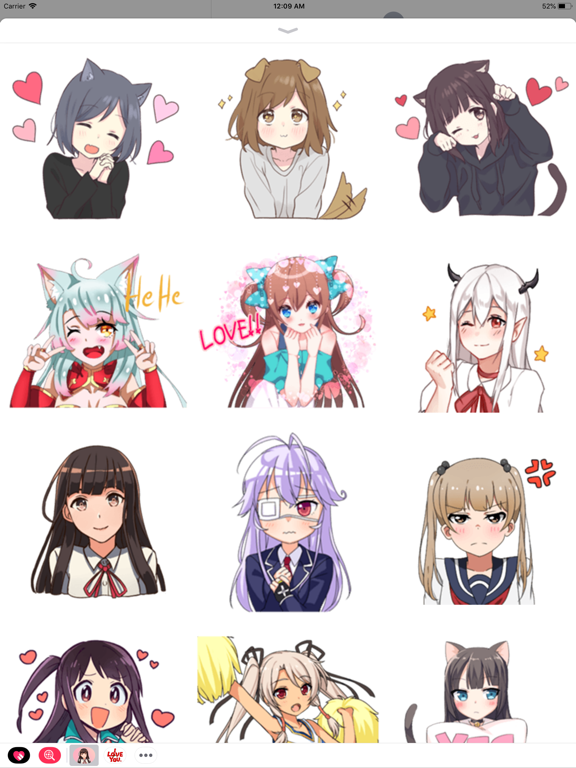
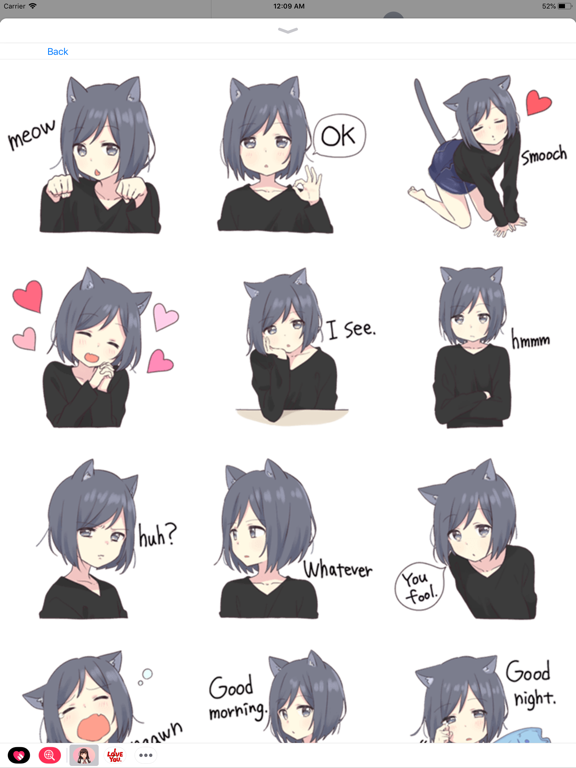
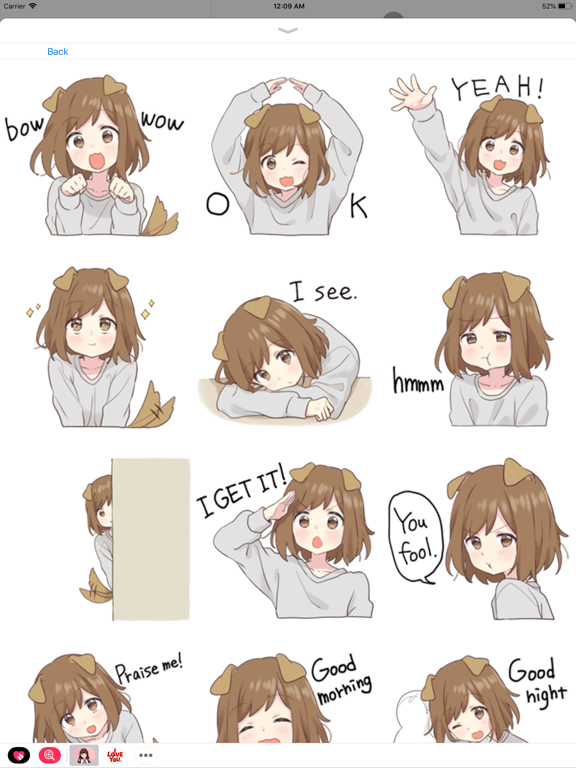
Add more emotion to your messages with all of these cute stickers! Stick them on your message, stick them on friend's message. Less talk, more stickers. To start using stickers: Step 1: Open a message and tap > button to the left to the text box Step 2: Tap the app button that appears (it looks like an A) and then tap the button that looks like neko-boy in the lower left. Step 3: Tap stickers icon to start sending How to uninstall app: 1. Open your Messages App and start a new conversation 2. Look at the bottom App Drawer and scroll to the right until you find the “More” option (the three dots …) 3. Tap that More button or three dots icon 4. Select an iMessage app by swiping it from right to left 5. Tap Delete to remove that iMessage app How to restore: To restore stickers on new phone, you need to make same purchase, if you bought it early on this account, no money will be charged.
Latest release
What’s New
- Added support for iOS 26 - Stickers quality upgrade - Fixed a navigation issue - New stickers reordering
Audience growth
Ratings growth
Baseline captured. Growth appears after the crawler observes a changed rating count.
Momentum comes from crawler snapshots for the tracked storefront. “Viral growth signal” means unusually fast recent rating gains; it is an indicator, not download data.
Price tracking
Price intelligence
First snapshot captured. The trend line starts after the next crawler price observation.
- First observed Aug 15, 2026 · 10:15 PM Free
Screenshots