About this app
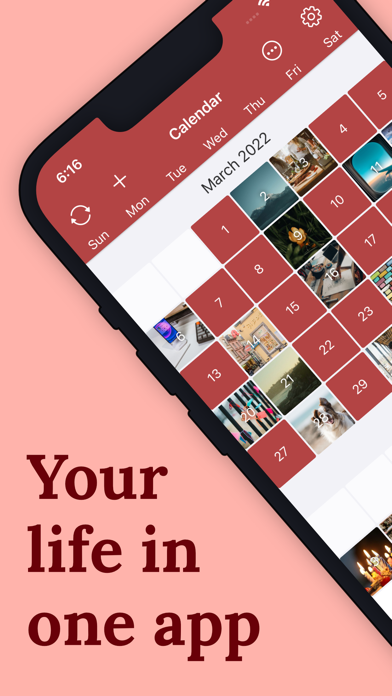
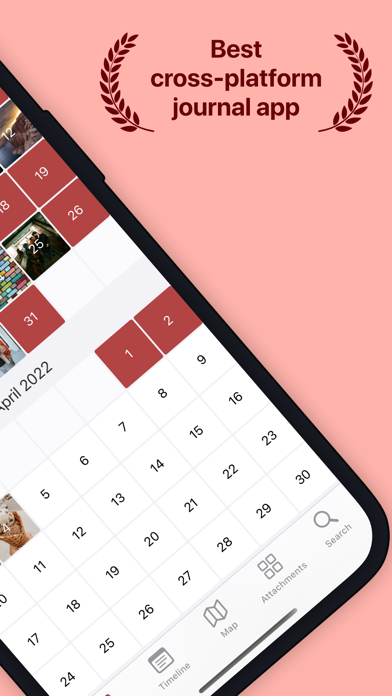
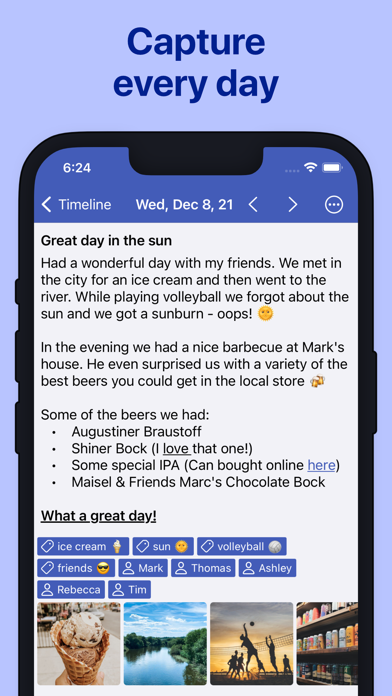
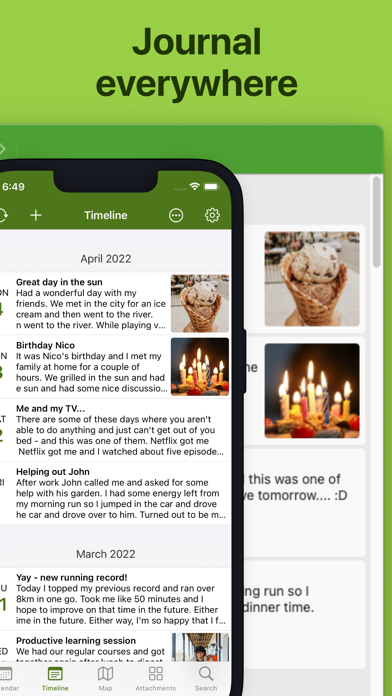
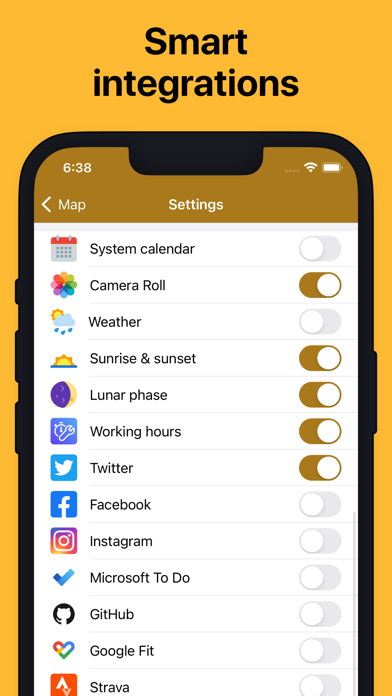
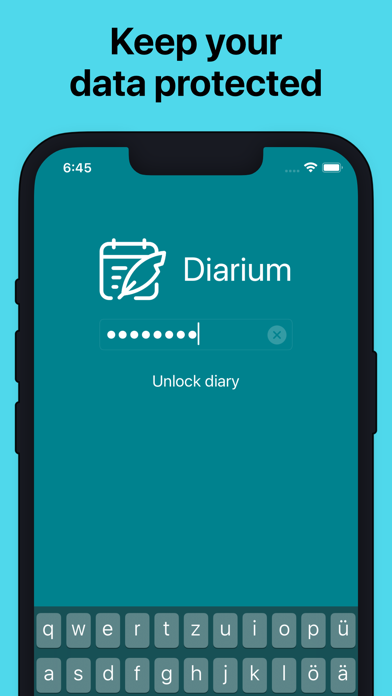
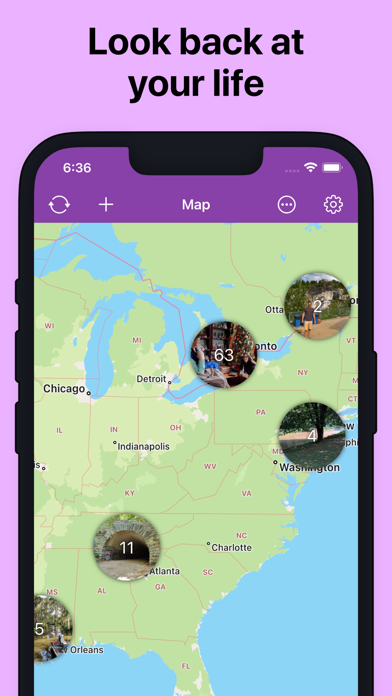
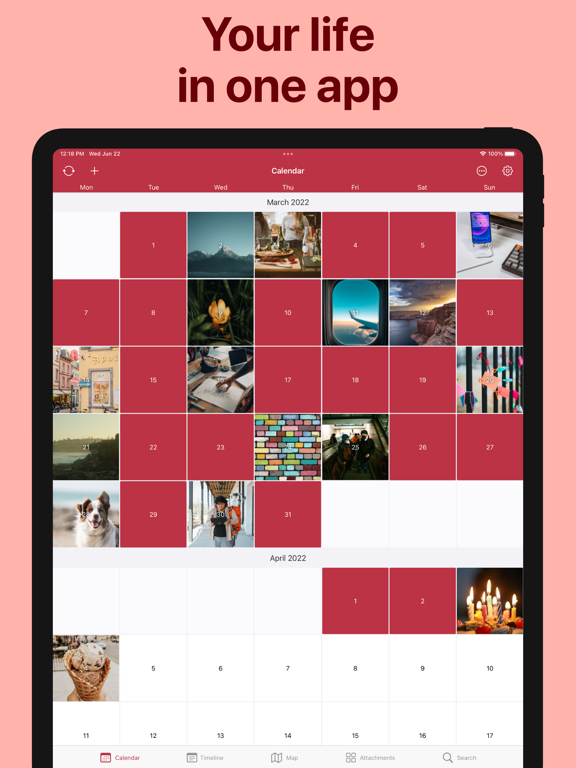
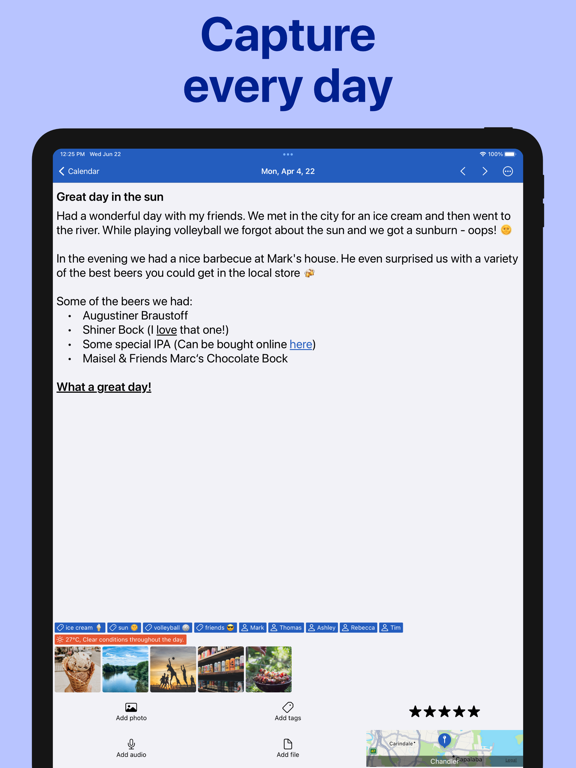
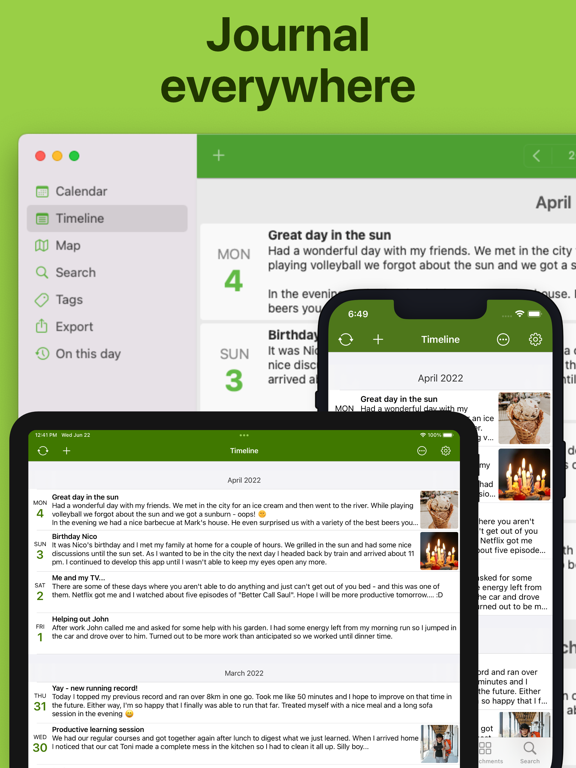
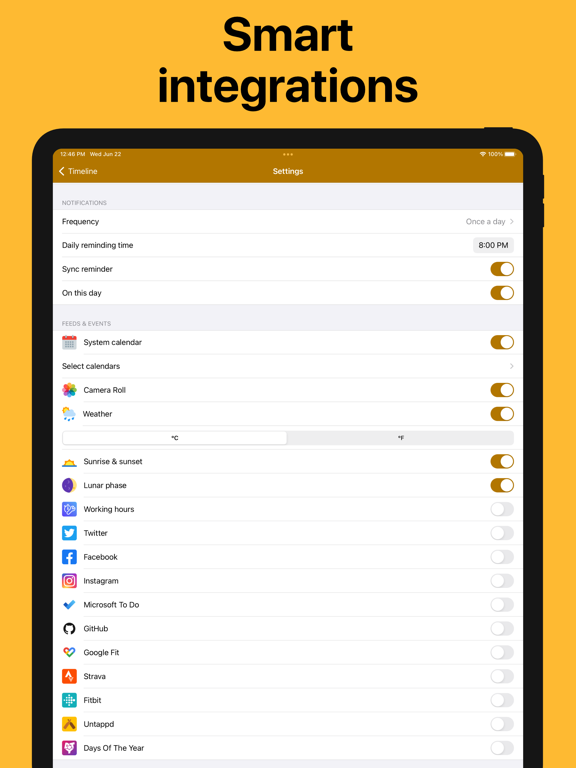
Keep a private diary and daily journal for memories, photos, mood, travel, gratitude, and everyday notes without ads or subscriptions. Diarium helps you capture what happened today, add the details that matter, and build a personal timeline you can return to for years. Write quick reflections or longer entries, attach rich media, and keep everything protected with password, PIN, Face ID, or Touch ID. What you can do with Diarium: • Write a personal diary, daily journal, gratitude journal, bullet journal, photo diary, or travel journal • Add photos, drawings, audio recordings, files, tags, people, ratings, and locations • Track mood with star ratings and tracker tags • Revisit memories in calendar, timeline, and travel map views • Use lists and text formatting for notes, reflections, routines, and daily logs • Set daily reminders to make journaling a habit • Add useful day context from camera roll, calendar, weather, tasks, Apple Health and other fitness activity, social activity, and entertainment activity • Import from Apple Journal and supported diary apps such as Day One, Diaro, Journey, Daylio, Diarly, Daybook, and Evernote • Back up your diary database and export entries as Word, HTML, JSON, or plain text Your journal can continue with you across supported phone, tablet, laptop, and desktop versions. Optional sync uses your own cloud storage, including iCloud, OneDrive, Google Drive, Dropbox, or WebDAV, so no separate Diarium account is required. Diarium is designed for long-term journaling: daily thoughts, family memories, trips, photos, gratitude, feelings, and the small moments that make up your life. It stays personal, flexible, and secure, whether you write every day or whenever something is worth remembering. Diarium is free to use with optional Diarium Pro for advanced features such as sync, unlimited attachments per entry, Word export for printing, connected feeds, custom fonts, widgets, and weather in entries. Pro features can be tested for 7 days after installing. Diarium Pro is a one-time purchase, not a subscription. The purchase is linked to your Apple ID and unlocks Pro for iOS/iPadOS; a separate Pro purchase may be required on other platforms.
Latest release
What’s New
• Added Apple Health support for health and fitness data • Added CSV import for easier migrations from other diary apps • Improved backup handling for large databases and DOCX export readability • Improved sync reliability for large entries and canceled uploads • Added calendar count badges for days with multiple entries • Fixed VoiceOver audio recording and other UI stability issues • Many more smaller changes and improvements
Audience growth
Ratings growth
Momentum comes from crawler snapshots for the tracked storefront. “Viral growth signal” means unusually fast recent rating gains; it is an indicator, not download data.
Price tracking
Price intelligence
- First observed Aug 13, 2026 · 4:42 AM Free
Screenshots