About this app
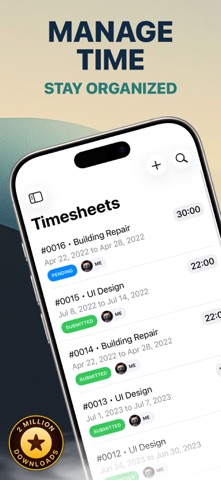
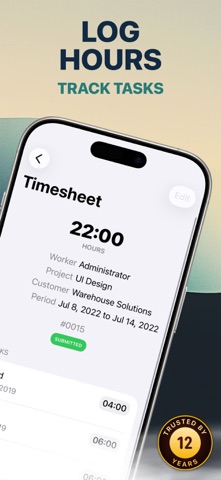
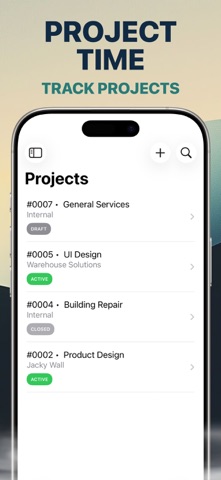
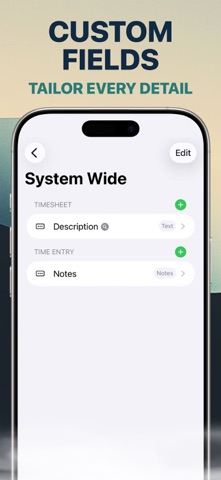
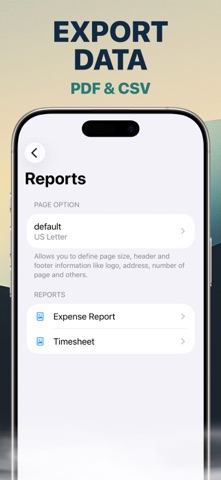
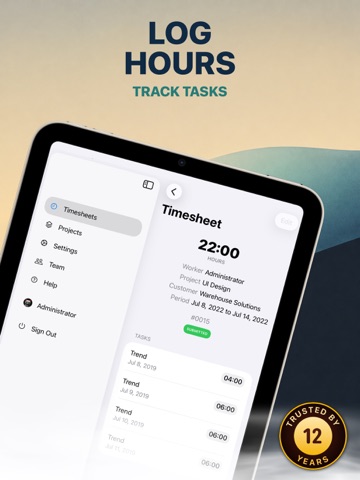
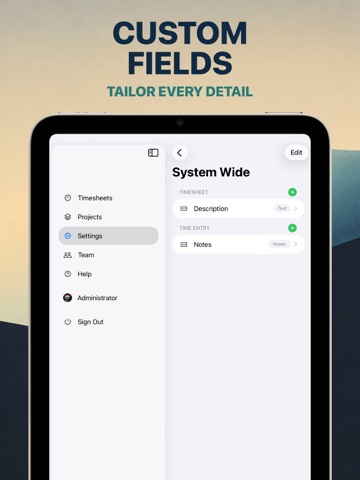
Time Entry for Business is a team timesheet, time tracking, and project management app for businesses that need to record work hours, approve time, and monitor project activity. Let employees log hours, submit timesheets, separate billable and non-billable work, and organize time by project and task from iPhone, iPad, and Mac. TIMESHEETS & TIME TRACKING • Log business and project time. • Submit and approve timesheets. • Track billable and non-billable tasks. • Organize work hours by project and activity. • Keep team time records in one shared workflow. PROJECTS • Create projects for customers or internal work. • Define approval workflows. • Manage project tasks, budgets, and schedules. • Track progress and time across project activity. REPORTS & CUSTOMIZATION • Create, print, email, and share professional PDF reports. • Import and export CSV files. • Add custom attributes for your time tracking workflow. • Personalize reports with fonts, colors, headers, footers, and logos. TEAM & SECURITY • Manage users, roles, branches, and access lists. • Limit access to relevant projects, branches, and business data. • Authorize individual devices before account access. • Use biometric authentication supported by your device. STARKODE FOR BUSINESS Part of the Starkode business suite for teams working across iPhone, iPad, and Mac. Need help? Contact support@starkode.com. SUBSCRIPTION Starkode membership is month-to-month with no long-term contracts or cancellation fees. Cancel anytime from your device. Privacy Policy: https://starkode.com/privacy/ Terms of Use: https://starkode.com/terms/
Latest release
What’s New
App takes advantage of exciting new iOS capabilities to deliver faster and more responsive experience.
Audience growth
Ratings growth
Baseline captured. Growth appears after the crawler observes a changed rating count.
Momentum comes from crawler snapshots for the tracked storefront. “Viral growth signal” means unusually fast recent rating gains; it is an indicator, not download data.
Price tracking
Price intelligence
- First observed Aug 15, 2026 · 11:23 PM Free
Screenshots