About this app
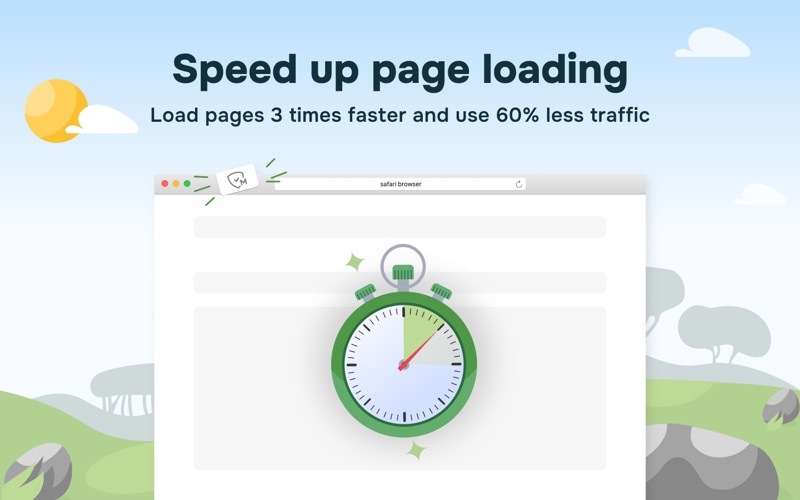
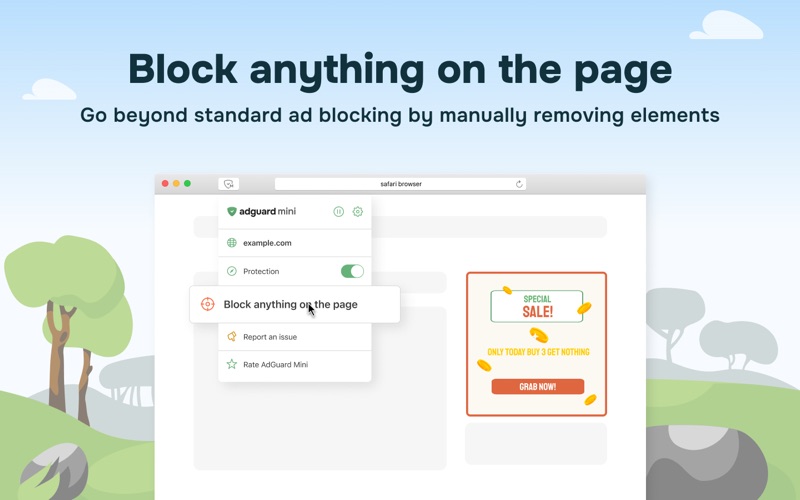
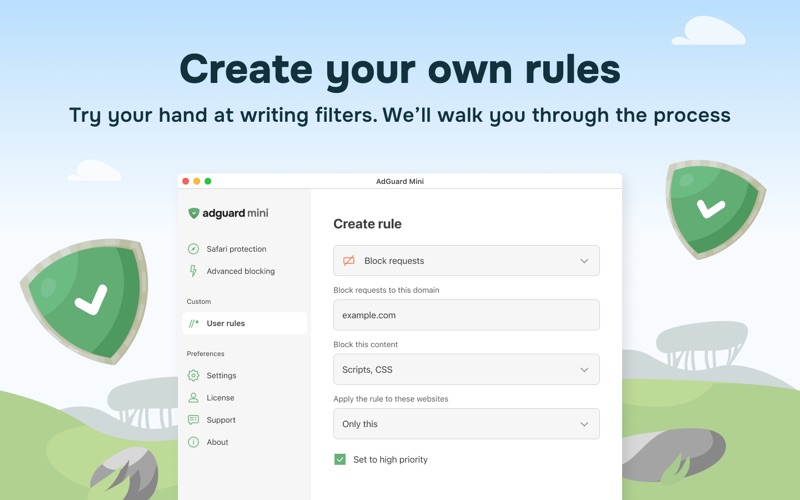
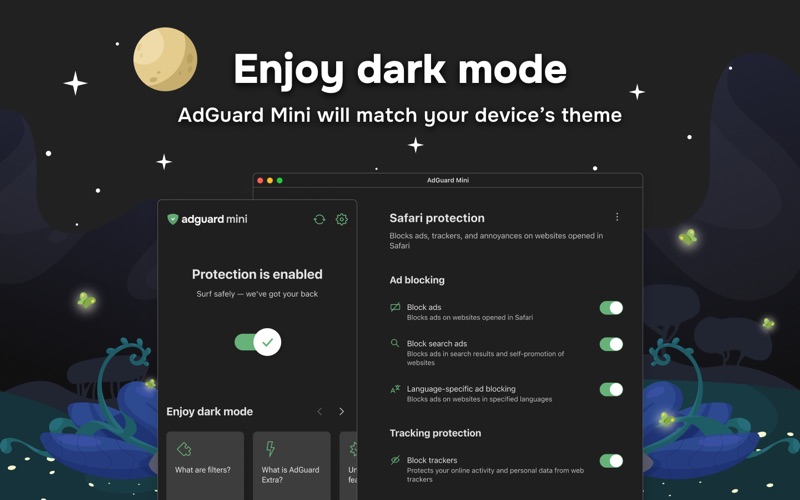
Meet AdGuard Mini (formerly AdGuard for Safari). It’s the same trusted Safari extension — now redesigned and faster, with Pro capabilities. The core ad blocking remains, while advanced features are available as an optional in-app purchase. AdGuard Mini helps keep all kinds of ads out of your Safari browser and protects your privacy. Visual clutter like banners, popups, and autoplay video is removed so only the important content stays. It also blocks trackers to prevent unnecessary data collection. You can manage the app directly from the browser. Setup is simple — configure it in a couple of clicks and start browsing without ads and with stronger privacy. KEY FEATURES Block all kinds of ads in Safari — banners, video ads, popups, autoplay video, overlays Stop trackers and analytics beacons to protect your privacy Clean up annoyances: cookie notices, social widgets, sticky bars Control everything from the Safari toolbar Use element picker and manual blocking to remove anything on a page Choose from popular filter lists or add your own Create custom filtering rules with an advanced rule editor PRO FEATURES Real-time filter updates for precise ad-blocking AdGuard Extra to handle anti-adblock and hard cases Advanced custom filters to add any filters you wish Pro features are available as an optional in-app purchase. A 14-day free trial is available. Learn more about how AdGuard Mini works and find answers to the most popular questions in our Knowledge base: https://adguard.com/kb/ Need help? Open the Support section in the app or contact our support team at support@adguard.com. Terms of Use: https://www.apple.com/legal/internet-services/itunes/dev/stdeula/
Latest release
What’s New
We’ve added configuration checks and improved diagnostics in AdGuard Mini for Mac. The app can now warn you about setup issues that may affect how it works and suggest what to do next. We’ve also fixed overheating on tracker-heavy websites.
Audience growth
Ratings growth
Baseline captured. Growth appears after the crawler observes a changed rating count.
Momentum comes from crawler snapshots for the tracked storefront. “Viral growth signal” means unusually fast recent rating gains; it is an indicator, not download data.
Price tracking
Price intelligence
First snapshot captured. The trend line starts after the next crawler price observation.
- First observed Aug 10, 2026 · 6:59 AM Free
Screenshots