About this app
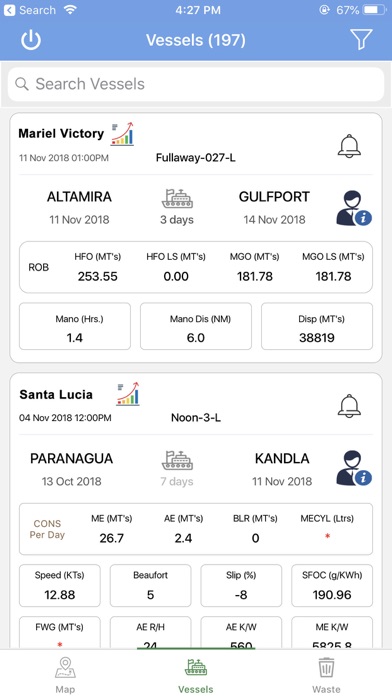
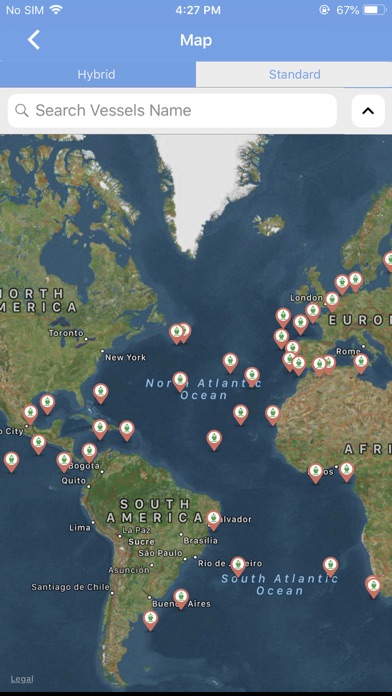
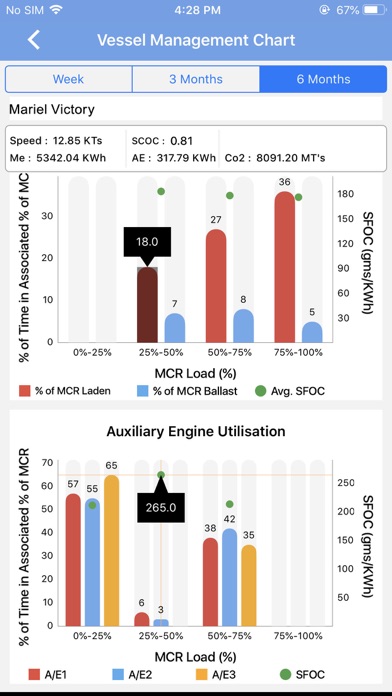
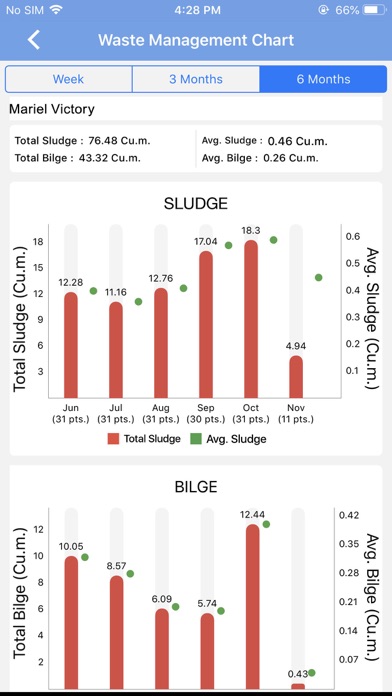
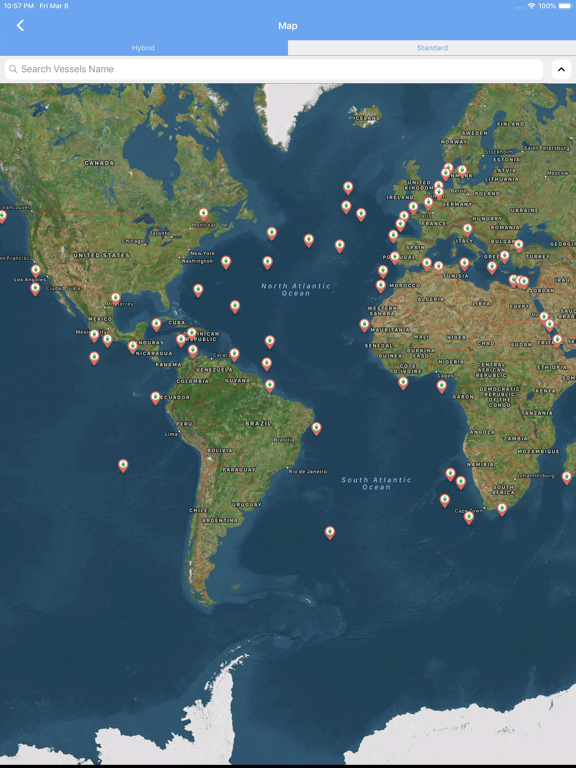
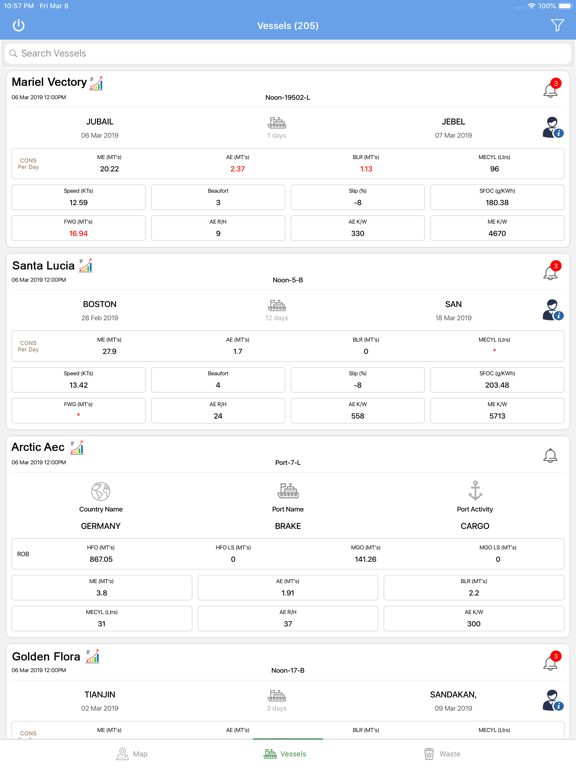
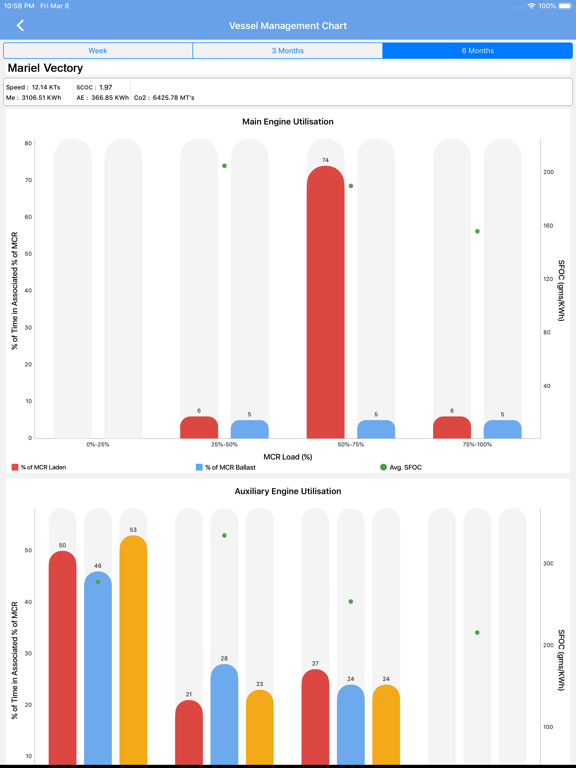
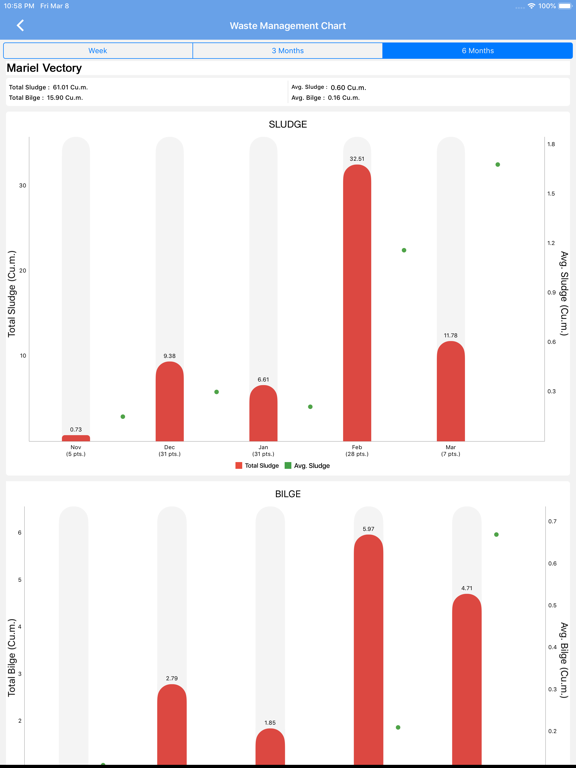
Real-time Vessel Tracking and Monitoring Track the position, speed, and heading of each vessel in real-time on a map Receive real-time updates on vessel status, including alerts for deviations from planned routes or anomalies in vessel behavior Detailed Consumption Monitoring Monitor fuel consumption, power consumption, and speed for each vessel in real-time Analyze consumption trends and identify areas for improvement Receive alerts for excessive fuel consumption or deviations from expected consumption patterns Comprehensive Analytics Dashboard Access a centralized dashboard with key fleet performance metrics, including fuel efficiency, emissions, and voyage optimization Benchmark fleet performance against industry standards and identify areas for improvement Waste Management Data Insights Track waste generation and disposal patterns for each vessel Identify vessels with high waste generation rates and implement targeted waste reduction strategies Receive alerts for abnormal waste generation patterns or non-compliant waste disposal practices Port and Agent Details Maintain a comprehensive database of port and agent information, including contact details, service offerings, and port regulations Access real-time port information, such as weather conditions, berth availability, and cargo handling capacity Receive alerts for port closures, delays, or disruptions Consumption Details and Vessel Management Charts Access detailed consumption data for each vessel, including fuel, power, speed, and other relevant metrics Visualize consumption trends and vessel performance using interactive charts and graphs Gain insights into vessel efficiency and identify areas for optimization Emission Efficiency Monitoring Track carbon dioxide (CO2), nitrogen oxide (NOx), and sulfur oxide (SOx) emissions for each vessel Calculate and monitor Energy Efficiency Operational Indicator (EEOI) scores Receive alerts for non-compliance with emissions regulations or deviations from emission reduction targets Filter Options for Reports and Alerts Filter reports and alerts based on various criteria, such as ports, countries, underperforming vessels, arrival dates, report types, vessel alerts, and critical ports Tailor reporting and notifications to specific areas of interest and prioritize critical information Notification Dashboard Receive real-time notifications for important fleet events, including vessel arrivals, port delays, consumption anomalies, and emission alerts Consolidate all notifications into a centralized dashboard for easy access and management Customize notification settings to receive alerts based on specific criteria and preferences CII Ratings Monitoring Track and monitor Carbon Intensity Indicator (CII) ratings for each vessel Identify vessels with low CII ratings and implement strategies to improve energy efficiency Receive alerts for vessels with CII ratings that fall below regulatory requirements Consumption and Voyage Speed Notifications Receive real-time alerts for deviations from expected fuel consumption or voyage speed Identify potential issues early on and take corrective actions to optimize vessel performance Monitor the impact of weather conditions, route changes, and operational adjustments on fuel consumption and voyage speed Direct Mailing Feature Send emails directly to ship staff from the fleet management app Select specific ships and recipients for targeted communication Expedite communication with ship personnel and address operational issues promptly
Latest release
What’s New
Minor bug fixes.
Audience growth
Ratings growth
Baseline captured. Growth appears after the crawler observes a changed rating count.
Momentum comes from crawler snapshots for the tracked storefront. “Viral growth signal” means unusually fast recent rating gains; it is an indicator, not download data.
Price tracking
Price intelligence
First snapshot captured. The trend line starts after the next crawler price observation.
- First observed Aug 20, 2026 · 2:03 AM Free
Screenshots