About this app
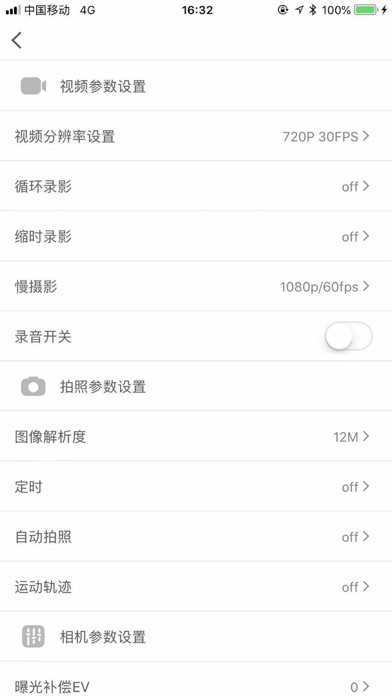
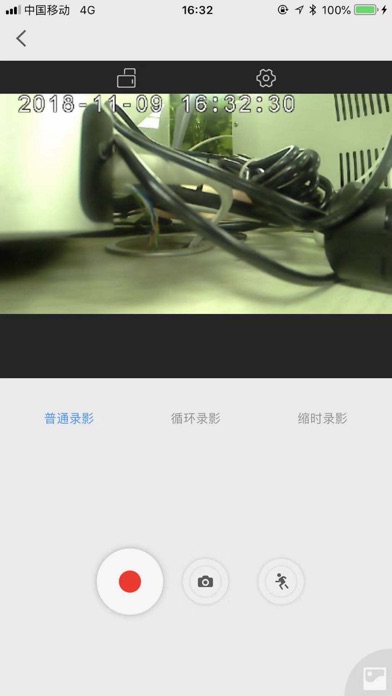
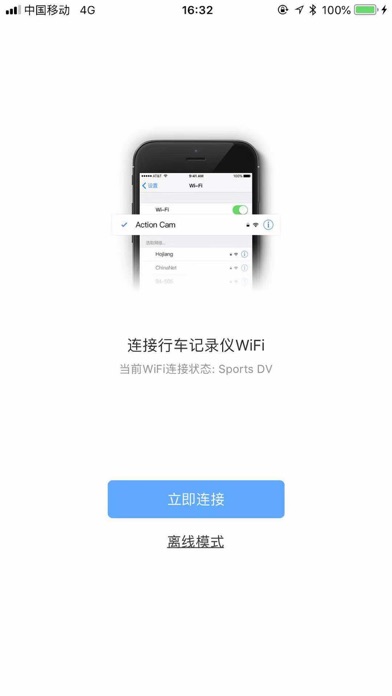
Dashcam Link is a application which designed by Shenzhen Lingdu Auto Electronics Co., Ltd. Using this App, Connect your dashcam with your smartphone by WiFi, you can control the dashcam, such as Recording videos, Taking Photos and even Setting the device. 1. Turn on the WiFi of the dashcam, Please notice the name of the WiFi. 2. Phone Settings ---WiFi, Find the Dashcam WiFi, connect 3. Live video will show on the phone. 4. On the Live interface, you can set the mode of the dashcam, Record or Photograph. You can still set the parameter of each mode. 5. The icon on the down right, is Files, you can check all the videos and photo made by the dashcam,and you can still download the videos or photos to you phone.
Latest release
What’s New
兼容了更多的设备
Audience growth
Ratings growth
Baseline captured. Growth appears after the crawler observes a changed rating count.
Momentum comes from crawler snapshots for the tracked storefront. “Viral growth signal” means unusually fast recent rating gains; it is an indicator, not download data.
Price tracking
Price intelligence
First snapshot captured. The trend line starts after the next crawler price observation.
- First observed Aug 23, 2026 · 10:56 AM Free
Screenshots