About this app
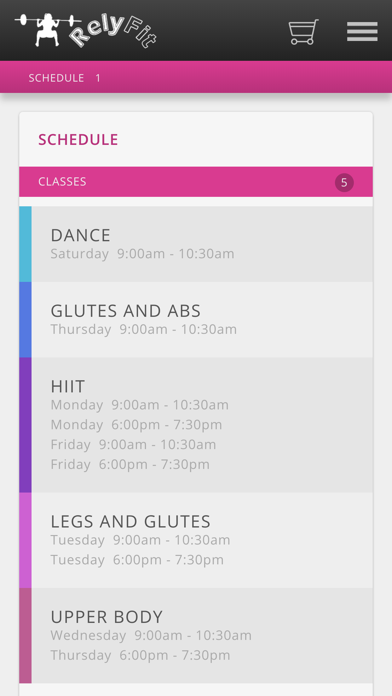
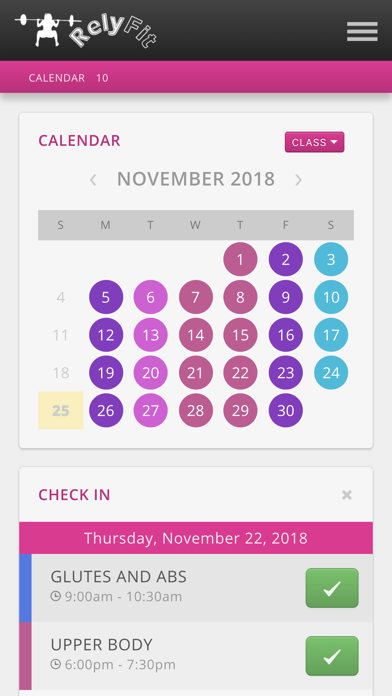
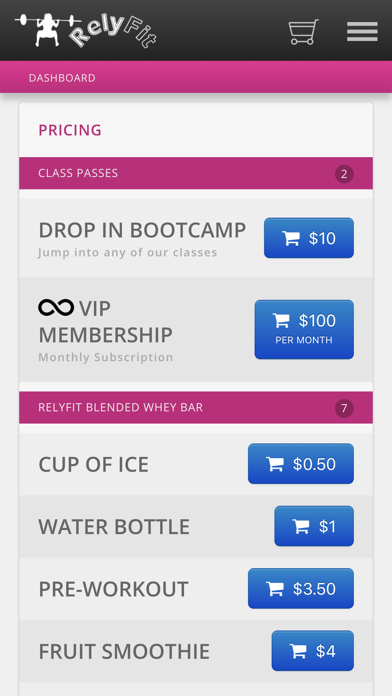
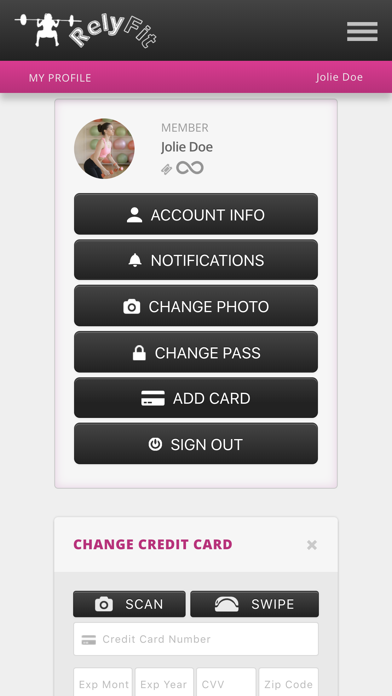
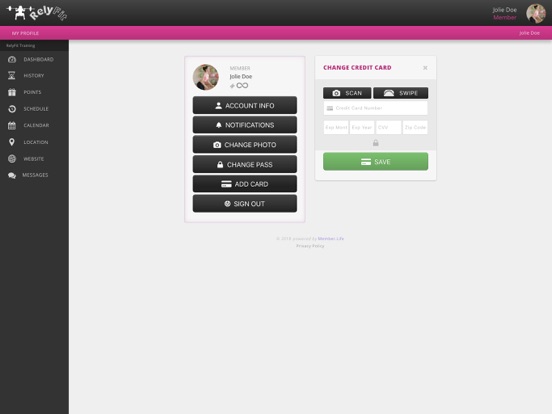
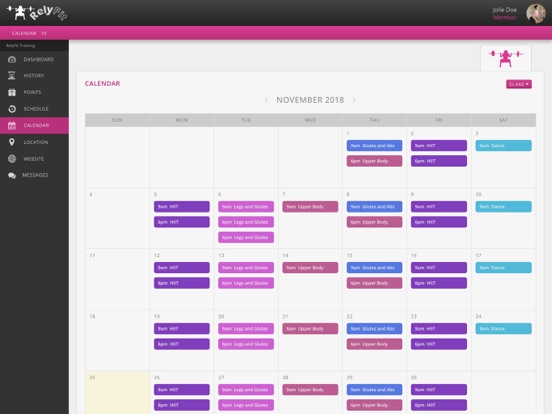
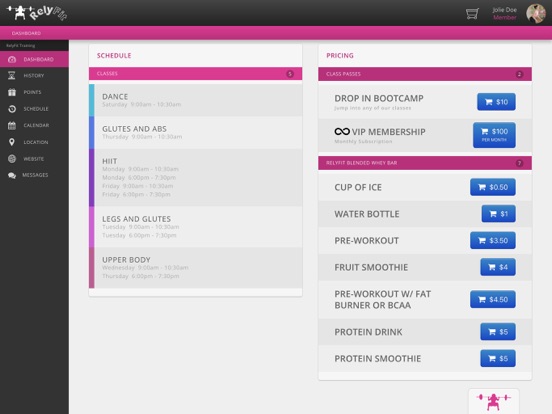
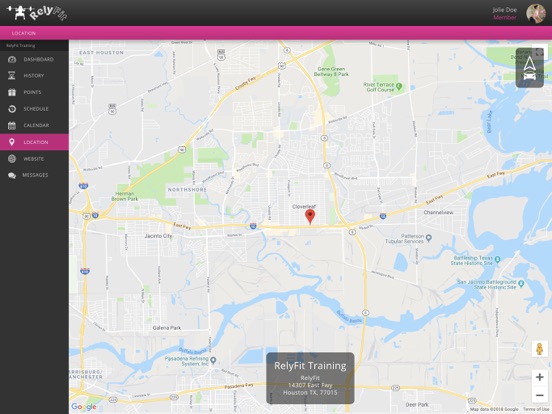
RelyFit App Features: Membership Profile - Keep track of all your activity at RelyFit with your own Member Profile. Just sign in with the email you registered with us. Forgot Password - Don't remember your password or never set one up? No worries just enter the Email you signed up with and tap Forgot Password you will be emailed a link to set one up. Profile Pictures - Snap or select a picture of your choice so we know who you are the next time you come to class. Check Ins - Dead simple check-ins, just show us your Membership code and we'll instantly pull up your information and get you checked in to the classes you've paid for. Class Schedule - Check out our latest classes and times provided during the week. All new offering will be immediately available to see on our schedule. Live Calendar - Our most up to date calendar right at your finger tips. No more wondering if the facility is open today or not. Make Purchases - Easily buy more passes to all your favorite classes right from the app. No more waiting in line to give us your money for class next month. Stored Credit Card - Keep your credit card on file so the next time you're ready to pay there is no need to take out your card again. Purchase History - View your past purchases within our app. Never again wonder what purchases were made and if your balance is in good standing. Subscription Payments - Make your life easier by subscribing to our Membership payment plans. Pending payments are automatically charged on time to your credit card on file. Rewards Points - Keep track of all your earned points when you Check In and more. Redeem your points for a variety of items anytime instantly on your phone. Push Notifications - Stay up to date by being notified of Announcements, Check Ins, Rewards Points, Class Reminders, Purchases Made, and more. Digital Store - View the latest merchandise we offer within our app and when you make a purchase you can pick it up the next time you visit!
Latest release
What’s New
Scan issue fixed
Audience growth
Ratings growth
Baseline captured. Growth appears after the crawler observes a changed rating count.
Momentum comes from crawler snapshots for the tracked storefront. “Viral growth signal” means unusually fast recent rating gains; it is an indicator, not download data.
Price tracking
Price intelligence
First snapshot captured. The trend line starts after the next crawler price observation.
- First observed Sep 1, 2026 · 4:26 PM Free
Screenshots