About this app
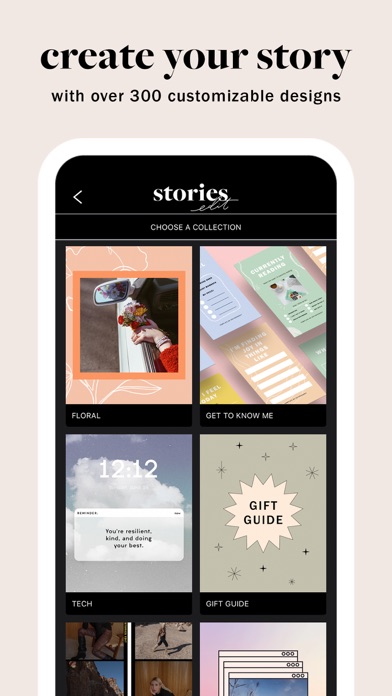
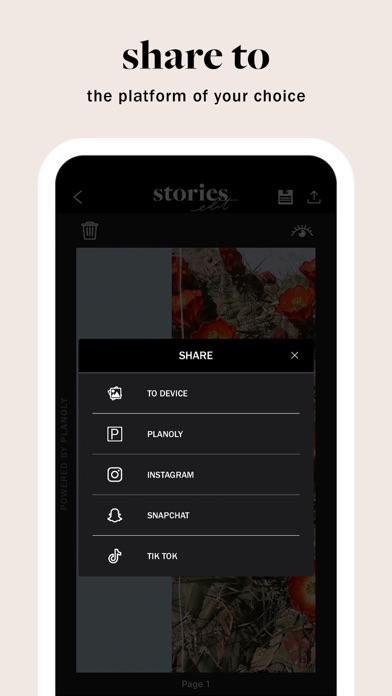
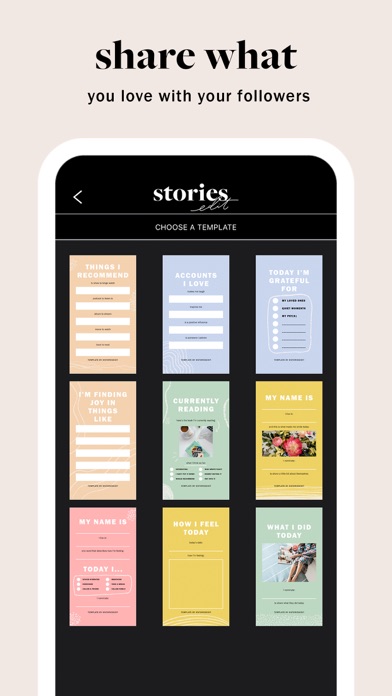
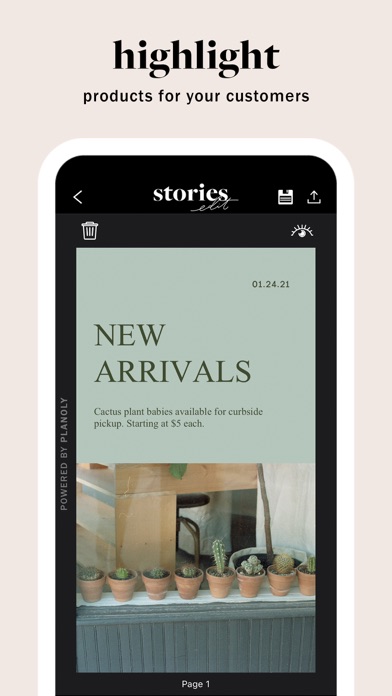
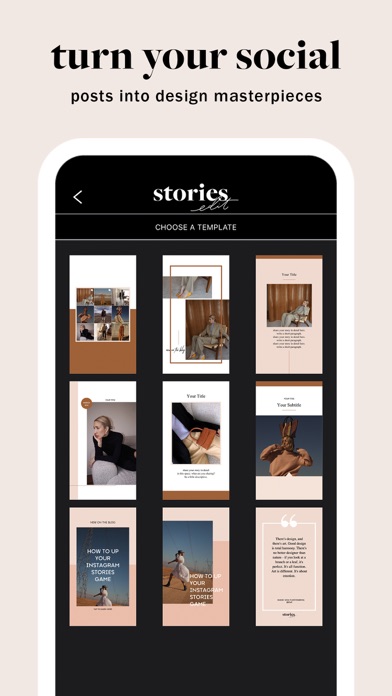
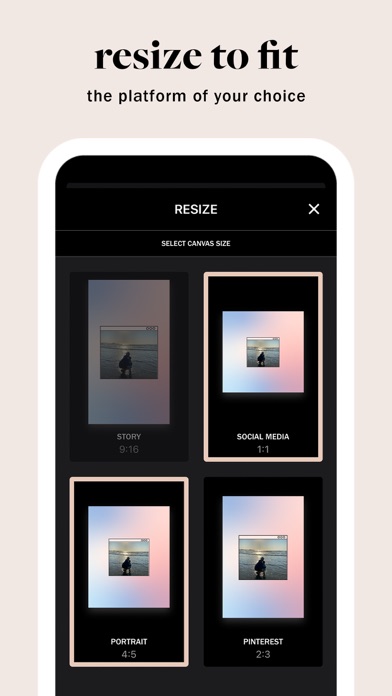
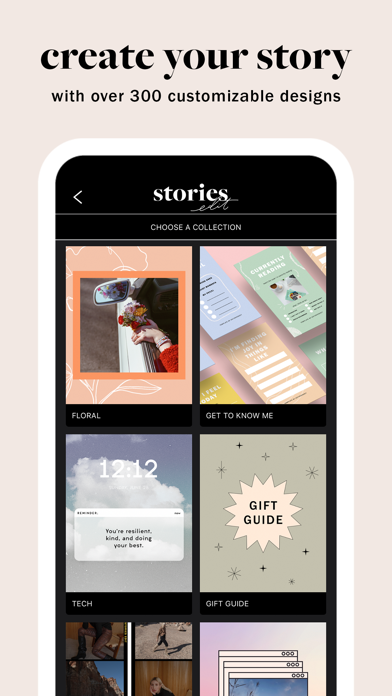
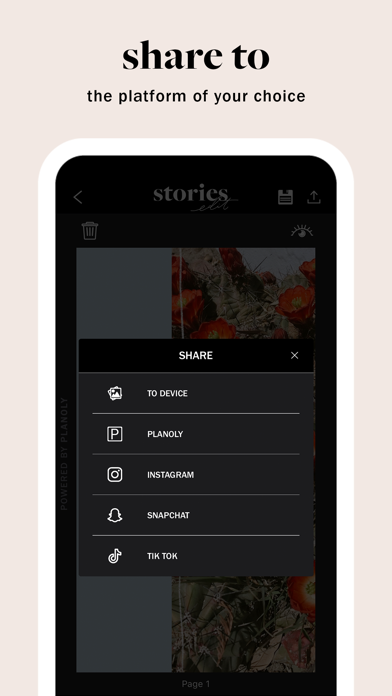
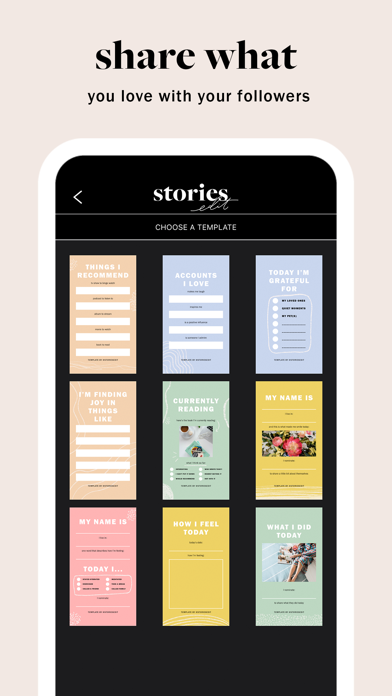
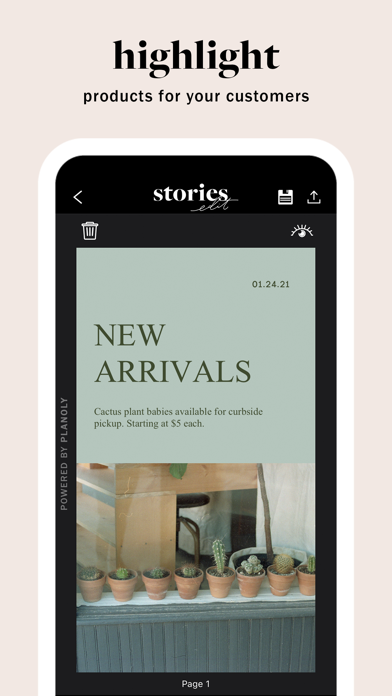
From the creators of PLANOLY, StoriesEdit is a beautifully crafted design app that allows you to easily create and customize your social content from a selection of over 300 designer story templates. Create and customize your own content for IG Grid and Stories, Pinterest Pins, & more. Select story templates available for FREE. Unlock all story templates for $2.99/mo or $19.99/year with a StoriesEdit PRO account. View and manage your subscription in your StoriesEdit settings. StoriesEdit ProTip: Download the PLANOLY app to plan, edit & schedule your content creations across Instagram, Pinterest & other social platforms. It’s easy to create your own content: 1. Choose a template from a collection. 2. Upload and customize your images or videos with our editing tools: Text, Shapes, Stickers & Background Color. 3. Resize to fit the social platform of your choice - IG Story 9:16, Social Feed 1:1, Portrait 4:5, or Pinterest 2:3. 4. Download your design to your phone, share it to PLANOLY (to plan and schedule), or post directly to Instagram, Snapchat or TikTok. StoriesEdit makes it easy to manage and share content from the palm of your hand: - Create draft folders with up to 10 templates that match your style or brand aesthetics. - Tap and hold on a template to add as a favorite for easy access. - Create a story reel by editing 10 templates from our collections at once. - Utilize our Preview feature for a quick snapshot of your design before posting. - Share a single page or all pages when sharing to your device, PLANOLY, Instagram, Snapchat, or TikTok. STORIESEDIT DESIGN FEATURES TEXT TOOL: - Click on any designed text areas to edit text and/or add additional text. - Choose from over 50 fonts, sizes & color combinations. - Bold, underline and add ‘all caps’ to the designated text. - Adjust your text’s size, kerning, line height, or color. SHAPE TOOL - Add shapes onto your template. - Select whole shapes or shape outlines to add to your template. - Adjust the color of your shape or shape outline by selecting the color, color picker, or adding in HEX code STICKERS TOOL - Choose from over 100 stickers including arrows, highlight elements, brush details, handwritten notes & more. - Customize the color of the stickers to match your template. BACKGROUND COLOR TOOL - Customize your background color to fit your brand aesthetics or current mood by tapping on the background. We’d love to connect with you! Email: https://pages.planoly.com/cs/contact Instagram: @storiesedit @planoly Twitter: @planoly Privacy Policy: https://pages.planoly.com/privacy-policy Terms of Use: https://pages.planoly.com/terms-of-service
Latest release
What’s New
Bug fixes and performance improvements.
Audience growth
Ratings growth
Baseline captured. Growth appears after the crawler observes a changed rating count.
Momentum comes from crawler snapshots for the tracked storefront. “Viral growth signal” means unusually fast recent rating gains; it is an indicator, not download data.
Price tracking
Price intelligence
First snapshot captured. The trend line starts after the next crawler price observation.
- First observed Aug 14, 2026 · 8:39 AM Free
Screenshots