About this app
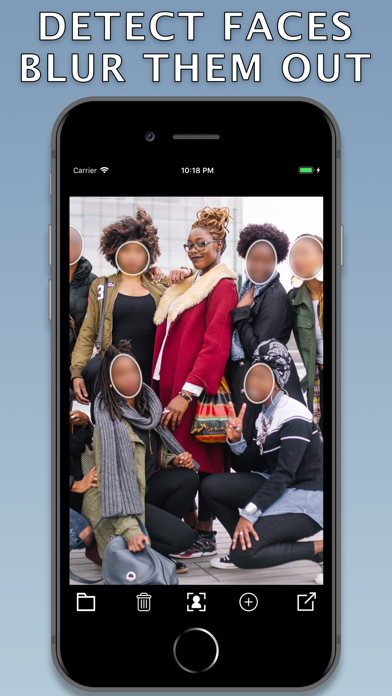
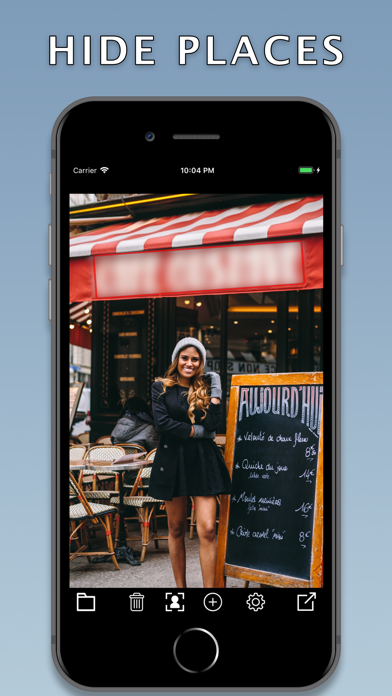
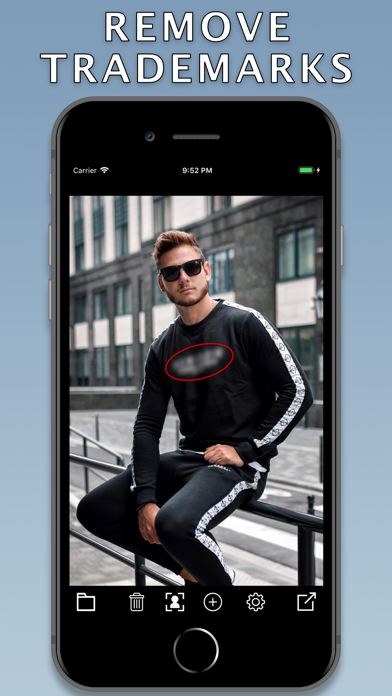
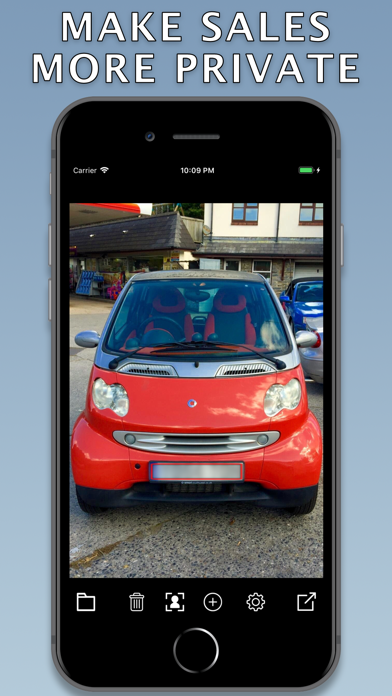
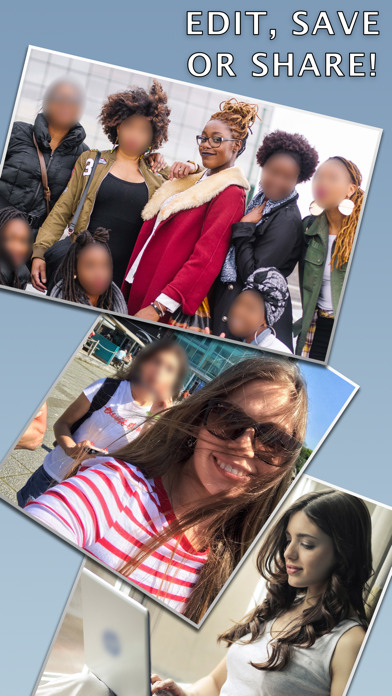
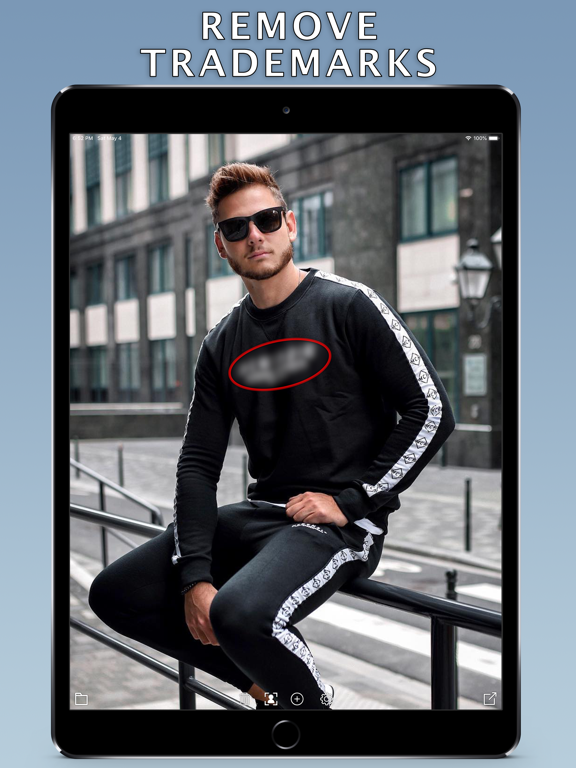
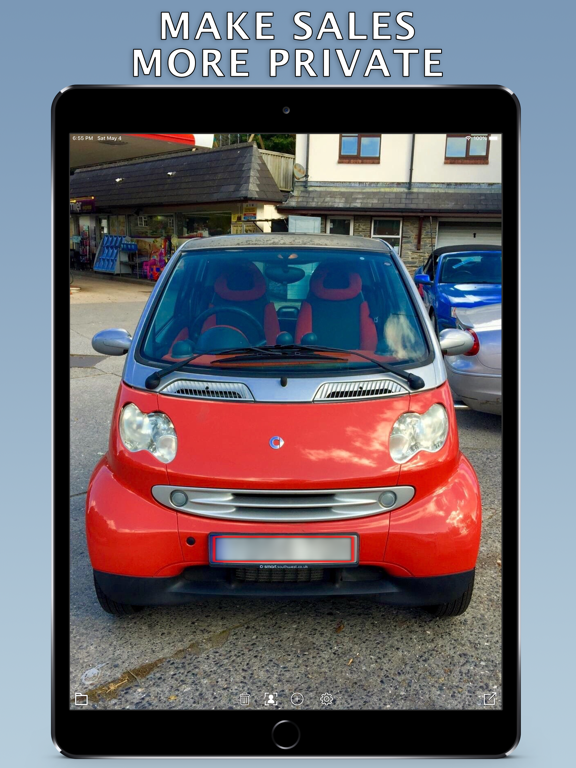
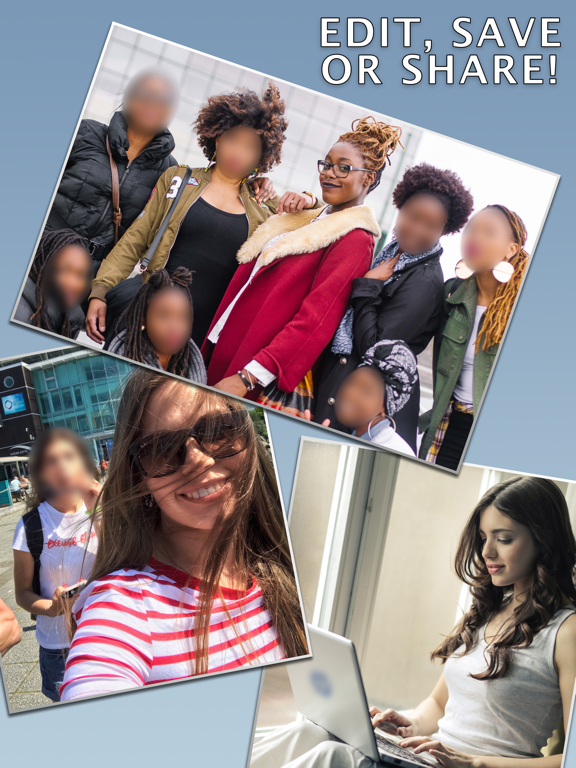
FaceBlur allows you to blur out faces with just one tap of a button. And more! Blur out sensitive information on your documents or screenshots, license plate of the car you are selling, odd people on your selfie, or unnecessary product trademarks. Get your privacy a boost using this simple app in no time! • Detect faces or add masks to blur areas • Change shape, resize and rotate • Adjust blur intensity level • Preview, save and share your edited photos Why FaceBlur? • Simple. Intuitive. Powerful • Smooth blur edges / mask feather effect • Photo metadata/location information is preserved • Super quick Metal GPU accelerated image processing • Everything is done instantly on your device in offline, NO uploading your photos to any remote servers 100% FREE, NO ADS, NO WATERMARKS ! Feel free to rate and comment Developed by Anton Shevtsov
Latest release
What’s New
This version brings export improvements and optimizations. FaceBlur continues to be the best app on the market for quick and easy blurring out sensitive photos. Thank you for using it and all your support and feedback! Write a review, share a story, how do you use FaceBlur and what feature you want to be in the next update!
Audience growth
Ratings growth
Baseline captured. Growth appears after the crawler observes a changed rating count.
Momentum comes from crawler snapshots for the tracked storefront. “Viral growth signal” means unusually fast recent rating gains; it is an indicator, not download data.
Price tracking
Price intelligence
First snapshot captured. The trend line starts after the next crawler price observation.
- First observed Sep 4, 2026 · 5:27 AM Free
Screenshots