About this app
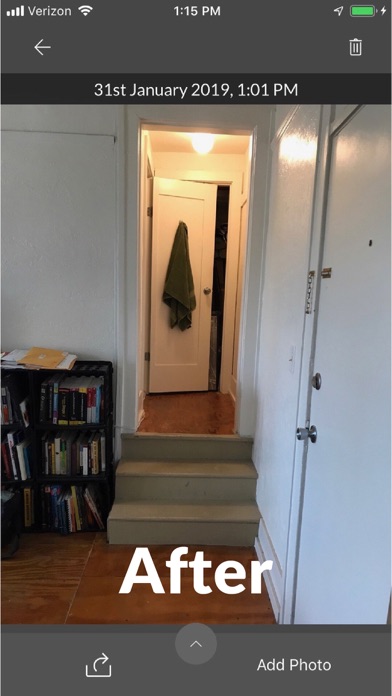
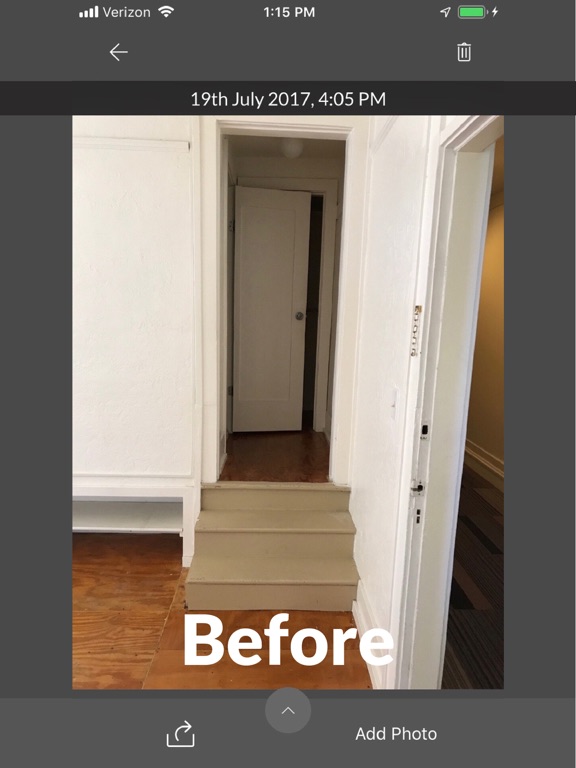
Before & After helps align your camera with an original photo to create an accurate Before & After scene. Scenes can be viewed in app as well as exported and shared as GIF images. HOW TO USE Simply snap or import a photo by pressing the green plus (+) button. Select the photo and then add as many "after" photos as you'd like by tapping the Add Photo button. Photos are presented as a timeline - the first photo being the original. Swipe right to left to view the photos in sequential order. Tap the share button (bottom left of the screen) to generate and share a Before & After GIF. CAMERA SETTINGS To toggle the traced image guide on or off, tap the grid icon at the bottom left of the camera view. To change the transparency level of the original photo, slide the slider button left or right. CONTACT Suggestions? Comments? Contact beforeandafterphotosapp@gmail.com. Thanks!!
Latest release
What’s New
Performance updates and bug fixes.
Audience growth
Ratings growth
Baseline captured. Growth appears after the crawler observes a changed rating count.
Momentum comes from crawler snapshots for the tracked storefront. “Viral growth signal” means unusually fast recent rating gains; it is an indicator, not download data.
Price tracking
Price intelligence
First snapshot captured. The trend line starts after the next crawler price observation.
- First observed Aug 20, 2026 · 3:59 AM Free
Screenshots