About this app
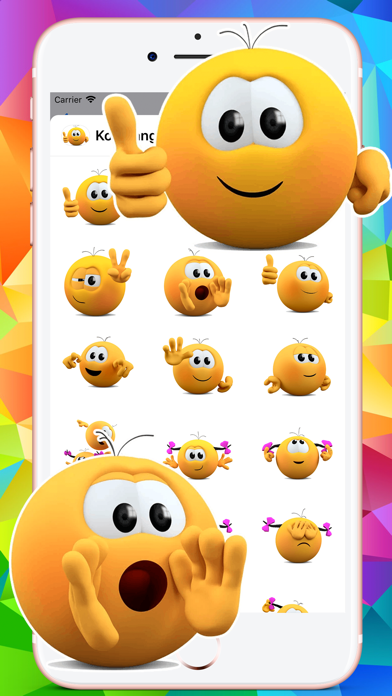
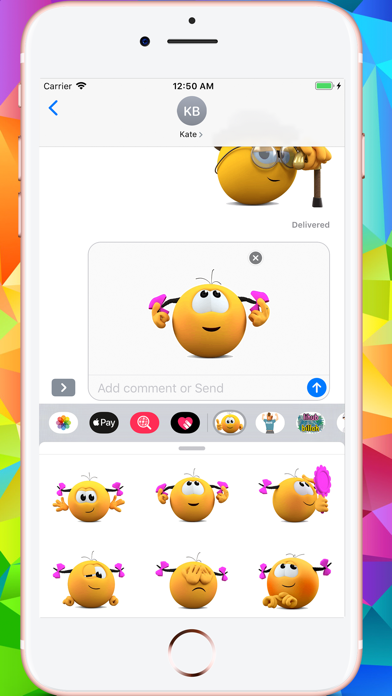
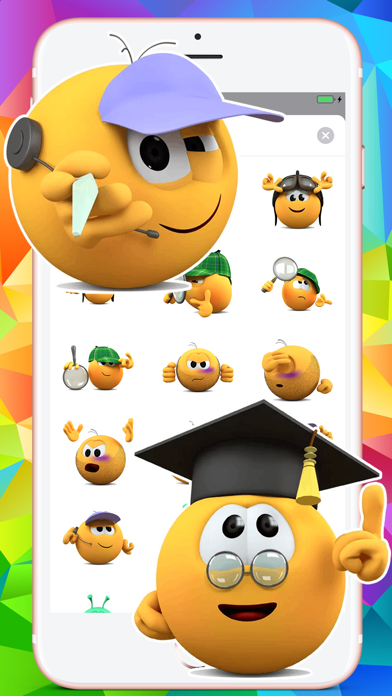
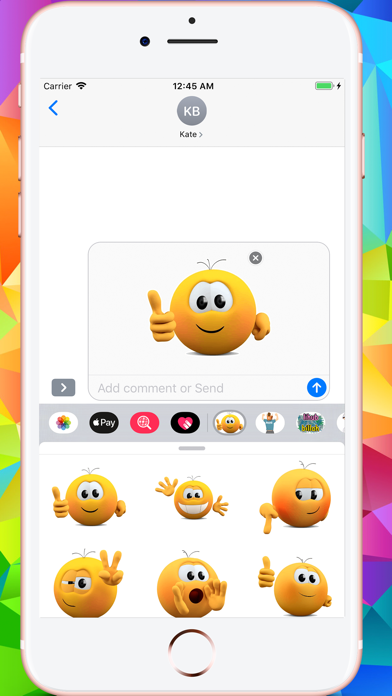
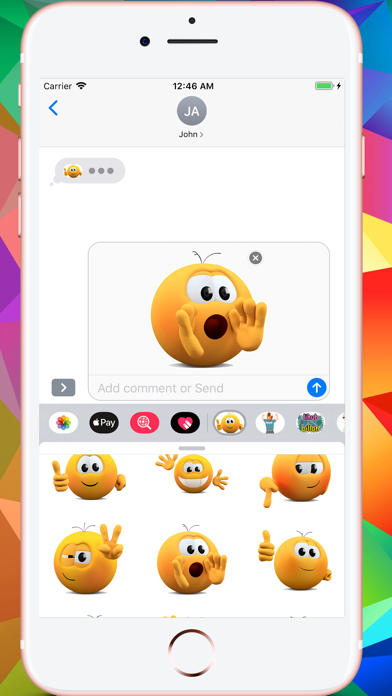
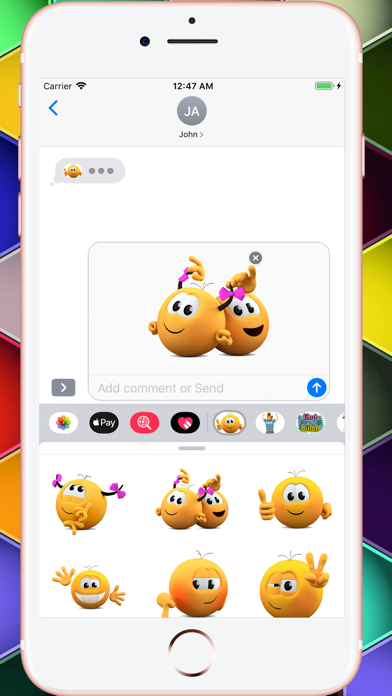
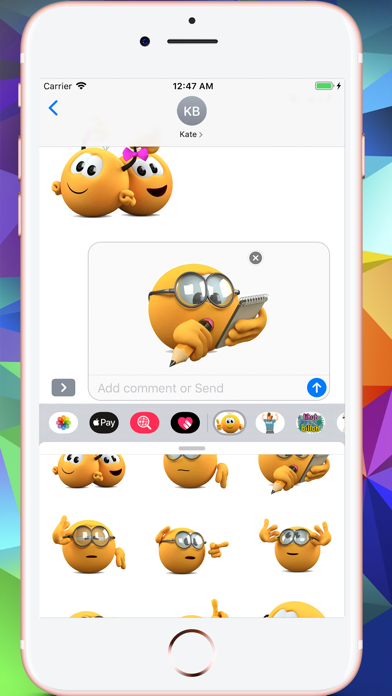
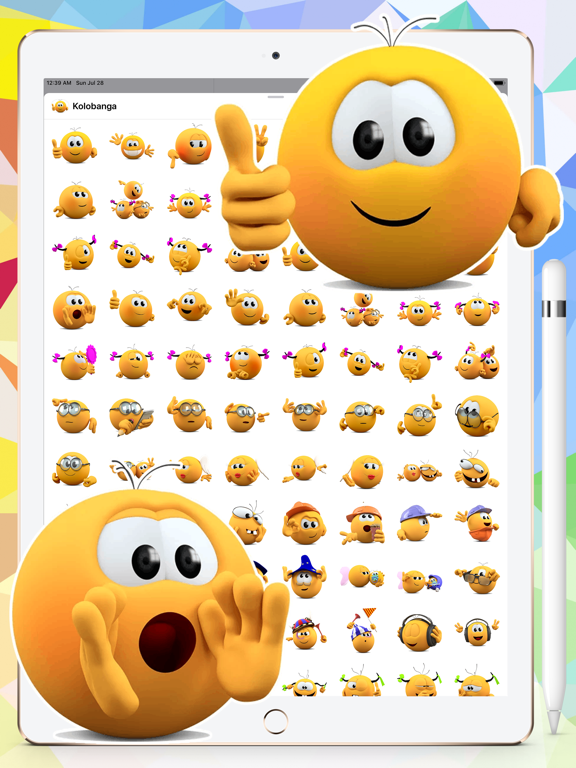
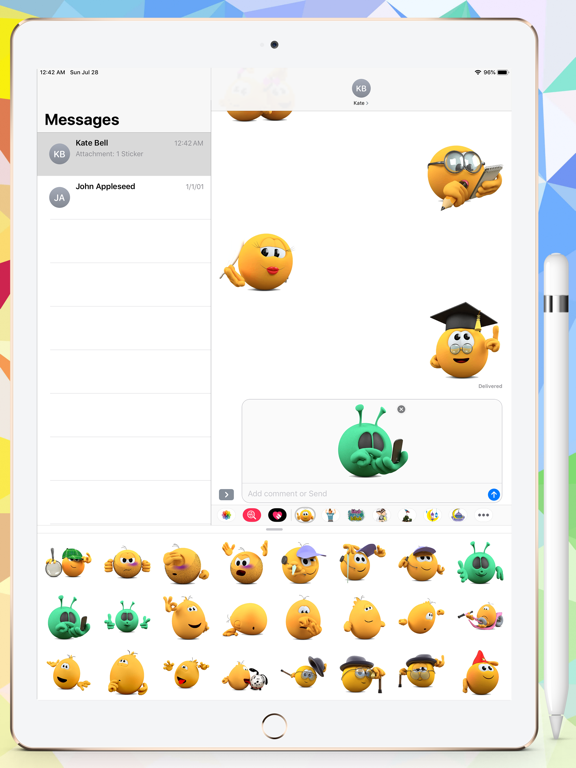
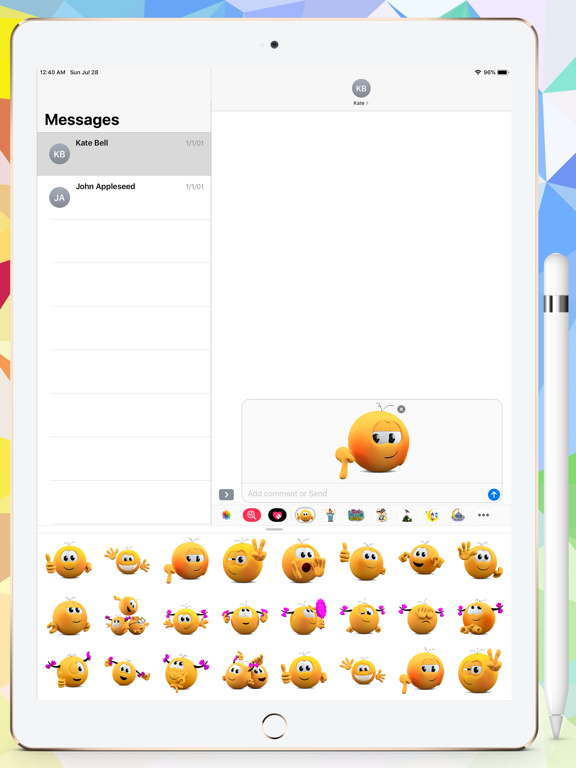
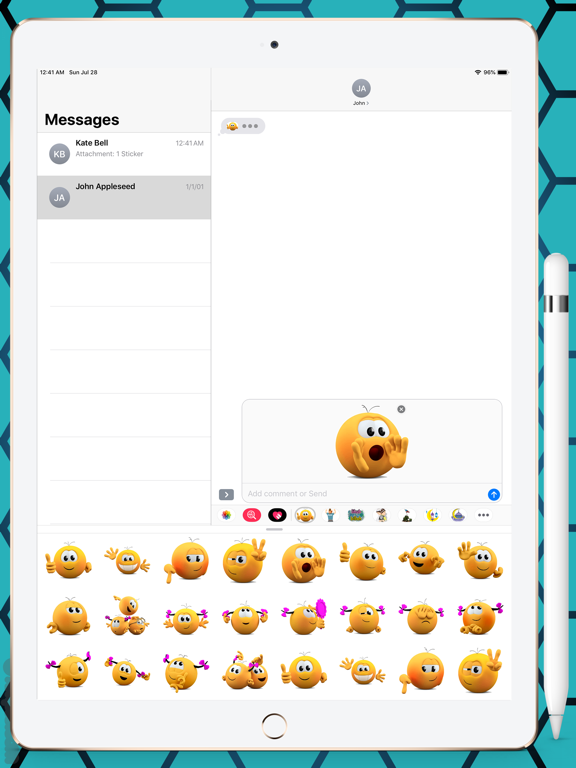
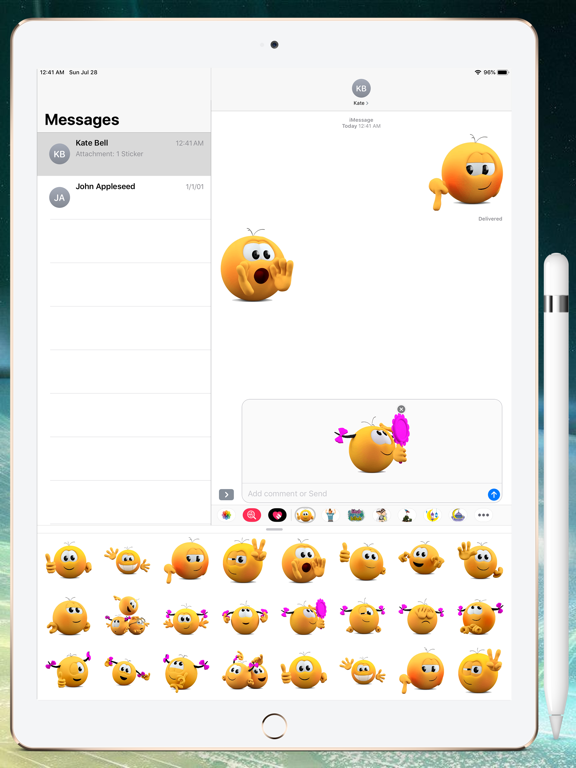
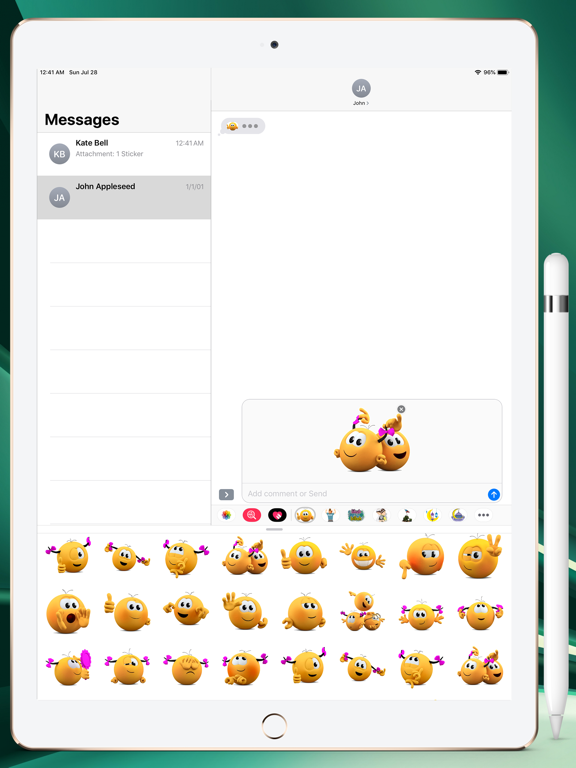
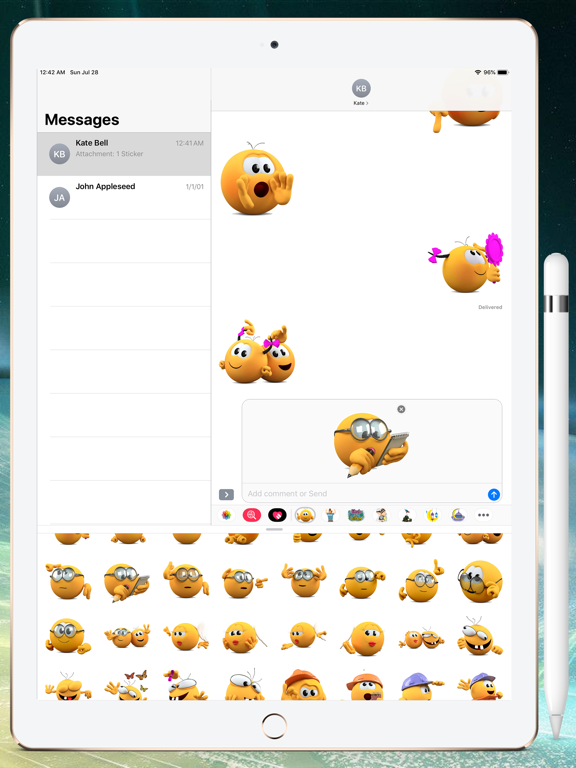
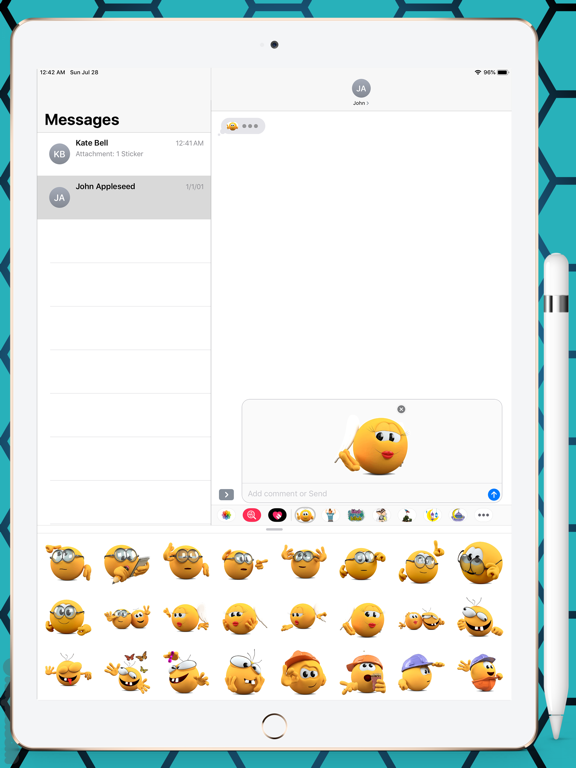
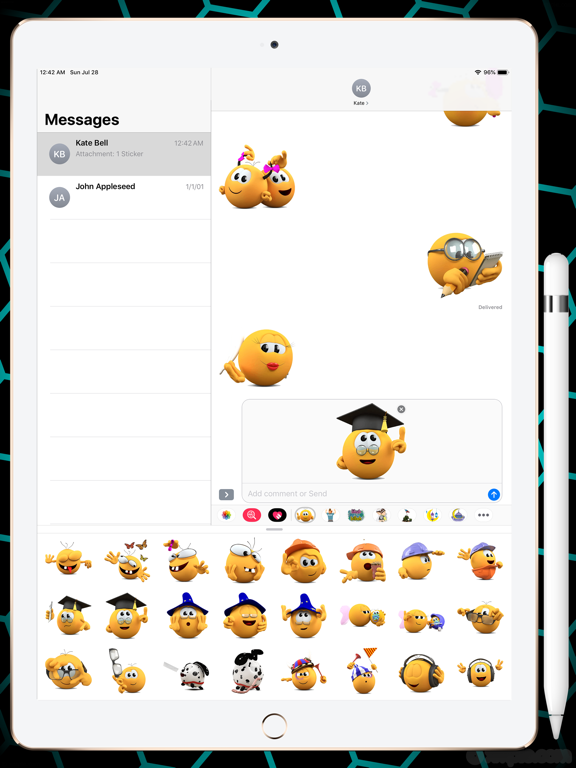
Greetings from Banga Stickers pack. 118 High quality stickers which you can share with your friends in chat. You can use these stickers on so many occasions: Birthdays, Weddings, Parties, Valentines day, Holidays and any time you just want to surprise some one. How to Use and Install: -To access iMessage apps, compose a new iMessage to a friend. -Tap the App Store icon alongside the compose field. -Tap the lower left corner along with camera to open the app drawer. - Select your's Stickers app . - Just with a single tap send stickers. How to remove sticker packs from your iMessage: 1. Open the iMessages app on your iPhone. 2. Scroll right on the list of apps above the keyboard till you see the More … button. 3. Scroll down and find the sticker pack you want to remove. 4. Delete App: swipe left on the sticker pack and Delete it 5. Tap the Edit button on the top-left. 6. Now you can reorder the sticker packs and also hide the sticker pack by switch button CONTACTS: emaanhafsa@yahoo.com
Latest release
What’s New
- screenshot added for iPhone 6.7 inch Display
Audience growth
Ratings growth
Baseline captured. Growth appears after the crawler observes a changed rating count.
Momentum comes from crawler snapshots for the tracked storefront. “Viral growth signal” means unusually fast recent rating gains; it is an indicator, not download data.
Price tracking
Price intelligence
First snapshot captured. The trend line starts after the next crawler price observation.
- First observed Sep 1, 2026 · 1:59 PM $0.99
Screenshots