About this app
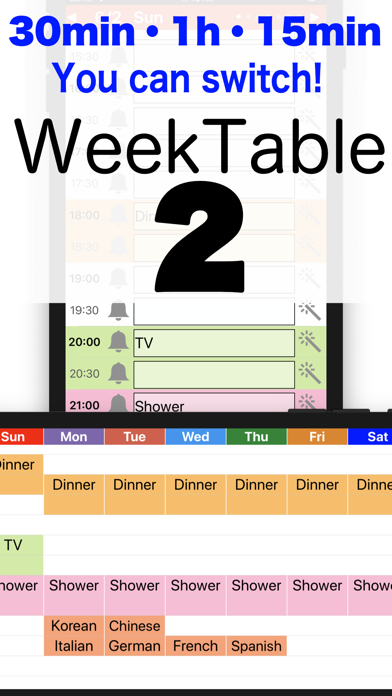
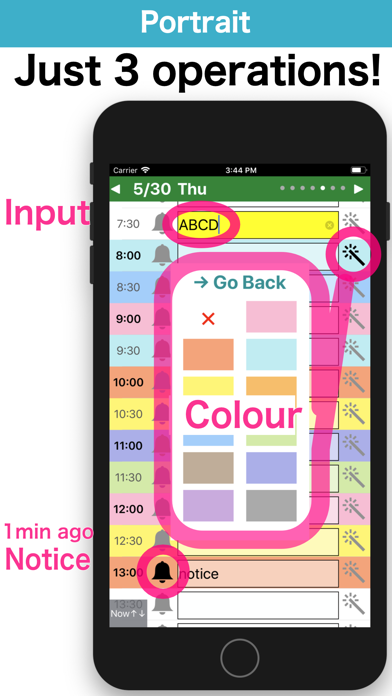
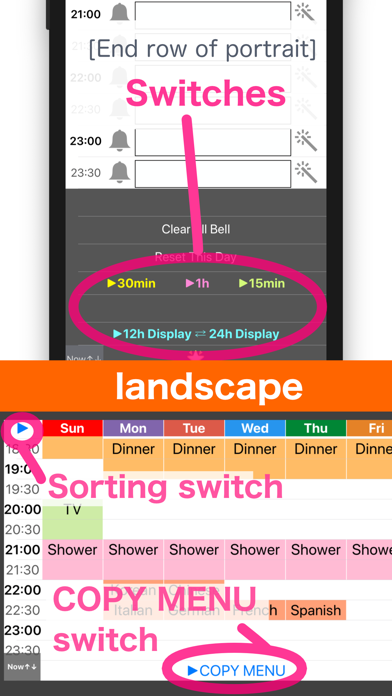
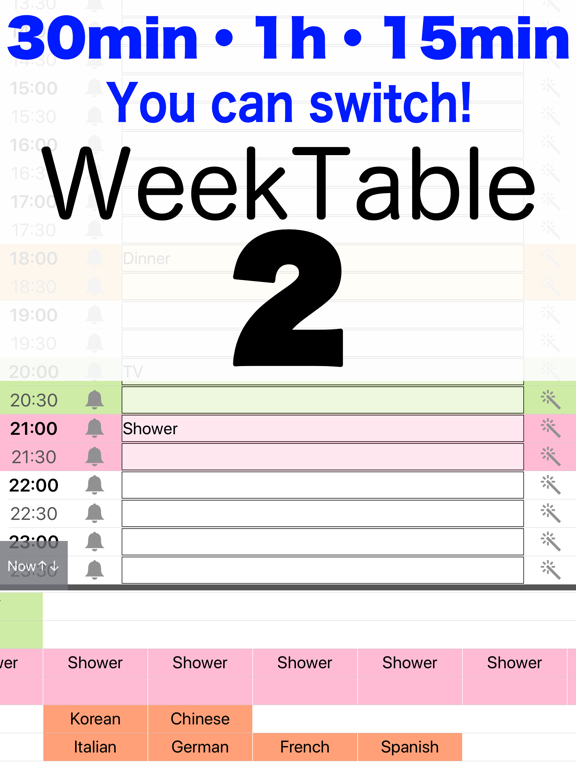
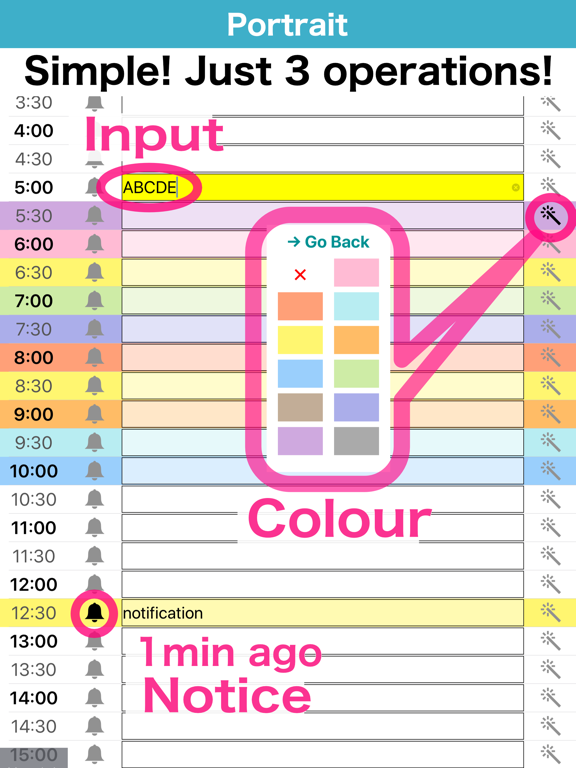
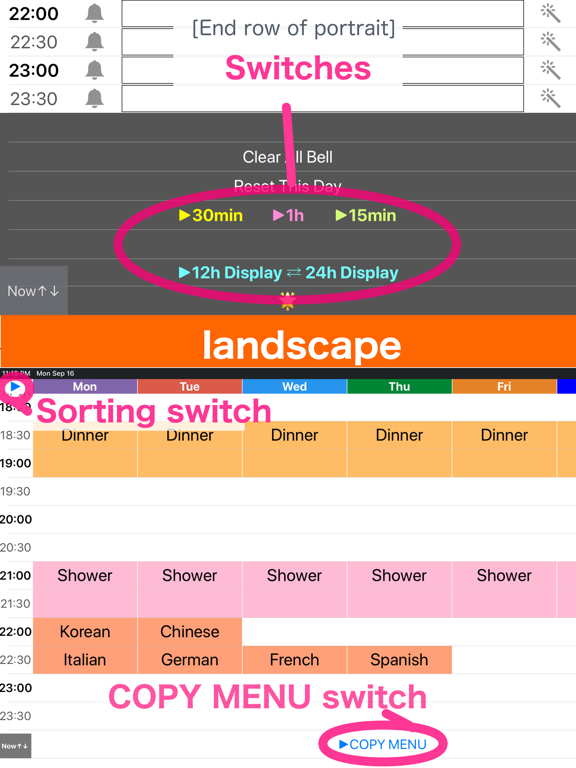
You can plan every 30 minutes (or 15 minutes or 1 hour) / 24 hour Create a timetable with this simple and easy app. And let's use it for self time management. Purpose - Week schedule (scheduling) - Study plan (time management) - For teacher (lessons or cram) - TV program guide - Self time management Feature - Every 30 minutes (or 15 minutes or 1 hour) / 24 hours! - Holiday - Color scheme - Full-Weekly display (landscape) - Notification 1 minute ago. [Free version] will appear advertisement. [Pro version] will not appear advertisement ~Information of operation ~ [Portrait] Text input / Color change / Notification registration (Bottom row) Change of time mode [Landscape] Show a week (Top left) Switch on Sunday Start and Monday Start (Bottom row) Copy Menu ~Hint~ Q. I did not receive a notification. A. Please confirm that notification is ON from the setting application. Q. The screen does not switch to landscape. A. Please check "the screen rotation lock".
Latest release
What’s New
For the latest iOS.
Audience growth
Ratings growth
Baseline captured. Growth appears after the crawler observes a changed rating count.
Momentum comes from crawler snapshots for the tracked storefront. “Viral growth signal” means unusually fast recent rating gains; it is an indicator, not download data.
Price tracking
Price intelligence
First snapshot captured. The trend line starts after the next crawler price observation.
- First observed Aug 17, 2026 · 1:59 PM $3.99
Screenshots