About this app
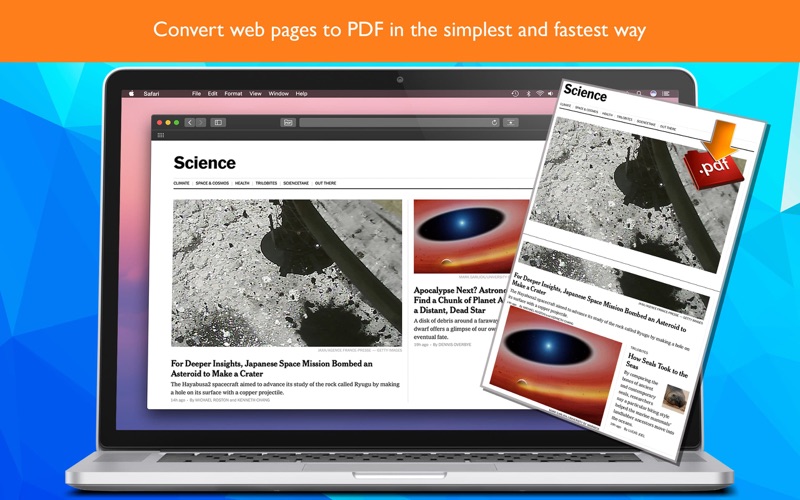
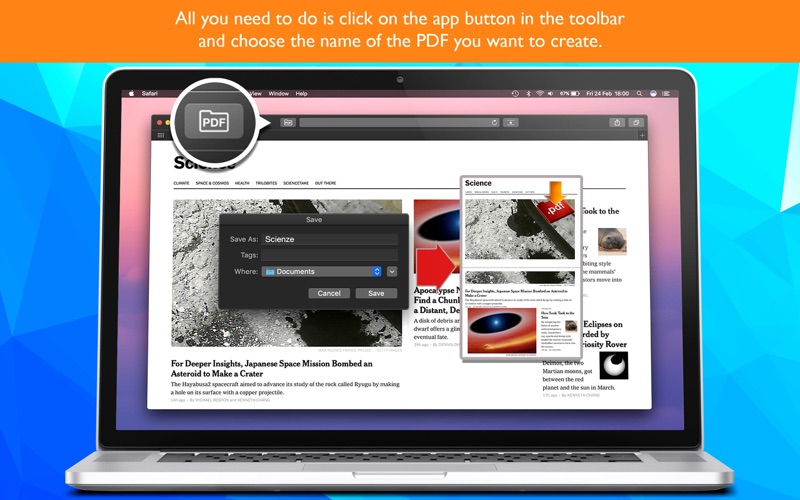
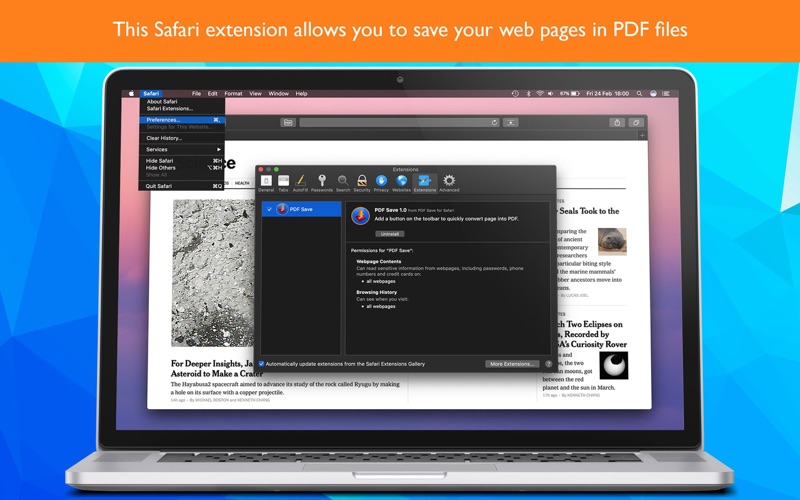
Turn any web page into a PDF with one click. PDF Save for Safari adds a button to your Safari toolbar: click it, choose a name, and the page is saved as a PDF. Done. WHY YOU'LL LOVE IT • One click: no menus, no print dialogs • Complete pages: the smart engine scrolls the page for you and waits for every image, even the ones that normally appear only while scrolling • Clean result: cookie and privacy pop-ups are left out of your PDF • Your file, your name: the page title is suggested automatically, and you can change it before saving • Clear progress: see each step while your PDF is being created • Localized in 16 languages • No ads, no tracking HOW TO ENABLE IT 1. Open the app and click "Open Safari Settings" 2. Tick the checkbox next to "PDF Save for Safari" 3. In Safari's toolbar, click the PDF icon and press "Create PDF"
Latest release
What’s New
Major update: pages are now captured in full with all images, no more freezes and 16 languages.
Audience growth
Ratings growth
Baseline captured. Growth appears after the crawler observes a changed rating count.
Momentum comes from crawler snapshots for the tracked storefront. “Viral growth signal” means unusually fast recent rating gains; it is an indicator, not download data.
Price tracking
Price intelligence
First snapshot captured. The trend line starts after the next crawler price observation.
- First observed Aug 11, 2026 · 6:13 AM $0.99
Screenshots