About this app
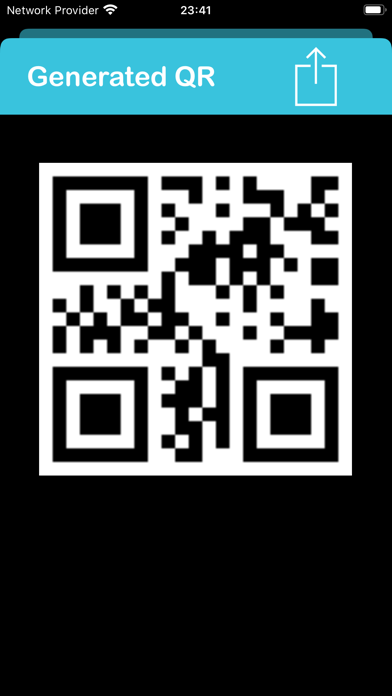
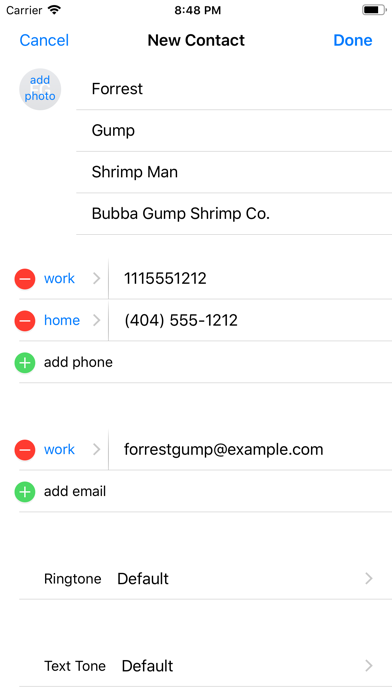
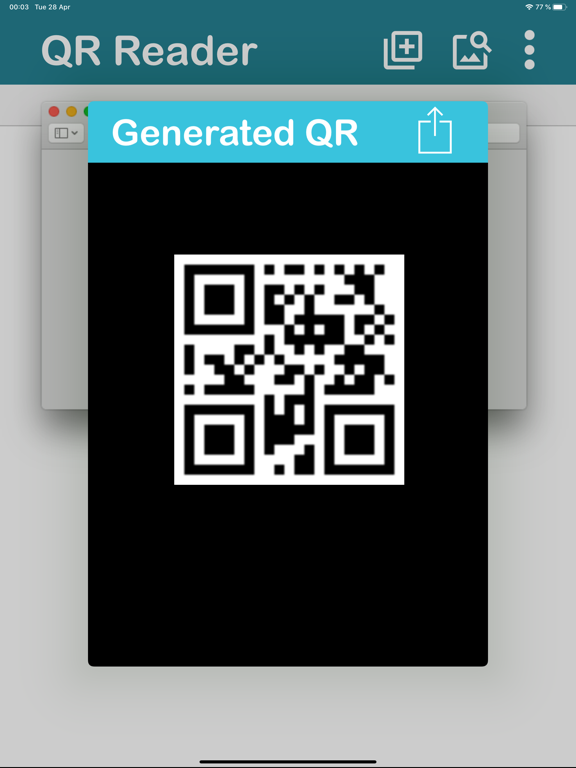
The QR reader and generator is a scanner with automatic QR code detection. You can generate your own QR codes and share them. Now you can also scan QR codes from the image gallery. Detects de type of QR Code (contact, wifi, maps, calendar event, send sms, phone call,send email, url, etc... ) and show to you the corresponding action. After scanning, you can open the url, open maps, save contact, open wifi network, share content, send sms, send email, make phone call, add event calendar o copy content to clipboard. Includes history of scanned codes. Option to turn on the flashlight to scan in dark conditions.
Latest release
What’s New
Improve generate QR
Audience growth
Ratings growth
Baseline captured. Growth appears after the crawler observes a changed rating count.
Momentum comes from crawler snapshots for the tracked storefront. “Viral growth signal” means unusually fast recent rating gains; it is an indicator, not download data.
Price tracking
Price intelligence
First snapshot captured. The trend line starts after the next crawler price observation.
- First observed Aug 13, 2026 · 10:40 AM Free
Screenshots