About this app
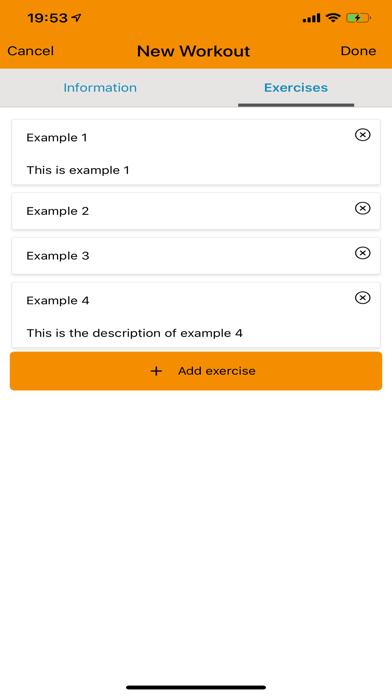
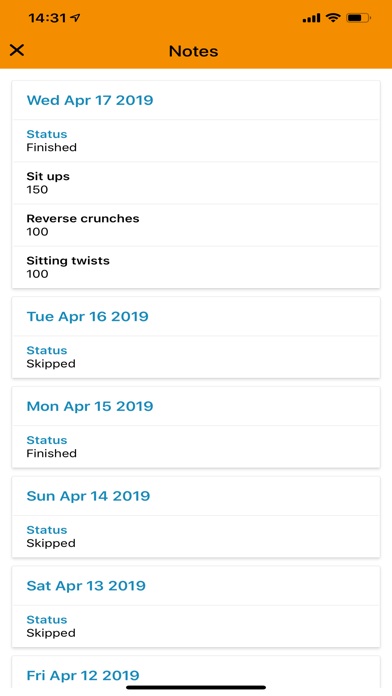
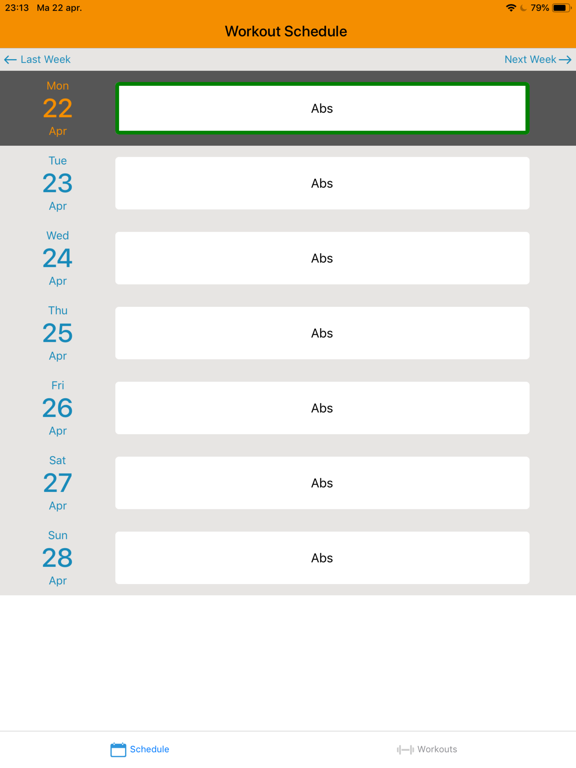
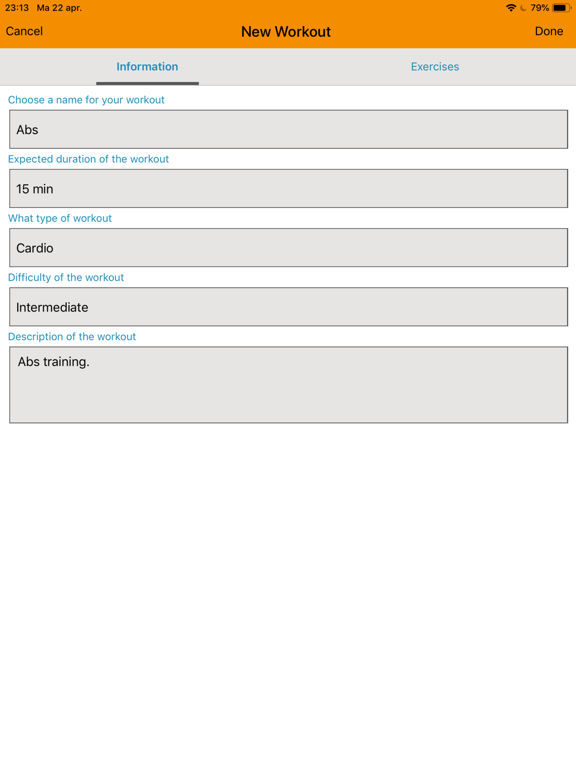
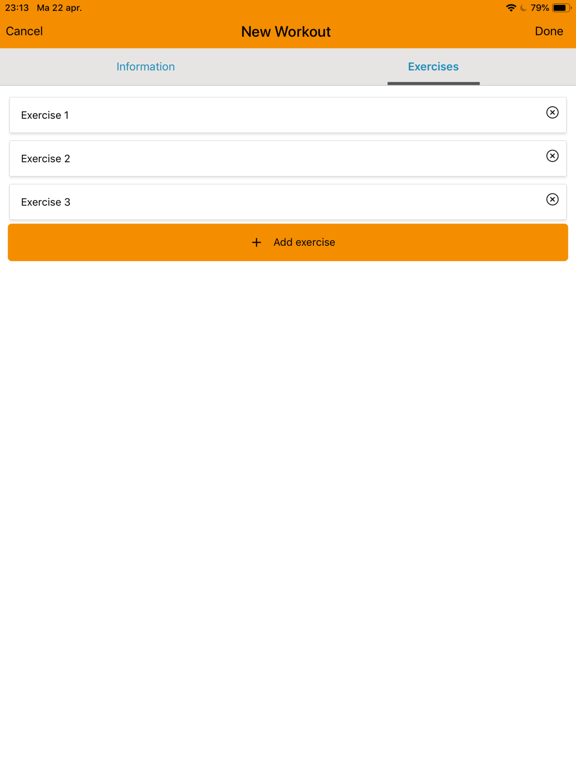
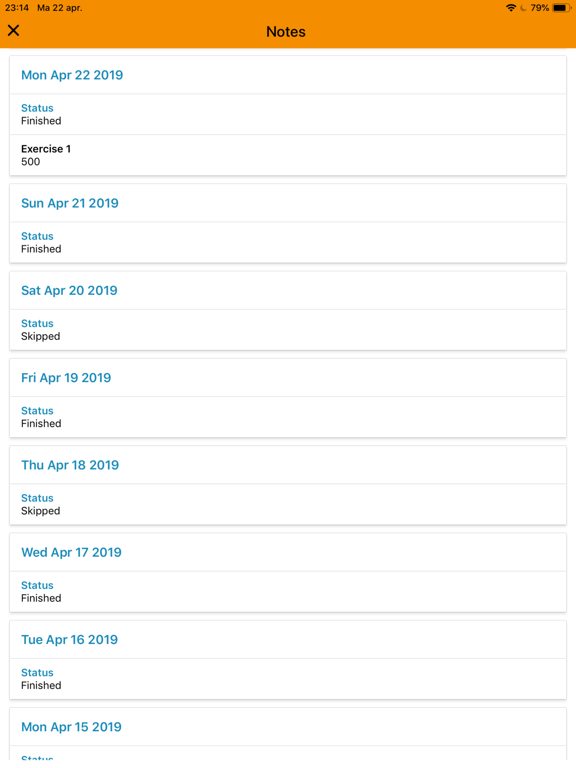
With GetFit Planner you are able to create personalized workouts and put them in your schedule the way you desire. You are able to make notes and mark your workouts as finished or skipped, to closely track your progress. All this is personalized and easy to use. Start making workouts by filling in information and adding your exercises. Don't worry, you can always edit your workout later. If you already know how to do the exercises, you don't have to give a description. Plan your workouts by pressing the menu on your workout. You can choose to plan the workout just once, every weekday or with a number of days in between. With these 3 options, you can plan your workout just the way you like. Press the workouts in your calendar to make notes or mark them as finished or skipped. All of these actions will get logged and you can look at them in the notes section of your workout.
Audience growth
Ratings growth
Baseline captured. Growth appears after the crawler observes a changed rating count.
Momentum comes from crawler snapshots for the tracked storefront. “Viral growth signal” means unusually fast recent rating gains; it is an indicator, not download data.
Price tracking
Price intelligence
First snapshot captured. The trend line starts after the next crawler price observation.
- First observed Aug 20, 2026 · 3:59 AM Free
Screenshots