About this app
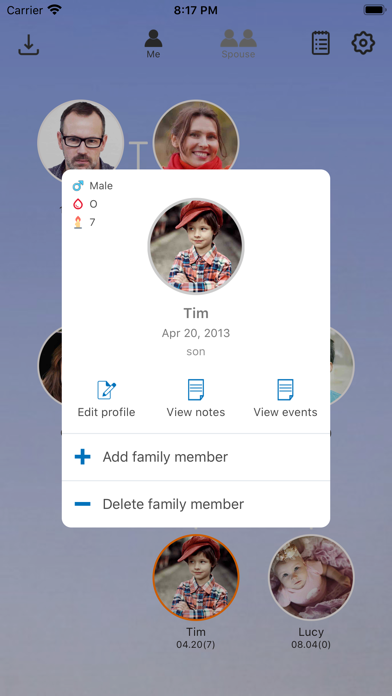
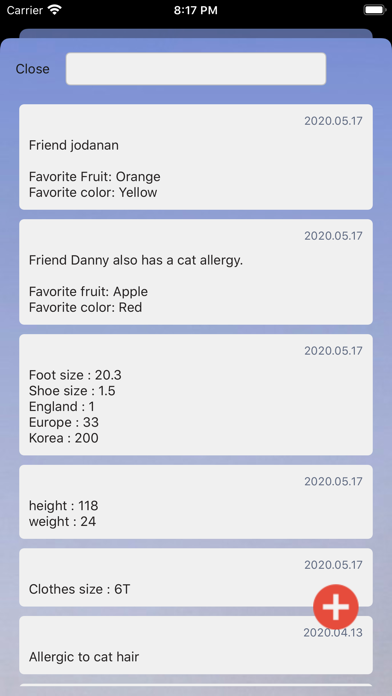
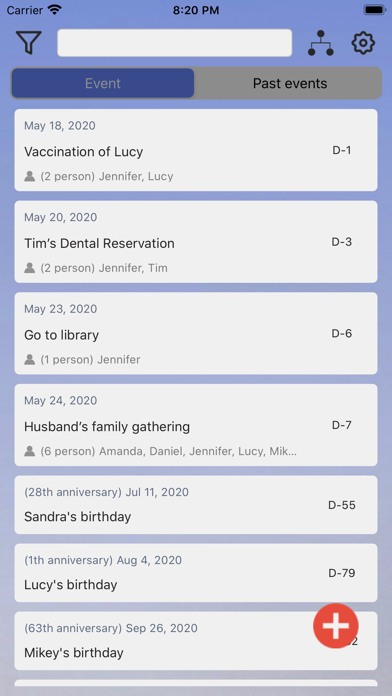
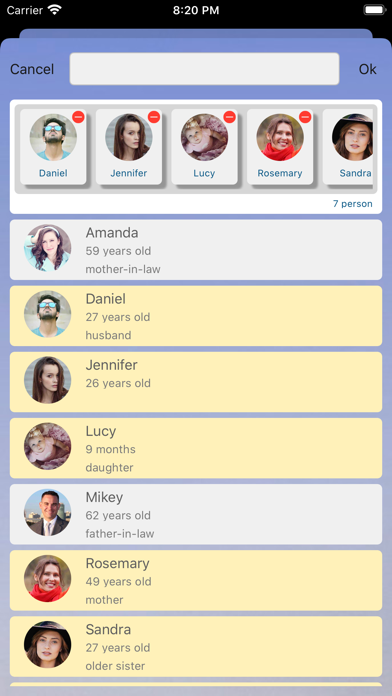
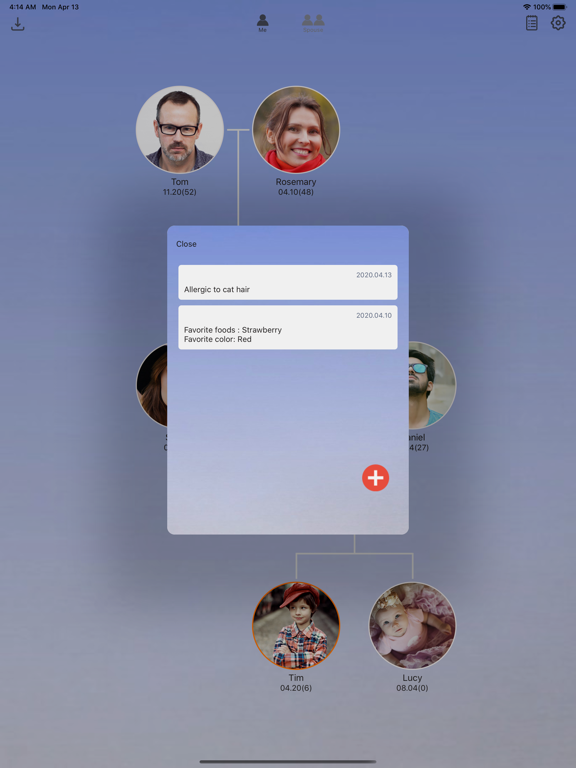
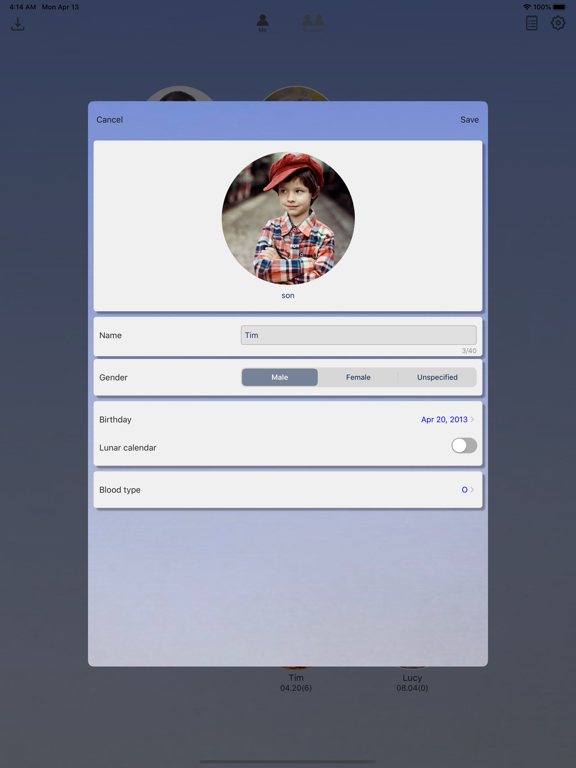
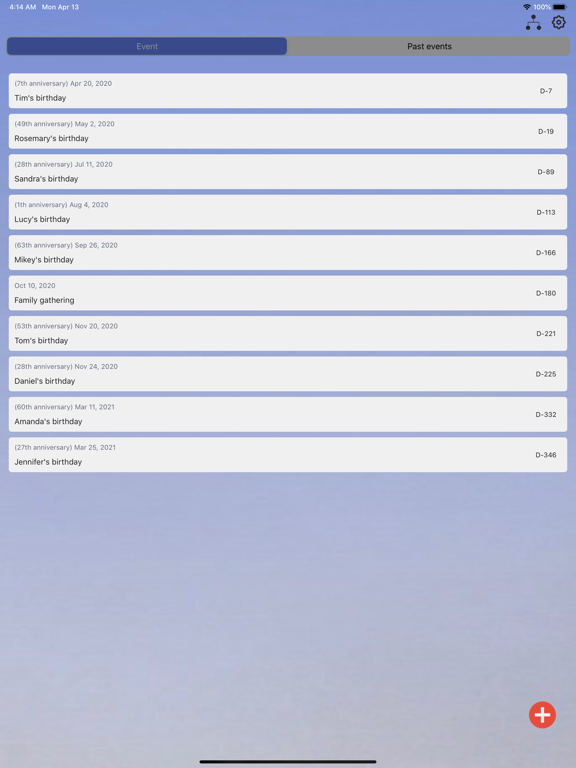
My lovely family (my family tree) - Manage your precious family My lovely family app is a service that can manage family information and events. Key features of my lovely family (my family tree) app * Draw Family Tree - You can draw a family tree by registering family information. - In the family tree, the name, birthday, and age of the member are displayed together with the photo that you registered. - You can select a member to view a profile, add a member, or delete a member. - You can see the family tree in more detail using zoom in and zoom out in the family tree. * Export family tree (photo album) - You can save the family tree in the photo album by using the export family tree function. - Export with background screen will save the family tree as shown on the screen. - Export without background saves the family tree without background. * Family information management - If you select View member's profile in the family tree, registered information is displayed and can be edited. * Birthday reminder - You can receive push notifications on family members' birthdays. - If you turn off birthday notifications on the settings page, you will not receive birthday notifications. * Event Management - You can view birthdays of family members and manage events that users have registered. - You can set whether or not to push notification when registering an event. * Annual event notification - You can receive push notifications every year on the event registration. * Background setting - You can select and apply a background from the settings page. * Lunar birthday registration support for countries using the lunar calendar - You can register your lunar birthday in country that uses the lunar calendar. * Support for "start from 1 age” function for countries that counting from 1 year old - In countries counting from 1 year of age, you can count from 1 year of age.
Latest release
What’s New
A major update after six years. Now supports the latest iOS, with many long-standing issues fixed. • Fixed a crash that occurred when a family member was born on February 29 • Backed-up photos now keep their original quality (may take a little longer with many photos) • Fixed an issue where a photo could be replaced by another family member's photo • Backup and restore now show progress, and no longer get stuck • Fixed notification issues, including same-day event reminders not arriving • Fixed participants disappearing when editing an event • Fixed errors during purchase and purchase restore • Fixed date picker and day-of-week display issues • You can now delete your account from Settings
Audience growth
Ratings growth
Baseline captured. Growth appears after the crawler observes a changed rating count.
Momentum comes from crawler snapshots for the tracked storefront. “Viral growth signal” means unusually fast recent rating gains; it is an indicator, not download data.
Price tracking
Price intelligence
First snapshot captured. The trend line starts after the next crawler price observation.
- First observed Sep 4, 2026 · 5:40 AM Free
Screenshots