About this app
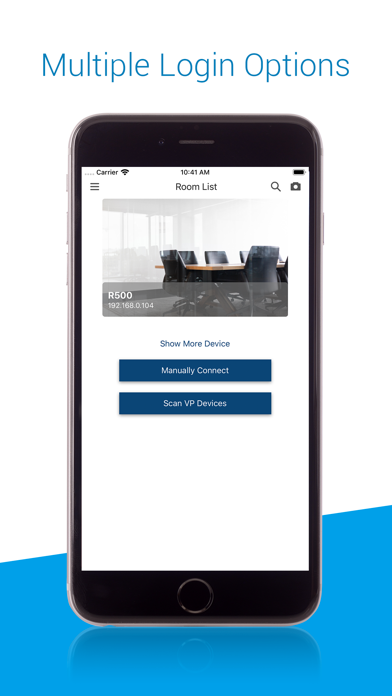
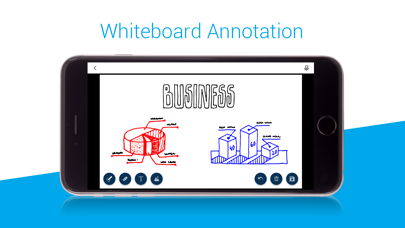
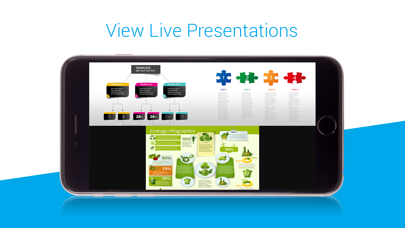
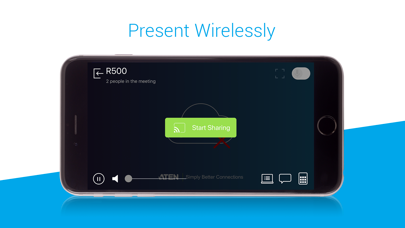
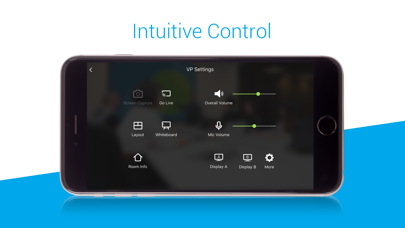
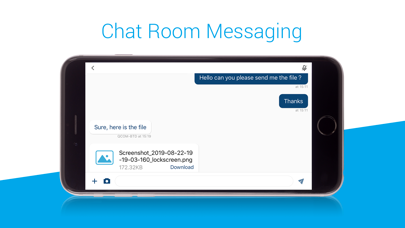
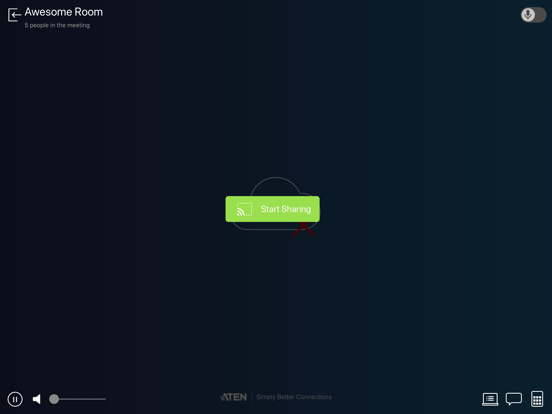
Join meetings via the ATEN Video Presentation Control App that allows you to collaborate and control meeting presentations directly from your smartphone. This free app features collaboration and control capabilities to help you deliver smooth, engaging, and productive meetings. Features include*: - Multiple Login Options: Auto search the network for devices and log in manually or via QR Code. - Wireless Streaming: Stream presentation content from your smartphone with ease or ‘Go Live’ to share content to participants located elsewhere. - Source Preview: Drag and drop what you want to see to where you want to see it to efficiently control the display of presentation sources. - Intuitive Control: Set layouts, switch presentation sources, control audio and more with a few simple taps. - Collaboration Features: Take notes, make annotations with the Whiteboard as well as instantly chat via the Chat Room * The supported features differ by models. Models Supported: VP2120, VP2420, VP2730, VP1420, VP1421, VP3520
Latest release
What’s New
New device support: VP2420.
Audience growth
Ratings growth
Baseline captured. Growth appears after the crawler observes a changed rating count.
Momentum comes from crawler snapshots for the tracked storefront. “Viral growth signal” means unusually fast recent rating gains; it is an indicator, not download data.
Price tracking
Price intelligence
First snapshot captured. The trend line starts after the next crawler price observation.
- First observed Sep 1, 2026 · 2:56 PM Free
Screenshots