About this app
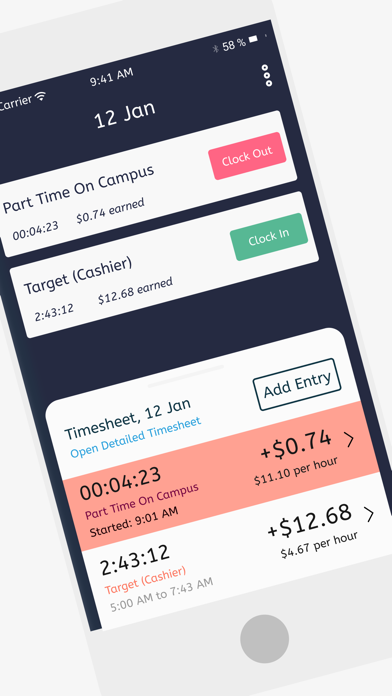
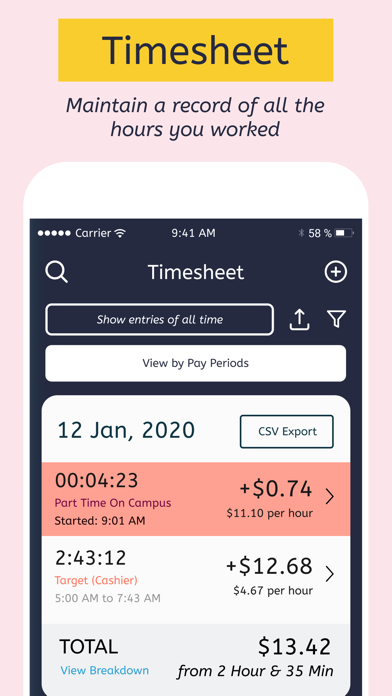
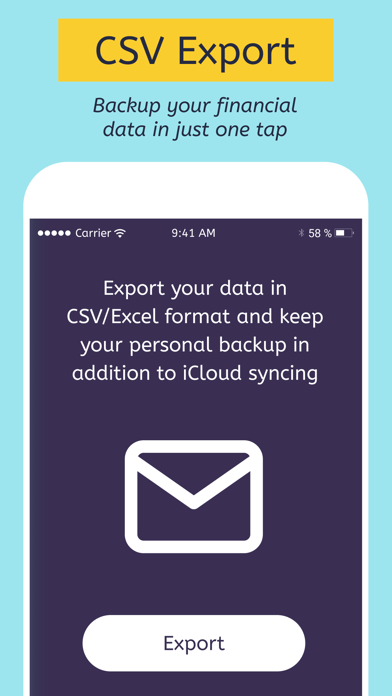
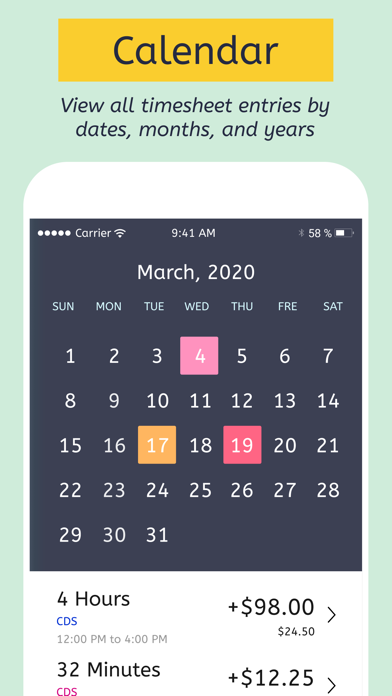
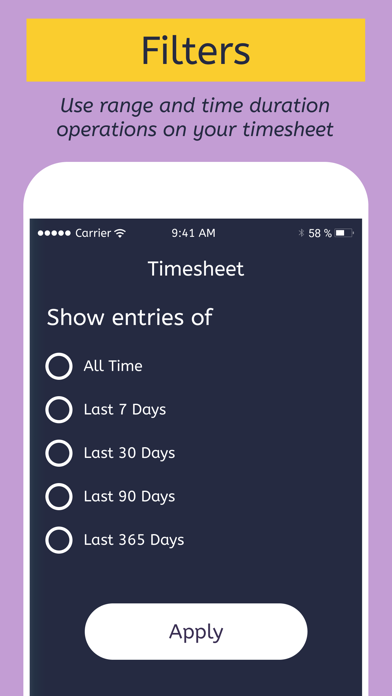
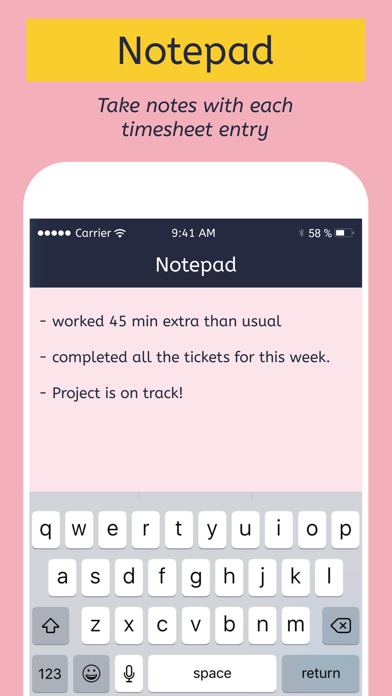
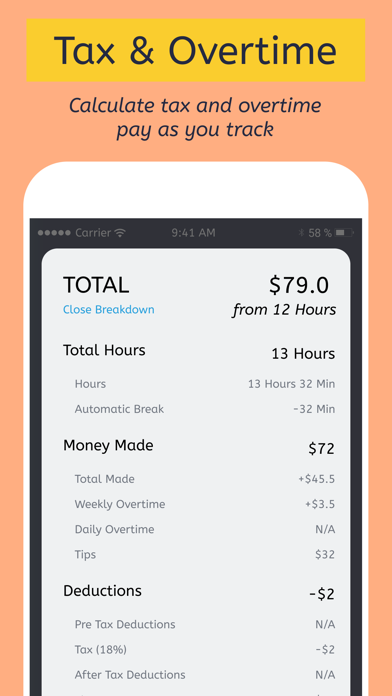
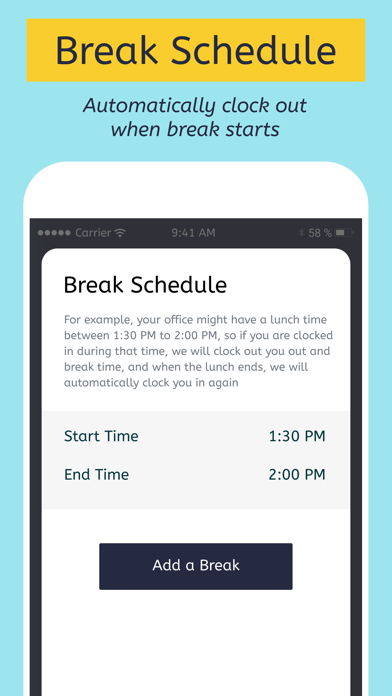
Tracking work hours & earnings now made effortless with the Hours X app. With the easy clock in and clock out feature, the Hours X app helps you to track work hours & calculate earnings for all your full-time & part-time jobs. Forgot to clock in or clock out? We got it sorted for you. You can enter your work hours manually and don’t miss tracking even a single hour. FEATURES: *CLOCK IN AND OUT* One tap clock in and clock out lets you track your work time easily. Moreover, you can also add working hours manually. Hours X automatically calculates real-time earnings based on hourly rates. *AUTO CLOCK IN AND OUT* Too rushed up to Clock in when you start working or too chilled to clock out when you are done working? Set up clock in & clock out time and the app will track your work hours automatically. *TIMESHEET* Manage all your time entries in one single timesheet. The app automatically calculates your pay based on the number of hours recorded in the timesheet. *CSV EXPORT* Export the timesheet on your device or cloud storage in a CSV format. Moreover, you can share the exported timesheet over AirDrop, email, messages, and many more directly from the app. *NOTES* Take specific notes with each entry. Notes also make it convenient to search for those entries. *BREAK SCHEDULE* Break schedule allows you to automatically clock out when your lunch break starts and clock in back when the lunch break ends. *CALENDAR* Manage all your timesheet in a calendar and view your time entries by dates. *FILTERS* Filter your timesheet by days, weeks, months, or jobs. *OVERTIME* The app automatically calculates your overtime earnings using your existing hourly rate. *TAX & DEDUCTIONS* The app automatically calculates your actual earnings by subtracting your taxes and deductions. IN-APP-PURCHASE TERMS Some of the features in the app require the user to subscribe to Hours X Pro Subscription. This is an annual auto-renewable subscription, with a price of $20 per year. The user will be charged for renewal within 24-hours prior to the end of the current period. Subscription automatically renews unless auto-renew is turned off at least 24-hours before the end of the current period. Subscriptions may be managed by the user and auto-renewal may be turned off by going to the user's Account Settings after purchase. Privacy Policy URL: https://docs.google.com/document/d/18GNVMWEktl6eqkI5BSinwPGCbB2His61A2QGEbvDw48/edit Terms of Use URL: https://firebasestorage.googleapis.com/v0/b/timesheet-x.appspot.com/o/Timesheet%20X%20Terms%20and%20Conditions%20.docx?alt=media&token=8fb12427-d08b-496e-913e-1eb2ba5a4983 If you have any questions or suggestions about the app Hours X or anything in general, hit us up on craftedthoughtsapps@gmail.com. We constantly work to improve the app and provide the best experience to the users.
Latest release
What’s New
We're planning to make a new app, so I've added a google forum banner in the app also which you can use to sign up for our beta testing mailing list and provide us your feedback throughout the app development process. If you enjoy using our app, please consider writing a review for it in the App Store. Amogh
Audience growth
Ratings growth
Momentum comes from crawler snapshots for the tracked storefront. “Viral growth signal” means unusually fast recent rating gains; it is an indicator, not download data.
Price tracking
Price intelligence
- First observed Aug 10, 2026 · 1:48 PM Free
Screenshots