About this app
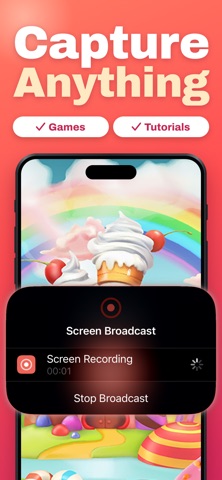
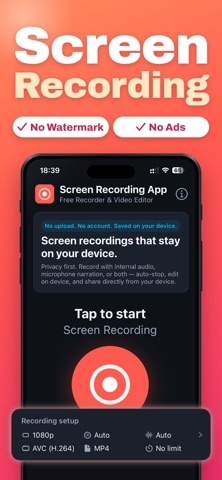
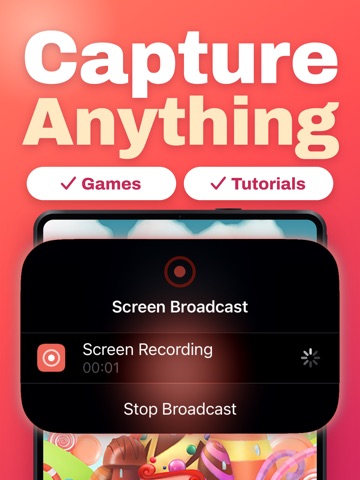
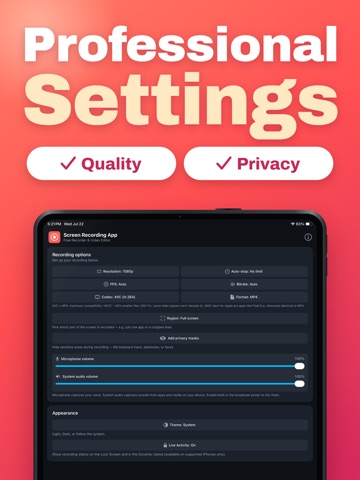
Screen Recording App — Free Recorder & Video Editor The private screen recorder for iPhone and iPad. No upload. No account. No watermark. No ads. No subscriptions. Your recordings stay on your device. Capture your entire screen with system audio, your microphone, or both. Record any app or system view, even after leaving Screen Recording App. WHAT YOU CAN RECORD • Full-screen capture with system audio • Voice-over with your microphone • Auto-stop after 5 min, 15, 30, 1 h, 2 h — or run until you stop • Pick the resolution that fits your need: up to 4K, plus 1080p, 720p, 540p, 480p, 360p, 240p • Frame rate from 15 to 60 fps • Bitrate from 1 to 24 Mbps, or Auto • H.264 / HEVC, MP4 / MOV — pick what works with your editor • Privacy masks — hide keyboards, addresses, faces with a black box or pixelation • Region recording — capture just one app or a cropped area LIVE STATUS WHERE YOU NEED IT • Live Activity on the Lock Screen with elapsed timer • Dynamic Island indicator on supported iPhones • Recording widget for the Home Screen • Control Center button for one-tap start EDIT WITHOUT LEAVING THE APP • Trim, cut, crop, zoom and rotate • Change playback speed (0.5× to 2×) • Apply filters: Vivid, Faded, Instant, Mono, Noir, Sepia, Invert • Compress to slash file size before sharing • Mute the audio track in one tap • Generate auto-captions in 60+ languages • Export still frames as PNG/JPG, audio as M4A, or the whole clip as an animated GIF SHARE, SAVE, IMPORT • Save to Photos • Share to any app • Import videos from Files or Photos to edit them with the same tools • Add videos directly from the system Share sheet or quick action PRIVATE BY DESIGN We never upload your recordings. There's no account to sign up for, no ads, no tracking. Everything lives on your device — yours to keep, edit and share when you choose. Light, Dark, and system-matched themes — the recorder blends into whatever look you prefer. Localized in English, German, Spanish, Portuguese, French, Italian and Japanese.
Latest release
What’s New
- Bug fixes
Audience growth
Ratings growth
Baseline captured. Growth appears after the crawler observes a changed rating count.
Momentum comes from crawler snapshots for the tracked storefront. “Viral growth signal” means unusually fast recent rating gains; it is an indicator, not download data.
Price tracking
Price intelligence
- First observed Aug 19, 2026 · 2:56 PM Free
Screenshots