About this app
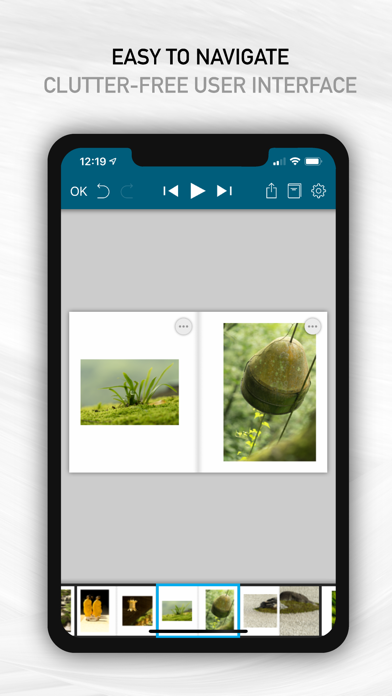
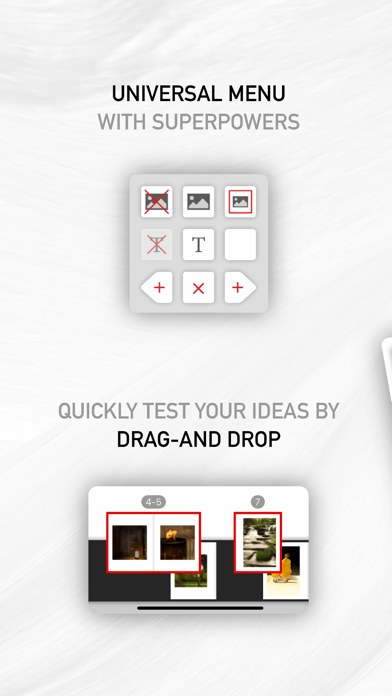
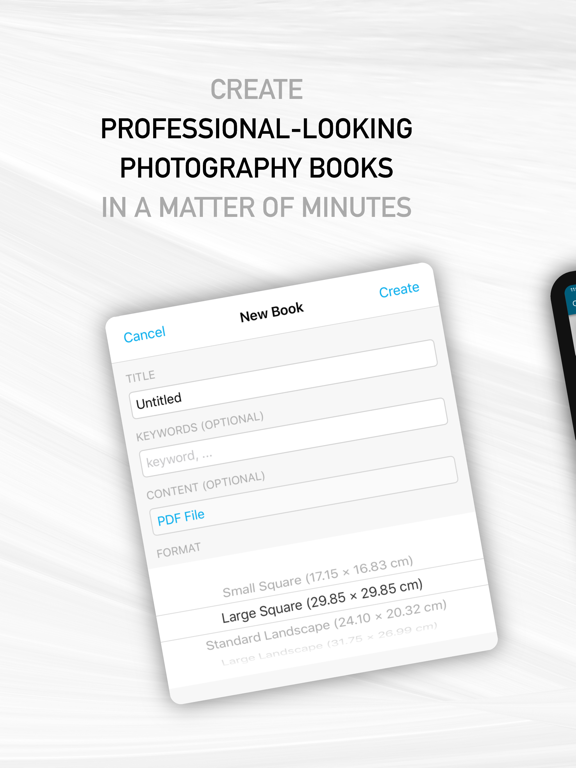
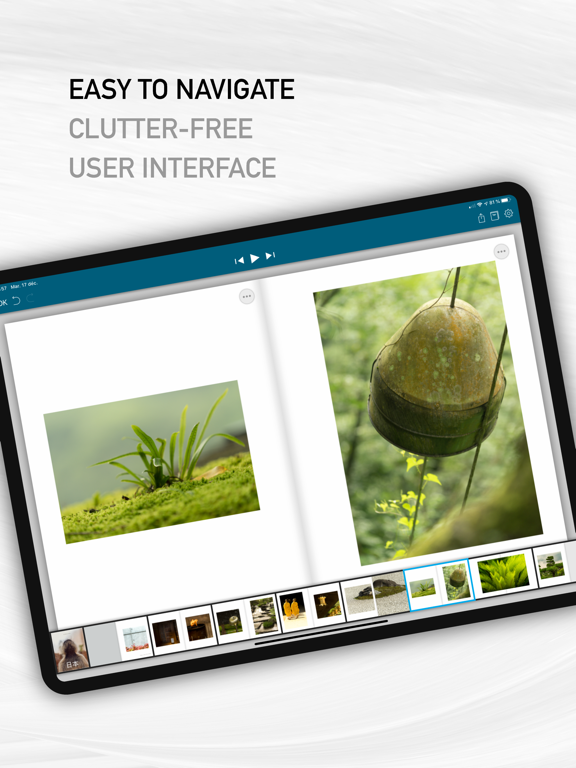
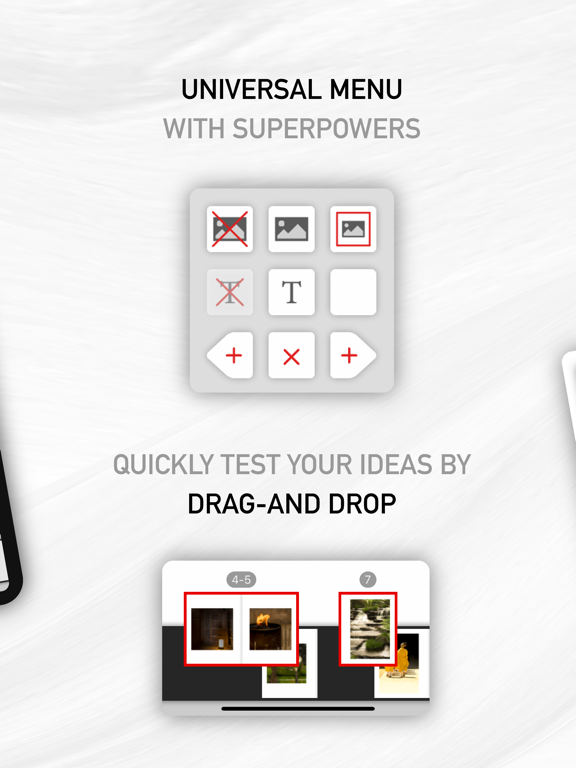
Contrary to full-fledged desktop publishing software, SlideBook is simple enough for anyone to use, and yet has all it takes to create professional-looking books. Just import your photos, layout the pages with intuitive gestures, add some text, create a cover page, and you're done! With SlideBook, you can : - insert, delete or modify pages - easily test visual associations by moving around individual pages or spreads - browse your book with a smooth visual experience as close as possible to browsing a real book - create stunning video books with an optional sound track to share your work with friends or on social media - export your book content and cover pages as PDF documents - print your book on Blurb® In addition, SlideBook supports the following advanced features : - auto-saving - synchronize your books via iCloud - infinite number or undos and redos - multiple text items on each page, including rotated text - page footers with page number support - powerful layout styles for photos - visual guides for centering and alignment - support for double page photos - keyboard shortcuts on iPad (long-press on the command key for help) - a hard-cover editor with PDF or photo backgrounds - export of spread snapshots (great for gallery thumbnails) - import of PDF books created by desktop publishing software such as Scribus or Adobe® InDesign® - support of copyright information and other meta-data in all exported media
Latest release
What’s New
• Full iOS 26 Compatibility. • Remember recently used albums. • Enhanced video generation. • Books with damaged data now open again: instead of failing, the book is restored to its last saved state and a message lets you know. • Fixed a crash when deleting the last page of a book that has a cover. • Fixed rare crashes when opening books, including when tapping several books in quick succession. • Fixed rare crashes while browsing page thumbnails, undoing changes, and exporting to PDF. • Exporting a very large book no longer crashes when memory runs low — an error message is shown instead. • Fixed a crash that prevented the creation of new photo boxes
Audience growth
Ratings growth
Baseline captured. Growth appears after the crawler observes a changed rating count.
Momentum comes from crawler snapshots for the tracked storefront. “Viral growth signal” means unusually fast recent rating gains; it is an indicator, not download data.
Price tracking
Price intelligence
First snapshot captured. The trend line starts after the next crawler price observation.
- First observed Aug 24, 2026 · 11:30 PM $3.99
Screenshots