About this app
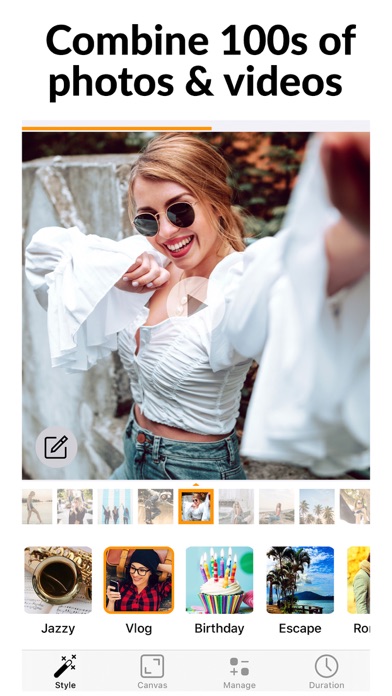
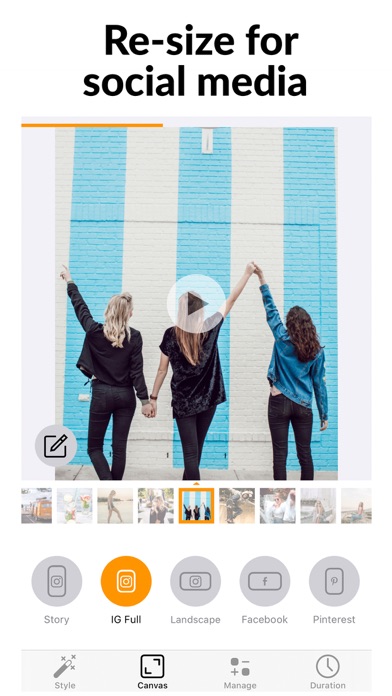
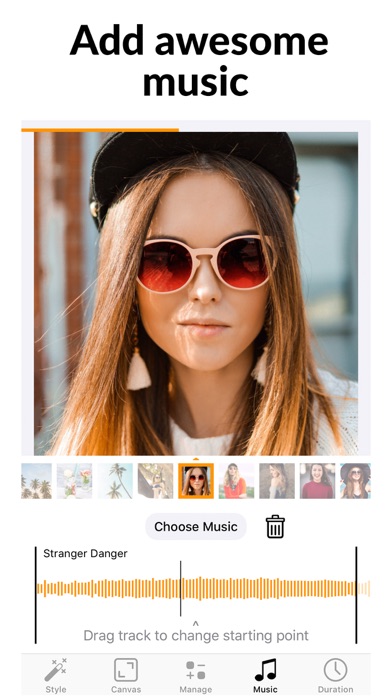
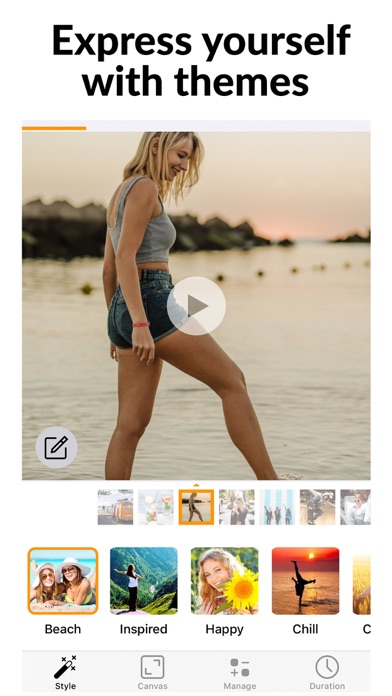
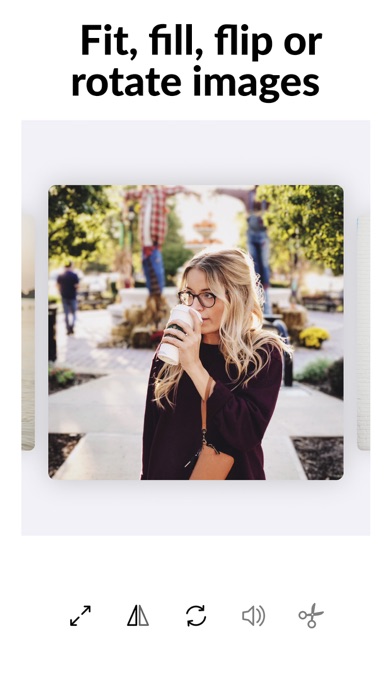
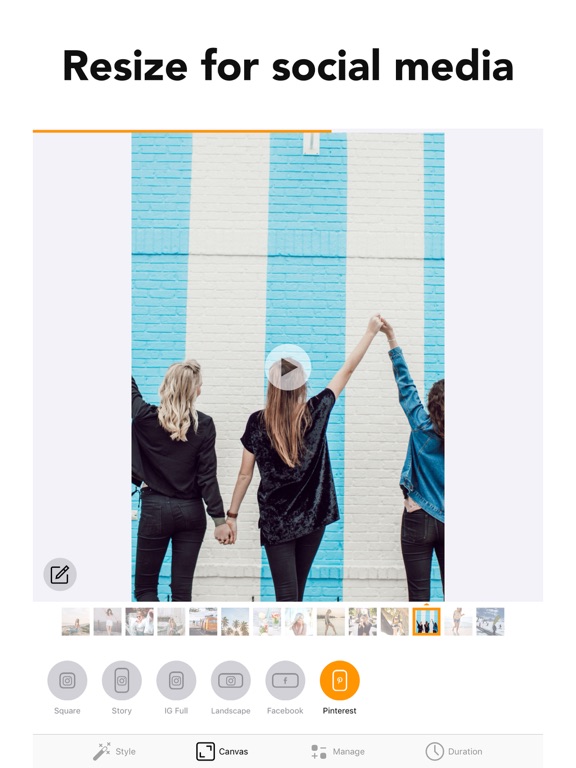
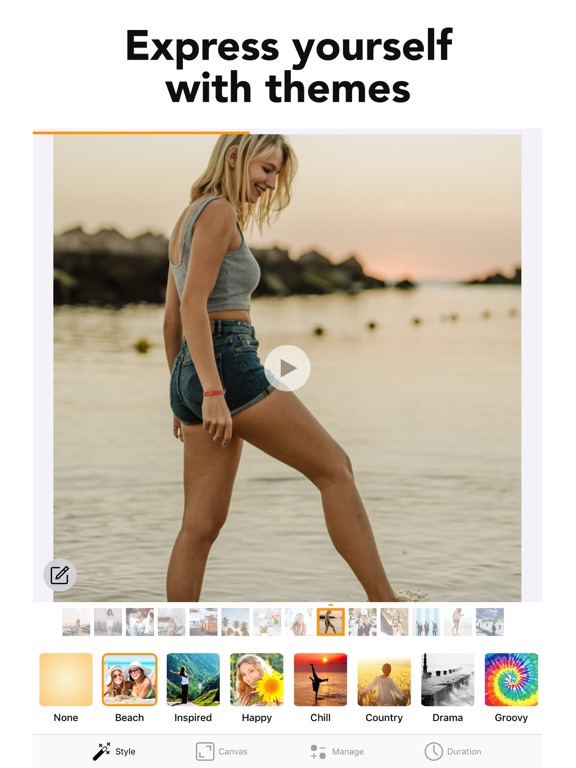
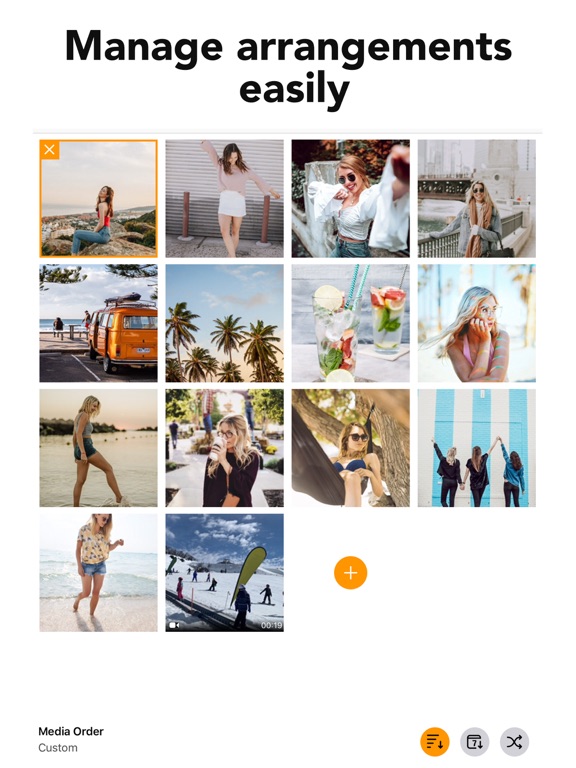
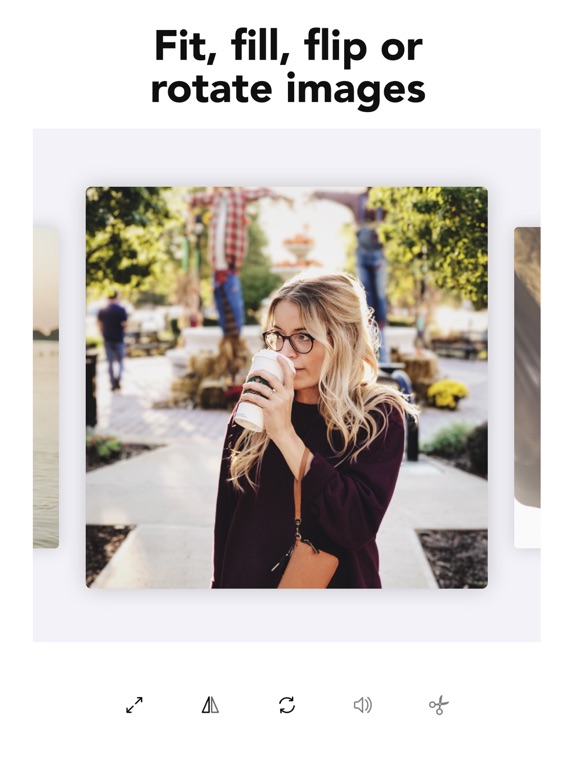
Create unforgettable slideshows in seconds with photo & video! Combine media to make a movie with beautiful transitions, music, filters and effects and watch your pictures come alive. Delight your friends and family when you share these special moments. Choose your own style from 26 fantastic template themes including halloween, birthday, beach, chill, jolly and romantic! Features: - Pick photos & videos (up to 200 photos) - Set your own music or use the music from the included styles - Add Text - tons of fonts and styles - Manage & reorder photo & video easily - Canvas sizes : Square, IG Story, IG Full, IG Landscape, Facebook & Pinterest - Fit or Fill canvas with blur background - Trim & Cut Video (Basic & Advanced) - Flip, rotate photo or video - Set photo duration - Mute video audio - Landscape support for iPad Slideshow Premium Subscription Info: - 3 day free trial, then charged yearly - You'll be able to use all features for the duration of your subscription - You can subscribe for unlimited access to premium content, including: Unlocking all Features, Unlimited Photos / Videos and No Ads - Payment will be charged to your iTunes Account at confirmation of purchase - The subscription renews automatically unless auto-renewal is turned off for at least 24-hours before the end of the current period - The account will be charged for renewal within 24-hours prior to the end of the current period at the cost of the chosen package - Subscriptions may be managed by the user and auto-renewal may be turned off by going to the user's Account Settings after purchase - Any unused portion of a free trial period, if offered, will be forfeited when the user purchases a subscription You can read our privacy policy and terms of use at http://cushwayapps.com/app-privacy/slideshow/privacy.html http://cushwayapps.com/app-privacy/slideshow/terms.html Have you found a bug, got a suggestion, or want a new feature? Email us at: support@honkhonkpunch.com
Latest release
What’s New
We've been busy under the hood making SlideShow Maker smoother than ever. • Saving is now faster and more efficient, especially for slideshows with lots of photos • Trimming a video now updates its slide preview instantly, so you always see your new starting frame • Plus other small improvements and polish throughout We'd love to hear what you think — leave a review, and if you have feedback or suggestions, email us at support@honkhonkpunch.com.
Audience growth
Ratings growth
Momentum comes from crawler snapshots for the tracked storefront. “Viral growth signal” means unusually fast recent rating gains; it is an indicator, not download data.
Price tracking
Price intelligence
- First observed Aug 6, 2026 · 1:21 AM Free
Screenshots