About this app
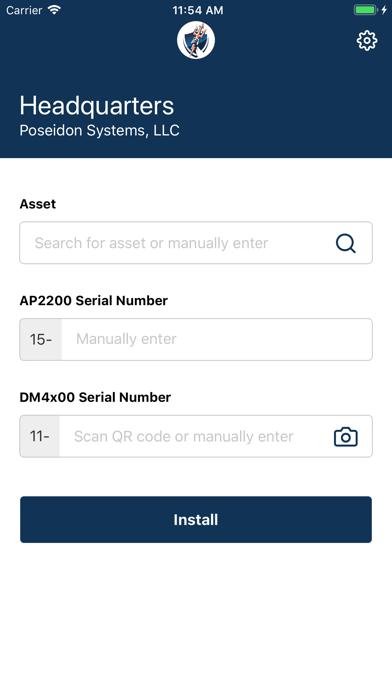
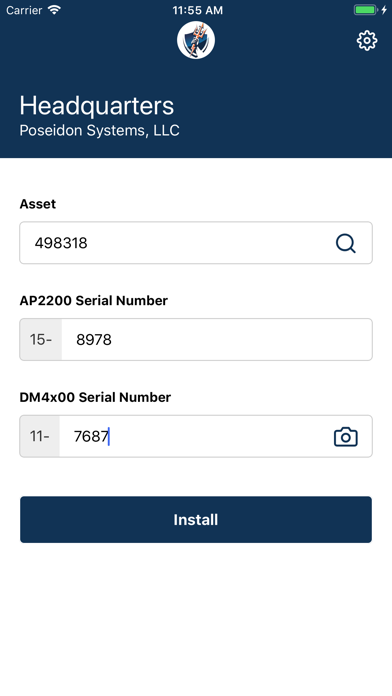
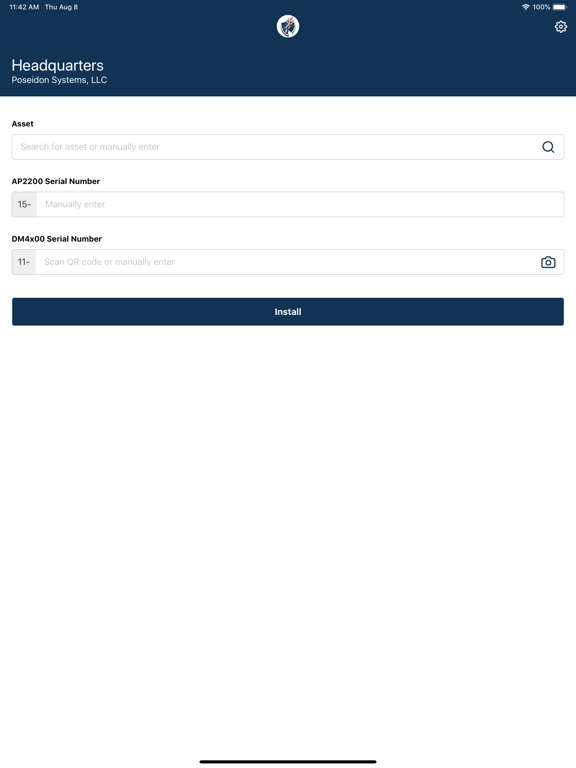
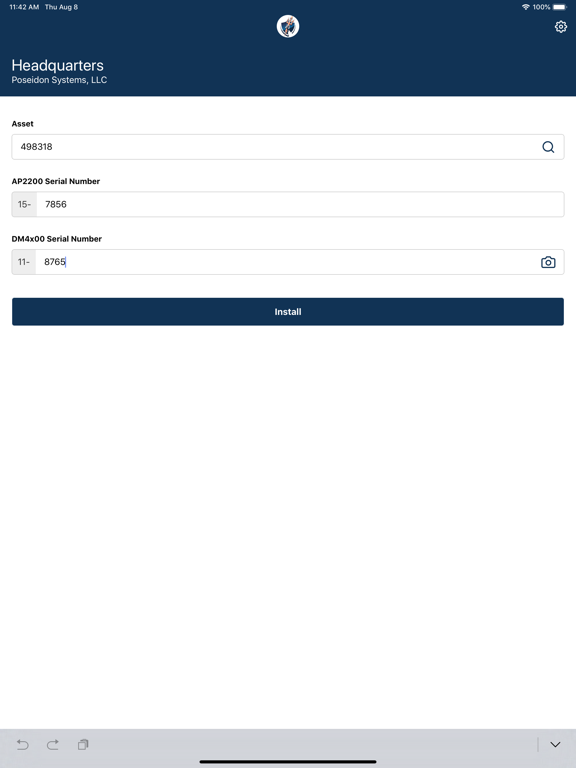
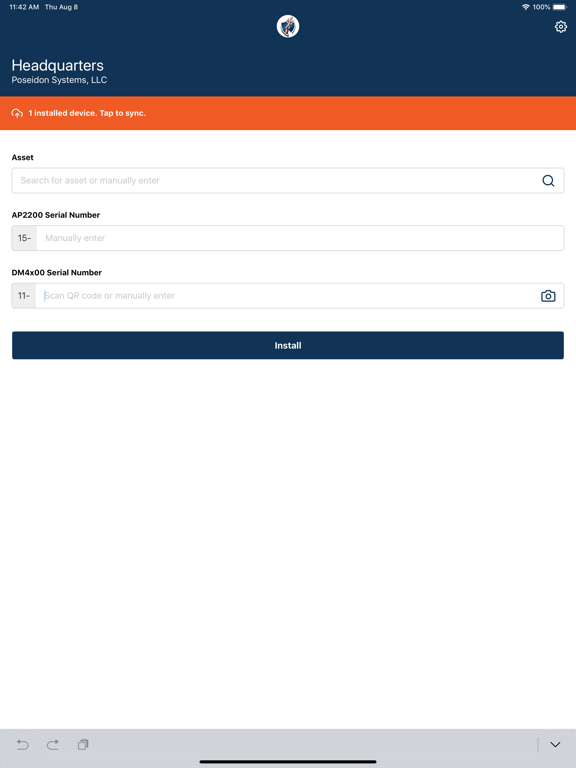
Use this app to log the assets where you have installed Poseidon Devices. Tracking your installs is easy: 1. After install, input the location pin of the Site where you are performing installations. 2. To track an install, simply search for or manually input the name of the asset where you are installing the device. 3. Scan the QR code on the device or manually input the serial number of the device. 4. Upon submission, This information will automatically be sent to Poseidon if you have internet access. 5. If you have installed devices without internet access, manually sync your installs once you have an internet connection.
Latest release
What’s New
Compatibility with multiple Poseidon data portals.
Audience growth
Ratings growth
Baseline captured. Growth appears after the crawler observes a changed rating count.
Momentum comes from crawler snapshots for the tracked storefront. “Viral growth signal” means unusually fast recent rating gains; it is an indicator, not download data.
Price tracking
Price intelligence
First snapshot captured. The trend line starts after the next crawler price observation.
- First observed Aug 14, 2026 · 4:59 PM Free
Screenshots