About this app
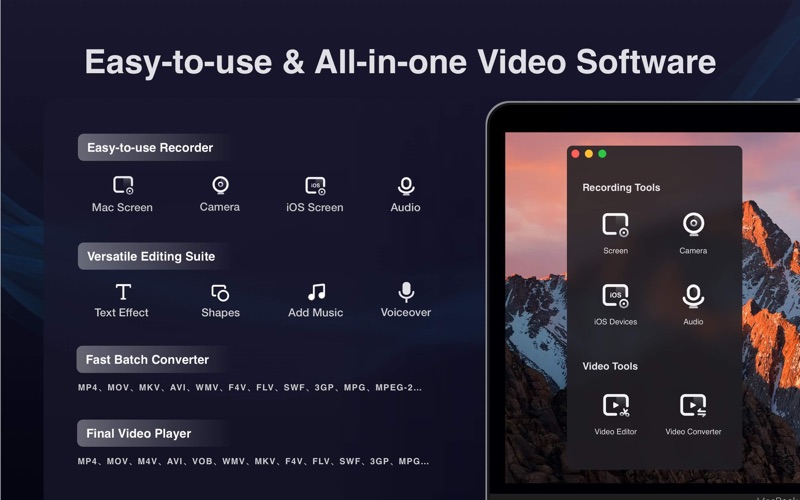
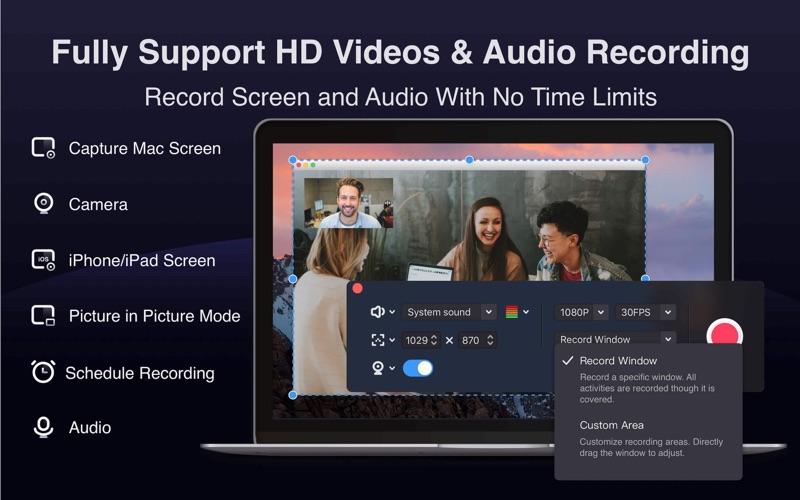
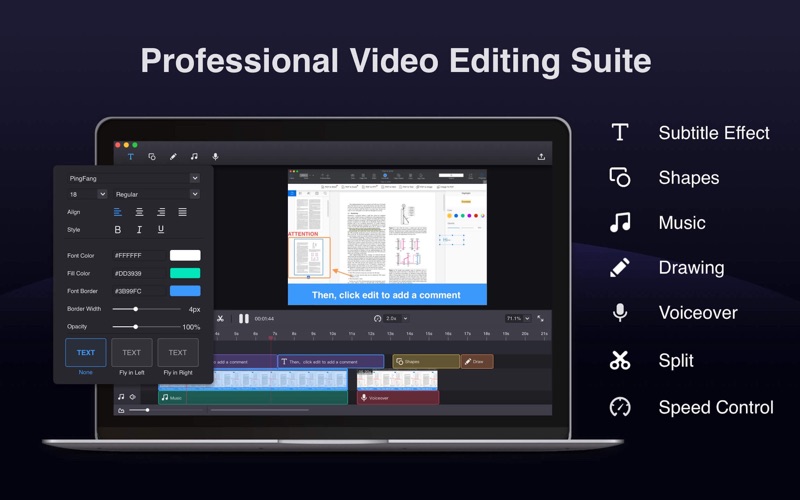
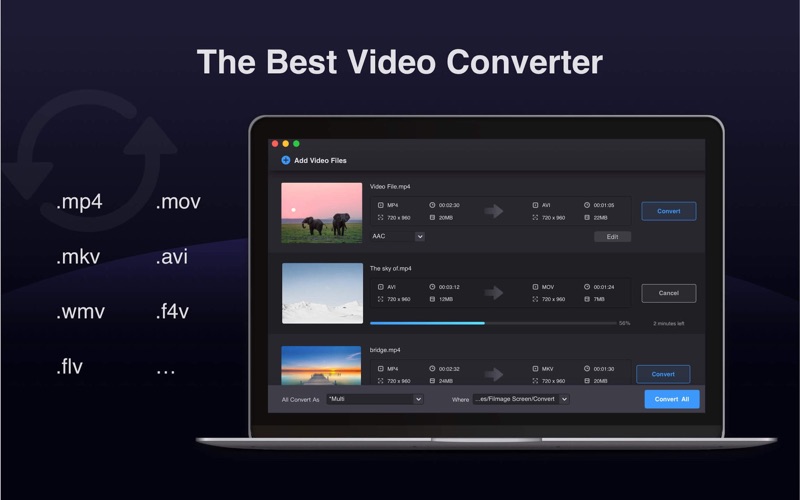
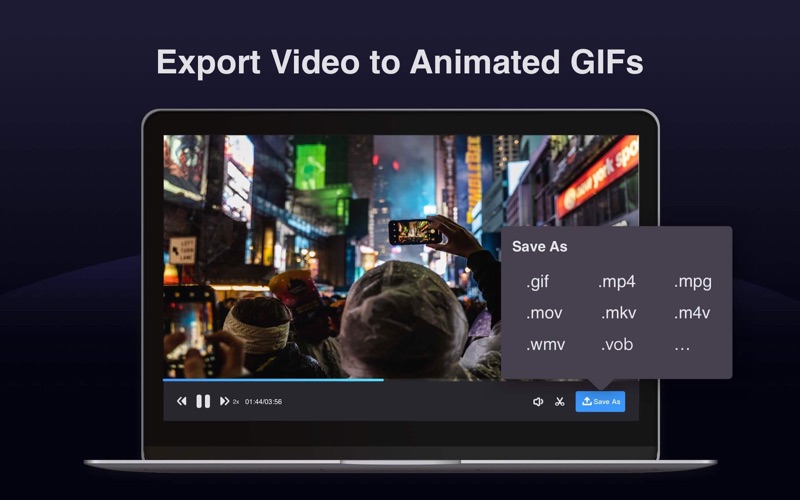
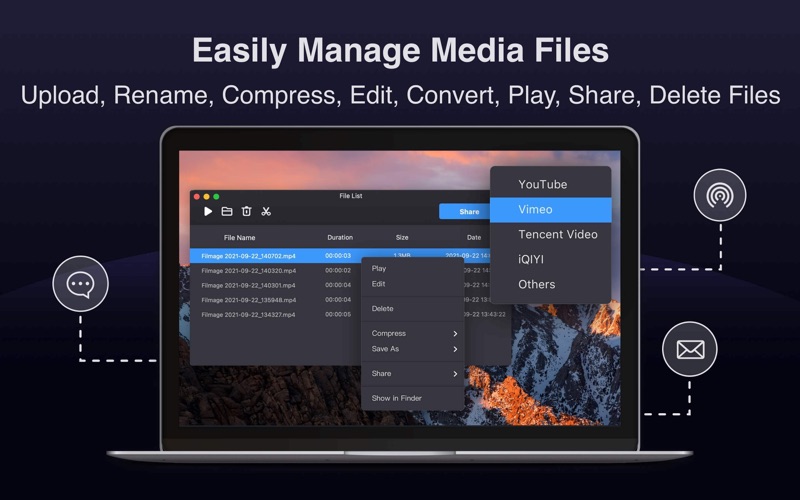
Filmage Screen = Screen Recorder + Audio Recorder + Video Editor + Video Format Converter + Video Player + GIF Maker + Media Management Filmage Screen Recorder is an all-in-one screen & audio recording and video editing software, with it you can: - Capture any activities from your Mac screen - Record vivid video tutorials, personal presentations or product demo - Record online courses or Youtube videos - Capture live streams, online video & audio - Capture Zoom or business meetings - Record gameplay tricks or entertainment videos - Mirror and record iPad / iPhone screen on Mac - Convert your video to over 500 formats Filmage Screen is totally ad-free, letting you work without interruption. With this screen flow on Mac, it can be the best screen recorder, video editor and video converter for your work, study and entertainment. >>> Intuitive Video/Audio Recording Tools - Capture Screen, Camera, iOS Devices and Audio to create online courses or meetings, video or game tutorials, product demo with ease - Record a full screen, a target window or any custom areas - Picture in picture mode helps to create a video overlay that you can record camera while recording screen and then play them simultaneously - Support dragging page window to record external display screen - Mirror iPhone/iPad screen to your Mac screen and record iPhone/iPad, Mac screen simultaneously - Schedule recording: Set start time and recording length in advance and it will start/stop automatically - Record video or audio without a watermark when exporting - Capture audio system sound, microphone sound, or any other sound with system built-in microphone or any audio input devices - Record HD videos in 4K/1080P/720P, and set 15fps to 60fps for a smoother video - Support to set cursor effect for a better presentation - No recording time limits - Provide Start / Stop / Pause / Resume Recording shortcuts to make your recording easily >>> Professional Video Editing Suite - Enhance videos with full editing suite for faster, easier editing - Drag videos, audios, images into video timeline and move them as you like - Professional video edit suite with voiceover, music and dynamic subtitle effect, highly customizable - Edit video with annotate tools: text box, shapes, freehand drawing, etc. and edit with split, cut, delete and more, making your video more engaging. - Customize the content / color / size / position of text to create personalized subtitles as text watermarks for copyright protection - Adjust speed at 0.5x to 2.0x, free control of audio and video length - Edit, export, and play audio files separately >>> Powerful Videos Converter Tools - Convert any videos to MP4, Apple ProRes, MOV, 3GP, VOB, MKV, M4V, WMV, AVI, MPG, FLV, F4V, SWF, TS, and more other video formats - Export your videos as animated GIFs(GIF maker) - Batch converter allows to convert videos to the same or different formats simultaneously with 30X faster and without quality loss >>> Quicktime Media Player - Support playing almost any video format: MP4, MOV, AVI, MKV, F4V, F4B, and more - Video files can be opened by default with Filmage Screen >>> Media Files Management - Sharing audio and video via Email, Message and Airdrop - Upload and share media files to Youtube and other platforms - Easily rename, edit, convert, play, export, share or delete video files - Process HD video in 4K/ 1080P/ 720P and other resolutions for further editing If you have questions, please email us to support@filmagepro.com or check out: https://www.filmagepro.com
Latest release
What’s New
- Improve the screen capturing performance and stability in macOS 10.13.6 for a better video recording experience. - Bug fixed and improved stability. If there are any questions or feedback, please drop a line at support@filmagepro.com
Audience growth
Ratings growth
Baseline captured. Growth appears after the crawler observes a changed rating count.
Momentum comes from crawler snapshots for the tracked storefront. “Viral growth signal” means unusually fast recent rating gains; it is an indicator, not download data.
Price tracking
Price intelligence
First snapshot captured. The trend line starts after the next crawler price observation.
- First observed Aug 14, 2026 · 12:47 AM $29.99
Screenshots