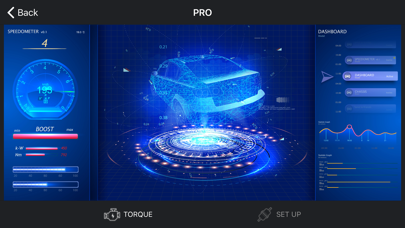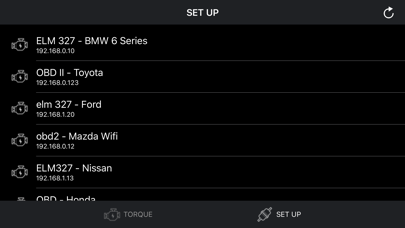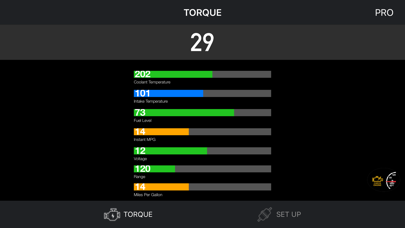
About this app
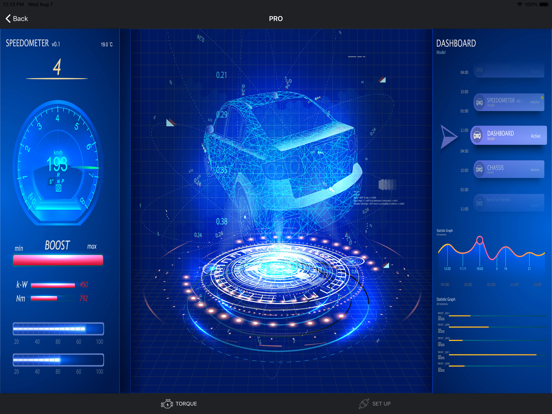
Connect to your car, it will be so easy to communicate with your car and read what's your car doing in real time. Instructions: - Locate the OBD 2 port: get to know where the OBD 2 connection port is located. This is usually found somewhere below the drivers’ seat. - Turn on the car engine: Although the OBDII port is providing power to the scanner, in some cases you will not be able to retrieve any engine data without the engine running. - Open app: Click "SCAN" to get list OBDII / OBD2 / ELM327 devices list via wifi and select. (Make sure you connect correct device - default is 192.168.0.10 or 192.168.0.123) Support OBDII protocols: ISO15765-4 (CAN), ISO14230-4 (KWP2000), ISO9141-2, J1850 VPW, J1850 PWM
Audience growth
Ratings growth
Baseline captured. Growth appears after the crawler observes a changed rating count.
Momentum comes from crawler snapshots for the tracked storefront. “Viral growth signal” means unusually fast recent rating gains; it is an indicator, not download data.
Price tracking
Price intelligence
First snapshot captured. The trend line starts after the next crawler price observation.
- First observed Aug 23, 2026 · 9:37 PM $9.99
Screenshots