About this app
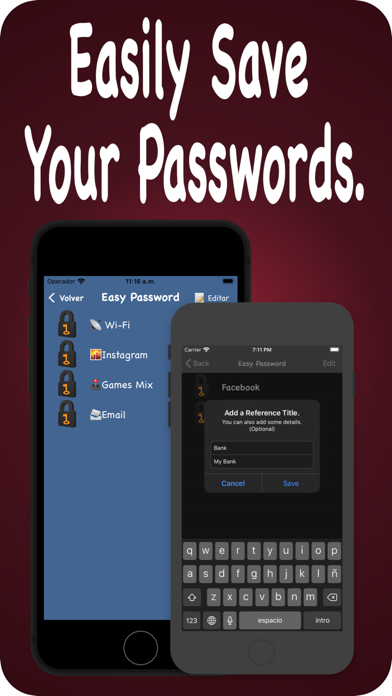
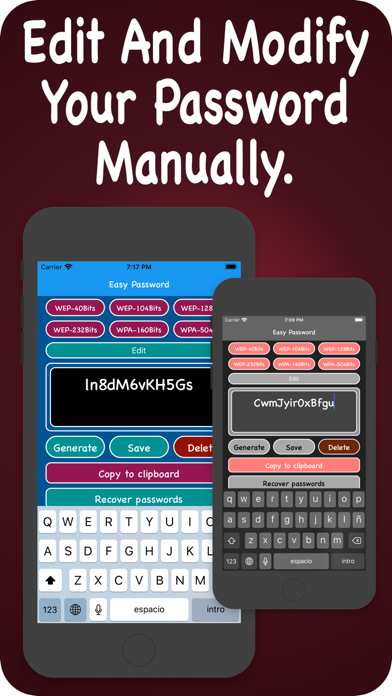
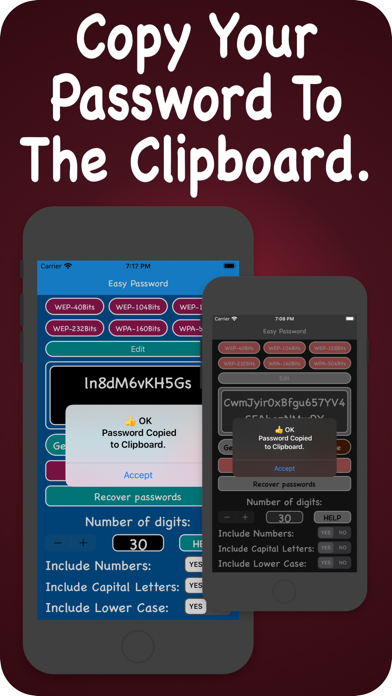
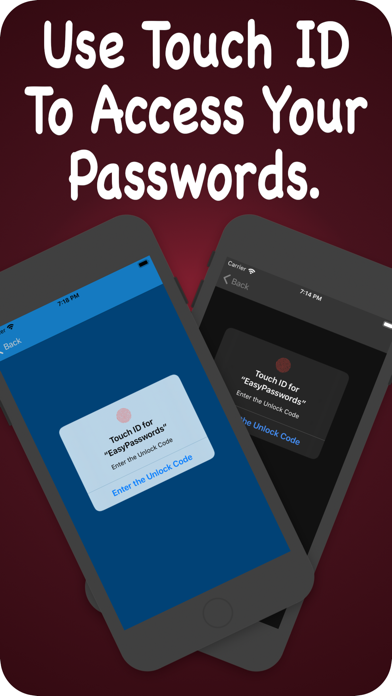
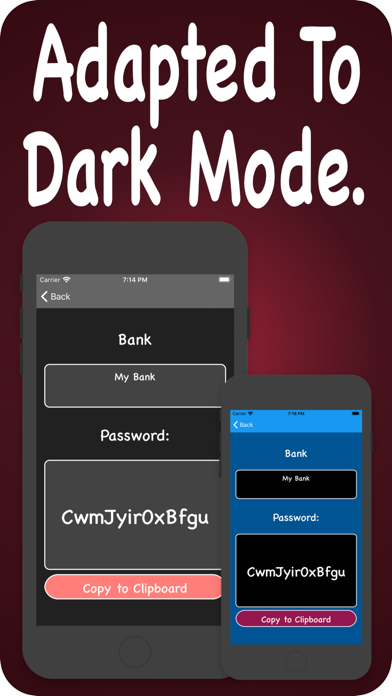
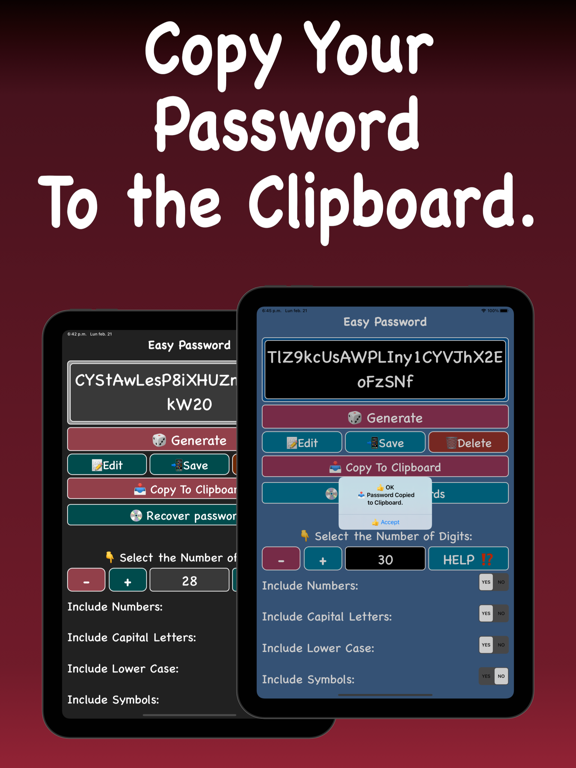
Generate secure passwords and customize them to your liking. Choose the length, combine uppercase, lowercase, numbers, and symbols, or edit them manually. Save your passwords with a reference title, additional details, and an emoji icon to identify them at a glance. YOUR PASSWORDS, PROTECTED • Face ID and device passcode to access your saved passwords • Automatic data encryption when the device is locked (Data Protection) POWERFUL GENERATOR • Passwords from 4 to 70 characters • Combine uppercase, lowercase, numbers, and symbols • Manual editing to fine-tune your password • Copy to clipboard with one tap SIMPLE ORGANIZATION • Assign an emoji to each password for quick identification • Add a title and descriptive details • Edit or delete entries easily with gestures HOME SCREEN WIDGET • Generate random passwords from your home screen • Copy them to the clipboard without opening the app • Small and medium sizes DESIGNED FOR IPHONE AND IPAD • Adaptive interface optimized for each device • Fully adapted to iOS 26 and compatible with Dark Mode.
Latest release
What’s New
Version 3.0 — Complete SwiftUI Redesign The app has been rewritten from scratch with SwiftUI for a more modern, faster, and more secure experience. NEW • Completely new SwiftUI interface • Home screen widget to generate and copy passwords without opening the app • SF Symbols icons on all buttons • Data protection encryption when the device is locked IMPROVED SECURITY • Face ID + device passcode authentication (more secure than the previous custom 4-digit code) • SwiftData storage instead of UserDefaults INTERFACE IMPROVEMENTS • Adaptive design optimized for iPhone and iPad • Emoji picker integrated when saving passwords • Character counter on the title field when saving • Keyboard automatically dismisses when tapping outside
Audience growth
Ratings growth
Baseline captured. Growth appears after the crawler observes a changed rating count.
Momentum comes from crawler snapshots for the tracked storefront. “Viral growth signal” means unusually fast recent rating gains; it is an indicator, not download data.
Price tracking
Price intelligence
First snapshot captured. The trend line starts after the next crawler price observation.
- First observed Aug 20, 2026 · 1:31 PM Free
Screenshots