About this app
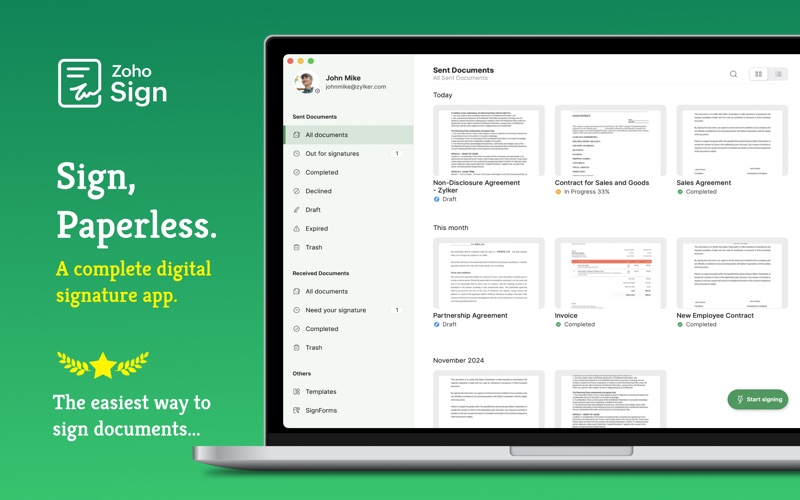
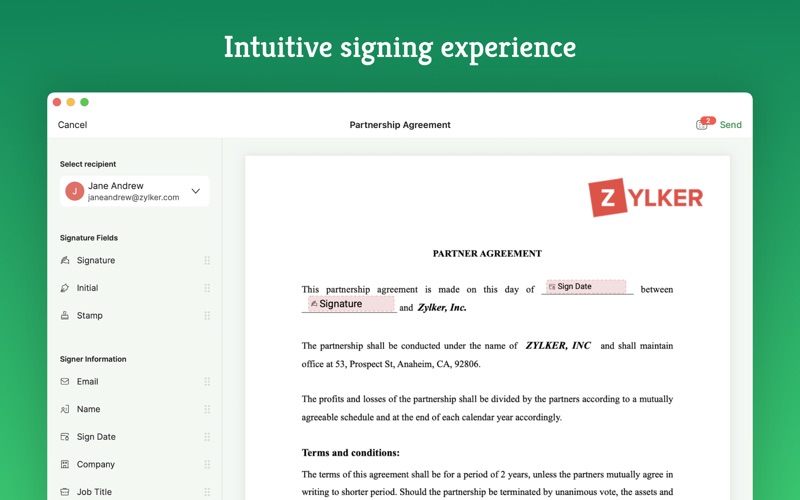
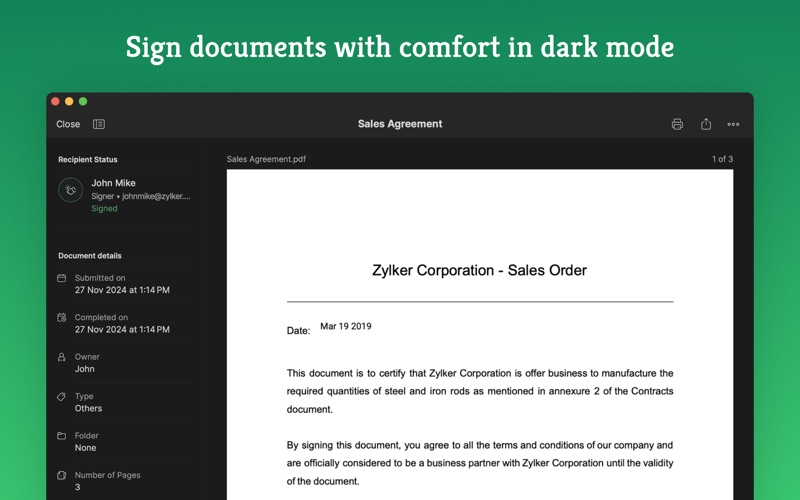
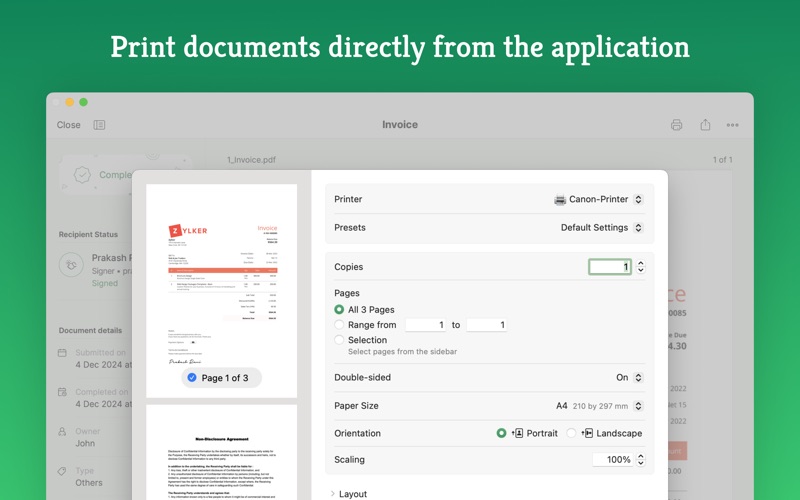
Zoho Sign is perfect for anyone who needs to sign business documents but widely used for HR, legal, finance, and sales functions. - Sign documents on the go. - Send documents to multiple signers across the world. - Integrate with everyday applications: Zoho Docs, Box, Google Drive, Dropbox, Gmail and OneDrive. - Sign and send, secure and legally binding documents. - Create customizable templates and reuse them from time and again Documents that can be signed: - NDAs - Invoices - Sales contracts - Business proposals - Purchase orders - Lease agreements - Partnership agreements - Employment offers and more. KEY FEATURES: General - Create, send and sign documents within minutes. - Supported document types include : pdf, jpeg, doc, png and more. - Scan documents directly from within the application. - Set an order for signing the document using the "Send in Order" feature. - Upload documents directly from daily applications: Zoho Docs, Box, Google Drive, Dropbox, Gmail and OneDrive. - Send multiple documents and get them signed in one go - Guide your signers by automatically indicating the fields that needs to be filled thereby preventing unnecessary scrolling of the document - Import files from other applications using the "Open In" functionality. - Send timely reminders to sign documents that are in progress - Bulk import recipients directly from the local drive. - Add re-sizable signature, text, initials, name, company, and date fields to the document. - Initiate signing of documents directly from your inbox. - Preview and make changes to the document using the document viewer. - Assign someone else to sign the document. - Receive real time push notifications whenever any activity is performed on a document. - Track the location of document interactions on Apple Maps using the IP address of recipients. - Enable dark mode inside the app to read and sign your documents with comfort. - Access commonly used operations such as "Send Reminder”, “Email Document”, and “Recall Document” quickly using context menus across the app. - Enjoy a seamless and sleek signing experience with keyboard shortcuts, Touch Bar & menu bar controls, Spotlight Search, support for document printing, and a lot more. Legal & Security - Certification of Completion: Get automatic audit trails for completed documents with time stamps and IP addresses. - Increase security using Touch ID and Passcode to block unauthorized access. - Set security codes and share it directly with the recipients to prevent unauthorized access. - Compliant with ESIGN act and industry standard laws. Payment plans: Free Plan: 5 docs / month Standard Plan: 25 docs / month Professional Plan: Unlimited document signing Standard - Monthly: monthly auto-renewing subscription $12(USD) Standard - Yearly: yearly auto-renewing subscription $120(USD) Professional - Monthly: monthly auto-renewing subscription $18(USD) Professional - Yearly: yearly auto-renewing subscription $180(USD) - Payment will be charged to iTunes Account at confirmation of purchase - Subscription automatically renews unless auto-renew is turned off at least 24-hours before the end of the current period - Account will be charged for renewal within 24-hours prior to the end of the current period - Subscriptions may be managed by the user and auto-renewal may be turned off by going to the user's Account Settings after purchase - No cancellation of the current subscription is allowed during active subscription period - Any unused portion of a free trial period, if offered, will be forfeited when the user purchases a subscription to that publication. For questions or feedback email us at support@zohosign.com. Privacy Policy and Terms & Conditions: - https://www.zoho.com/privacy.html - https://www.zoho.com/terms.html
Latest release
What’s New
With the latest macOS 27 updates, Zoho Sign introduces powerful new capabilities to make signing and managing documents smarter, more seamless, and more productive. OnScreen Awareness: Ask questions, look up unfamiliar terms, and explore related information without leaving the document you're viewing. Get the context you need while staying focused on your workflow. Apple Foundation Models: Understand long and complex contracts with concise summaries and intelligent insights. Identify important details such as cancellation clauses, renewals, and key obligations with ease. All-new Portrait Widget: Keep track of documents without opening the app. View pending signatures, monitor sent documents, and more with the all-new Portrait Widget to stay updated at a glance. Core ML and Spotlight: Find important documents faster with intelligent on-device capabilities. Discover relevant content and easily access key actions from Spotlight.
Audience growth
Ratings growth
Baseline captured. Growth appears after the crawler observes a changed rating count.
Momentum comes from crawler snapshots for the tracked storefront. “Viral growth signal” means unusually fast recent rating gains; it is an indicator, not download data.
Price tracking
Price intelligence
First snapshot captured. The trend line starts after the next crawler price observation.
- First observed Sep 20, 2026 · 4:31 AM Free
Screenshots