About this app
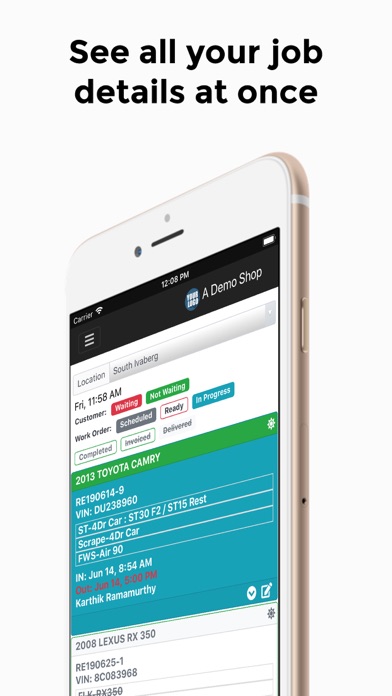
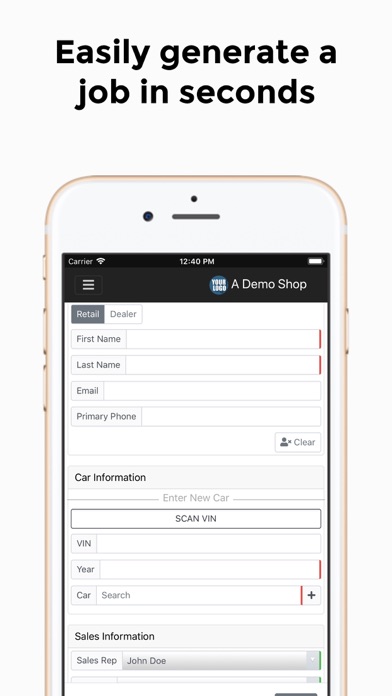
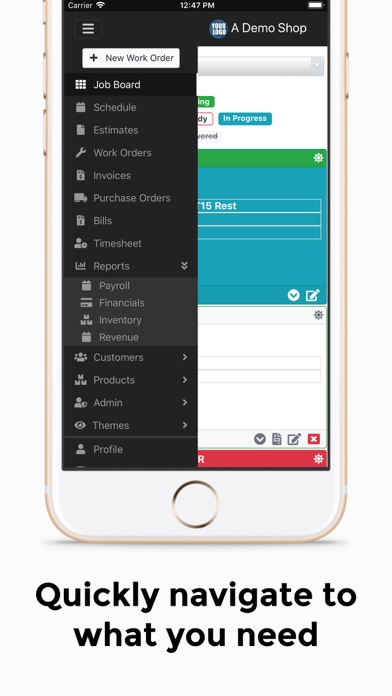
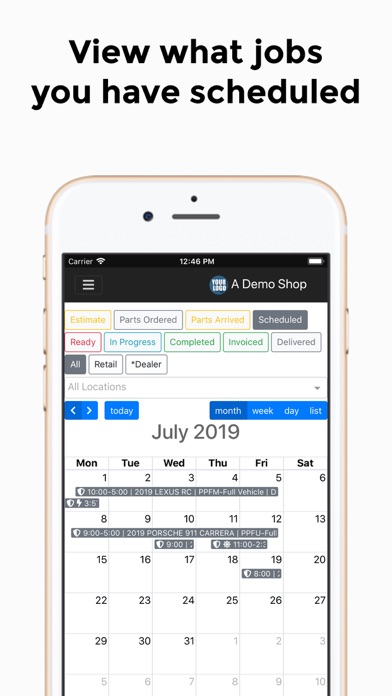
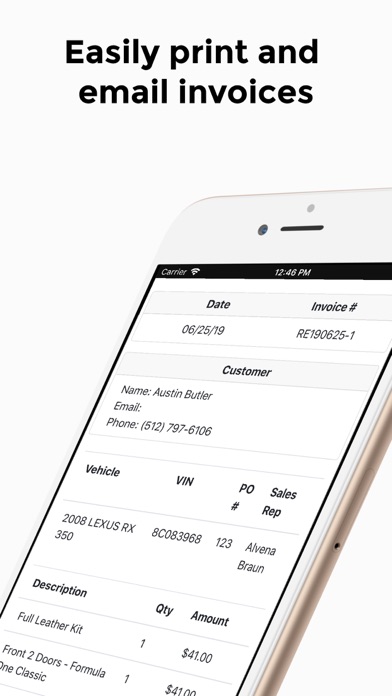
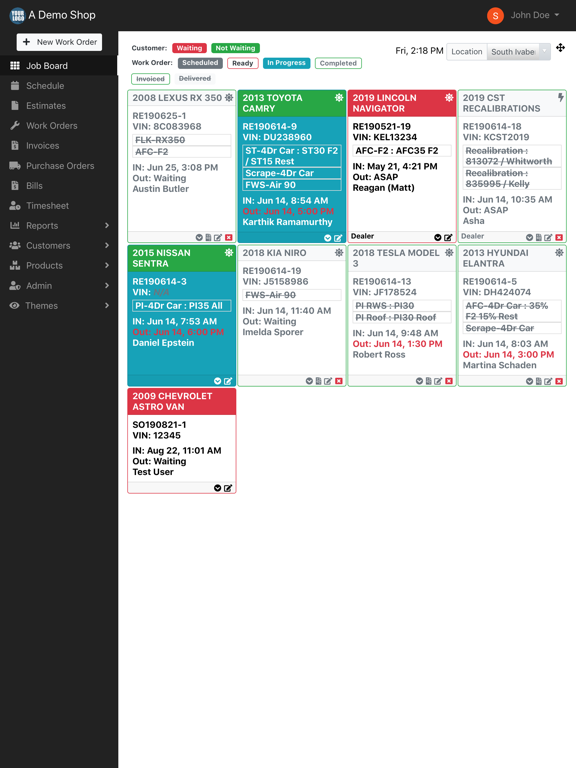
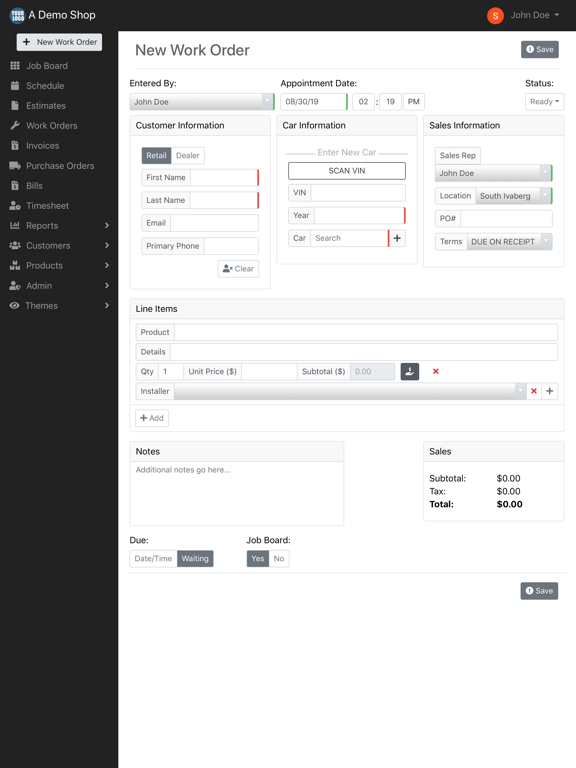
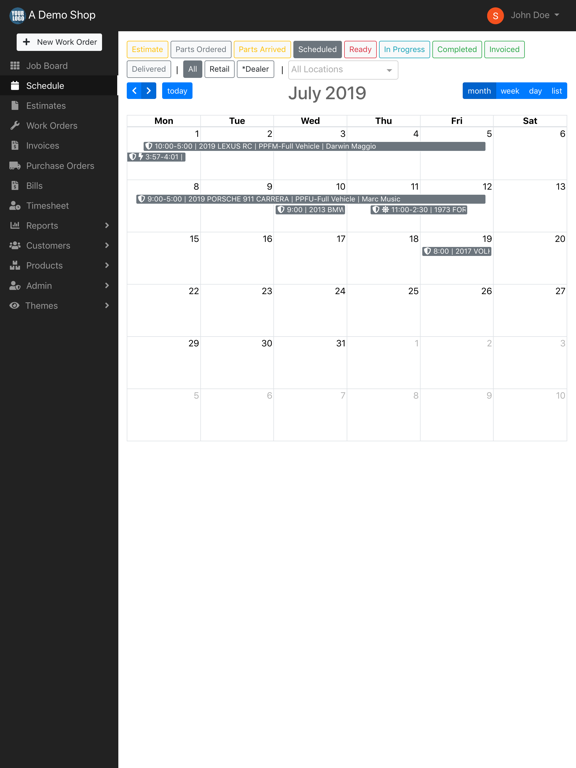
What is Shop Manager App? Shop Manager App is a software designed to streamline the processes of your automotive shop and increase efficiency in the shop. Shop Manager App is capable of managing work orders, workflows, customer information, installer tasks, company financials, and more. All of this from one simple system that can be used on any desktop or mobile platform. What does Shop Manager App do? Simply put, Shop Manager App is your one stop shop to streamlining your business. Our software manages comprehensive records of your customers, scheduled jobs, purchase orders, payroll, accounting, invoices, and more. We aim to make your shop run flawlessly from the second your customer makes a request through the entire process until the invoice is paid and the car is out of the shop with another happy customer. Create estimates for customers Schedule jobs with ease Manage labor and payroll Track installer history Streamline workflow from estimate to invoice Auto generate invoices Create custom user access level and permissions for employees Manage clock in and clock out times Integrate seamlessly with Gmail Manage multiple store locations Build detailed work orders Generate purchase orders for your vendors Track inventory on a purchase order or an active job Integrate with QuickBooks for easy accounting Will Shop Manager App work for my shop? If your shop does any kind of automotive work, from glass tinting to leather repair, dent removal to painting, Shop Manager will work for you. Our system is built out to be customizable to any kind of work done in automotive shops to streamline the process for you, allowing your shop to run more efficiently and effectively. Can Shop Manager App be customized to fit my needs? Absolutely! Shop Manager App has multiple user access levels so that you can custom tailor our software to fit your exact needs. Set user access levels with specific permissions for installers, admins, owners, and any other role in your company. Does Shop Manager App work with QuickBooks? Yes, Shop Manager App integrates with QuickBooks to make record keeping and accounting quick and easy for your shop. Never lose an invoice again! What versions of QuickBooks are compatible with Shop Manager App? Shop Manager App is compatible with QuickBooks Pro, QuickBooks Premier, and QuickBooks Enterprise. Can I schedule a demo of Shop Manager App? Absolutely! If you’d like to see a demonstration of what Shop Manager App is capable of, and exactly how it will benefit your business, simply fill out this form and we’ll be in touch! How do I buy Shop Manager App? If you’d like to sign up for Shop Manager App, contact us and we can set you up with your 1 month free trial. Remember, Shop Manager App has no contract and can be cancelled at any time. We don’t want to tie you down. How quickly can I train my staff to use Shop Manager App? Our dedicated team will help you setup Shop Manager App in the most effective manner for your shop, making it easy for the entire team to use. From shop owners to sales reps, accounting to installers, user permissions can be customized for each individual role in your company. With the help of our team, you can have your whole staff up to speed in a few days at most. Does Shop Manager App offer ongoing tech support? Of course! If you have any issues at any point, contact us and we will help you resolve them. How can I get in touch with an Shop Manager App representative? You can contact us through this form, email us at contact@shopmangerapp.com, or give us a call at (883) 366-3344.
Latest release
What’s New
We've released our 2nd generation mobile app! What's new in this release? - Added VIN QR Code scanning from within a Work Order - Now you can take a photo and upload it as an attachment to a Work Order
Audience growth
Ratings growth
Baseline captured. Growth appears after the crawler observes a changed rating count.
Momentum comes from crawler snapshots for the tracked storefront. “Viral growth signal” means unusually fast recent rating gains; it is an indicator, not download data.
Price tracking
Price intelligence
First snapshot captured. The trend line starts after the next crawler price observation.
- First observed Aug 23, 2026 · 1:41 PM Free
Screenshots