About this app
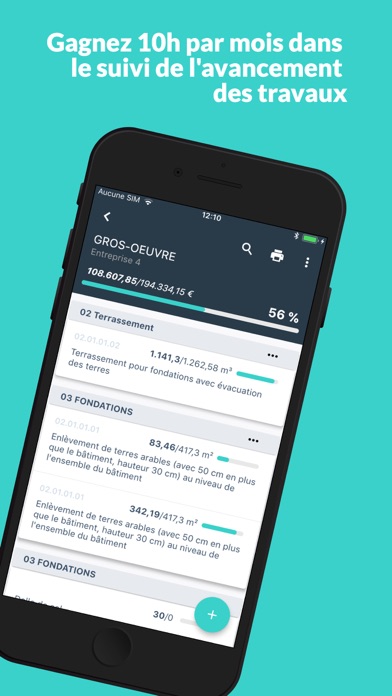
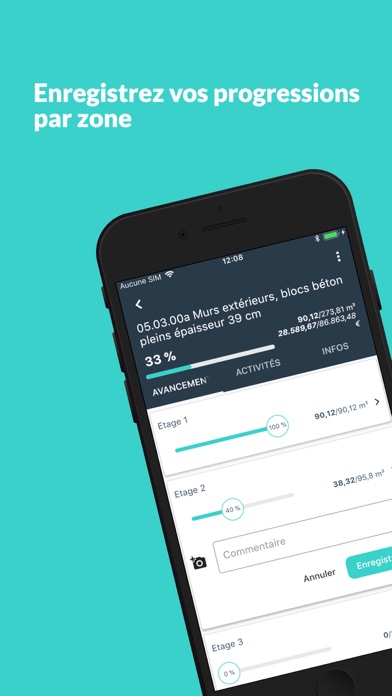
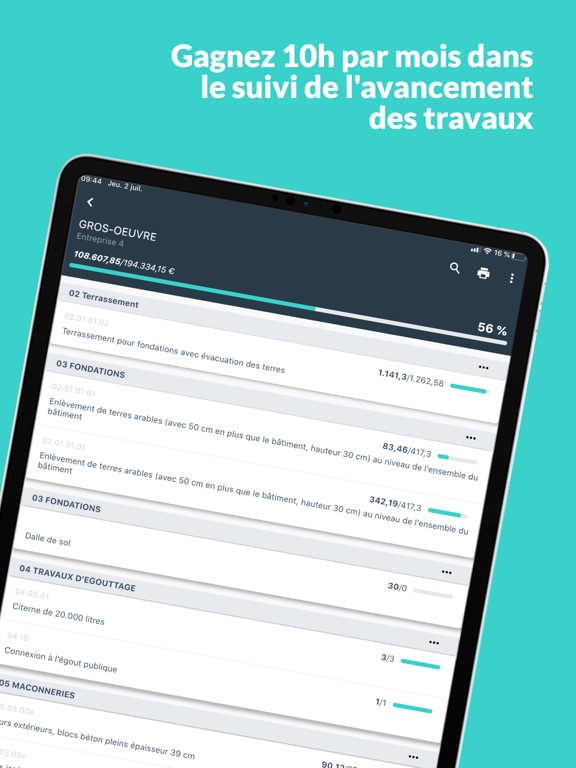
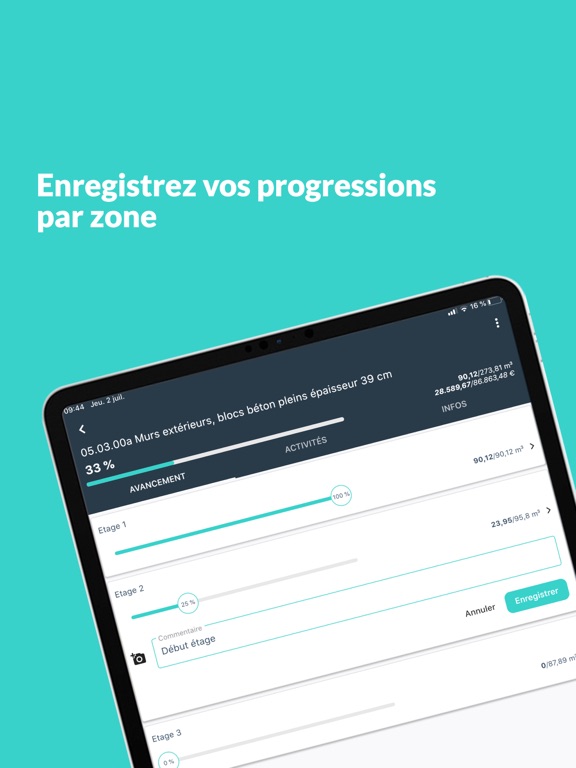
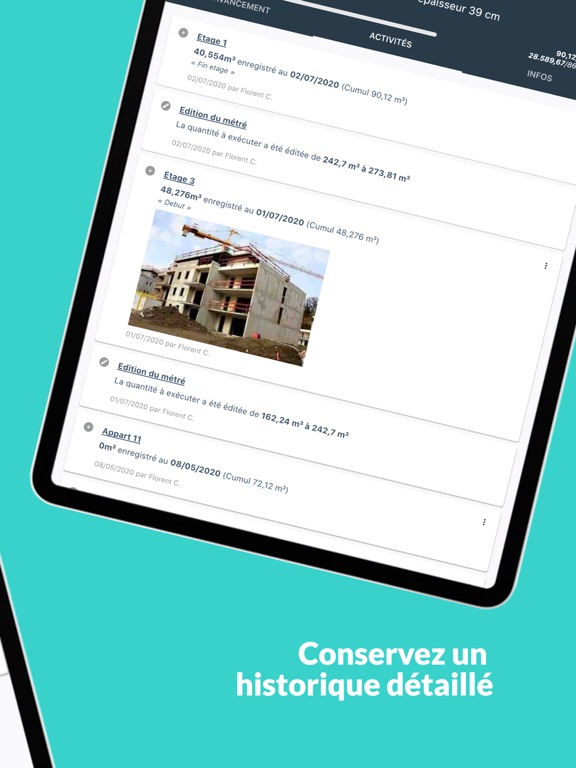
SMARTBEAM is your ideal companion to accompany you on your sites of any size, centralize information with your colleagues and be kept informed of the job performed. It offers you a new point of view on the progress of the work in real time, by allowing you to: - Create your projects and share them with your colleagues - Add, import or modify worksite items by category - Indicate the quantities to be executed and the description for each item - Break down the jobitem by zone (floor, room,...) - Indicate the progress in % or quantity executed - Comment or attach pictures - Know the details of each action performed on a jobitem (author, date, description) - And above all, have a real-time overview of progress by project, category and position! Try SMARTBEAM for free on a project now! The application evolves based on your feedback so let us know or write us for any request by email at support@smartbeam.co Terms and conditions : https://www.smartbeam.co/en/privacy-policy/ Privacy policy : https://www.smartbeam.co/en/privacy-policy/
Latest release
What’s New
Bug fixes and performance improvements.
Audience growth
Ratings growth
Baseline captured. Growth appears after the crawler observes a changed rating count.
Momentum comes from crawler snapshots for the tracked storefront. “Viral growth signal” means unusually fast recent rating gains; it is an indicator, not download data.
Price tracking
Price intelligence
First snapshot captured. The trend line starts after the next crawler price observation.
- First observed Aug 19, 2026 · 10:56 AM Free
Screenshots